


The

Employee Time Tracking Software
-
Real-Time Visibility
-
Flexible Time Tracking
-
App & URL Monitoring and Blocking
-
Idle Time Detection
-
Moonlighting Protection
-
42% Boost in Productivity
-
Starts at Just ₹240/User/Month
₹200/User/Month





Try Free for 14 Days
No Credit Card RequiredWant a Quick Demo First?
The Results Our Clients
Can’t Stop
Talking About

TeamTrace has many well-managed features inside. It is a one-stop solution for all-time tracking, project management, billing, and more. You won't realize how good this is until you use it. In the first two days, you'll be impressed. Very easy employee onboarding. Birthday, work anniversary reminders, leave management, and much more.
Sankhadeep S.
Founder, Software Development Company

We've found the software to be invaluable in managing our remote workforce. It has significantly improved our ability to Monitor Employee Productivity, Assign & Track Tasks, and Manage Attendance
Rahul S.
Head of IT & Marketing, Environmental Services Provider
Key Features at a Glance
Time & Attendance Tracking
No more fudged time logs.
No more “I forgot to clock in.”
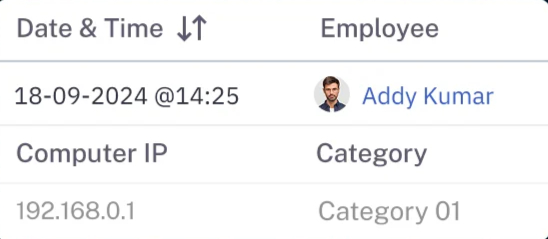
TeamTrace automatically tracks every login, logout, and break, with millisecond accuracy.
Your timesheets are airtight. Your payrolls? Bulletproof.

Live Screen Monitoring
You don’t have to wonder what’s happening behind those screens.
With TeamTrace, you see the live work in real-time.
Catch small delays before they snowball and course-correct in the moment.


App & URL Tracking
Is your team’s time driving real results?
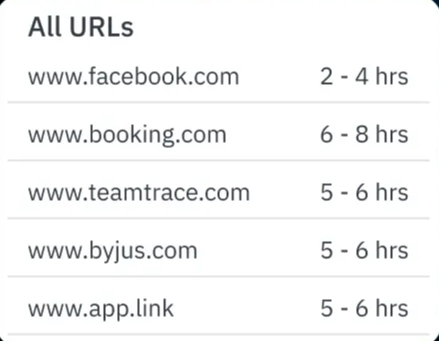
With TeamTrace, you get the best screen monitoring software that shows you:
• Every website they visit
• Every app they use
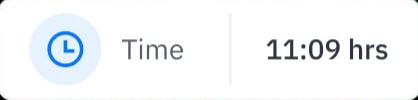
• Every minute they spend
Know where time goes. Take control of the workday.

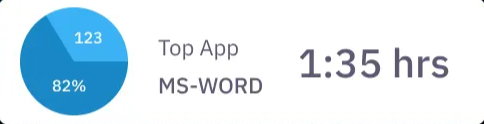
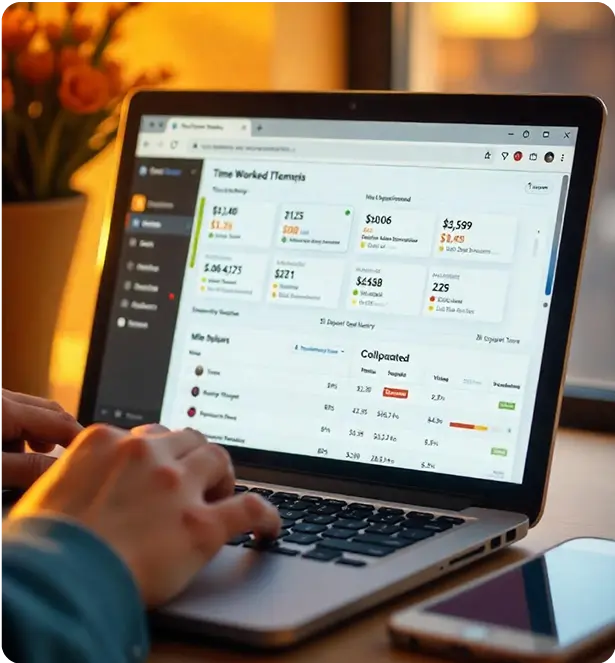
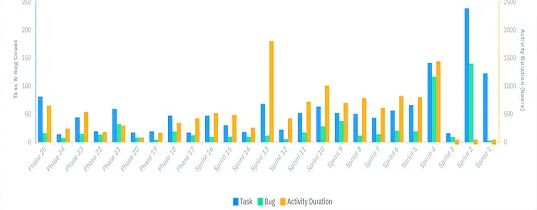
Automated Productivity Reports
Stop wasting hours on reports.
TeamTrace builds performance insights for you instantly.
Time worked, activity levels, task progress, and idle time summaries, all in one click.
You get the insights and your team gets better!
Stealth Mode Monitoring
Sometimes you need to observe without disrupting the flow.
TeamTrace runs silently in the background with zero interference and total visibility.
Because real productivity doesn’t need a spotlight. It needs accountability.

Why TeamTrace Wins Every Time?
Most of the time tracking software
Give you hours... not context
Most of the time tracking software
Flood you with screenshots
Most task managers
Show to-do lists... not what’s actually getting done
You Don't Just Get Hours
Get The Why Behind Them
You Don't Just Get Screenshots
Get Real-Time Accountability
You Don't Just Get Tasks
You Get Proof of Progress
Know What’s Happening, Wherever
Work Happens
Whether your team’s at home, in-office, or split across different
time zones, TeamTrace adapts, without
missing a beat.
For Remote Teams
No more blind spots. TeamTrace gives you real-time visibility into task progress, screen activity, app usage, and time logs, without disrupting privacy. Managers see output, not just hours. Employees stay focused. And you finally get clarity without surveillance chaos.
For In-Office Teams
Stop relying on outdated biometric punch‑ins and excel-based timesheets. TeamTrace auto-captures login times, breaks, and idle periods. Track task-level accountability with precision and keep everyone aligned without lifting a finger.
For Hybrid Teams
Your workflows don’t have to fall apart just because your workforce isn’t in one place. TeamTrace unifies field staff, desk employees, and distributed teams on one screen. From live GPS tracking to leave calendars, to real-time screen monitoring, you get complete visibility into how work is moving, whether it’s happening from the field or behind a laptop.
Flexible Pricing Plans for Every Team
One platform. Four plans. Choose what drives your team’s growth.
What You Get at
₹240
₹200
/user/month
Attendance management
Limited screenshots
App & website tracking
Activity level monitoring
Productivity reports
Manual & automatic time tracking
Timesheets
Manual and automatic clock in/clock out
Idle time tracking with auto-discard
Multi-timezone support
Single task list with unlimited tasks
Basic reports
Custom roles & permissions
Desktop & stealth mode
Two-factor authentication
Think You’ve Seen It All? Here’s What Else TeamTrace Can Do
Manage Projects
🡫Most teams drown in confusion. Yours doesn't have to.
With TeamTrace, you get:
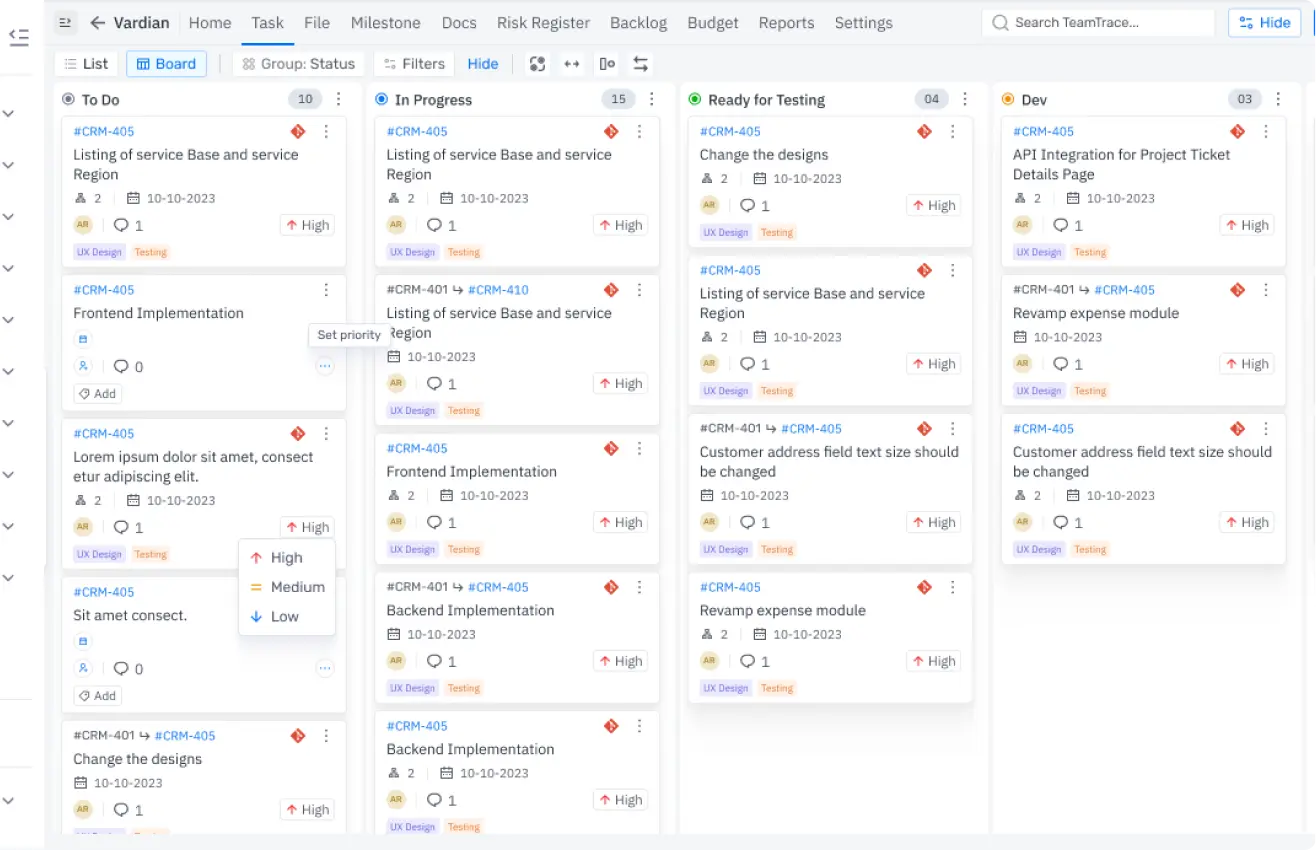
- Kanban Boards
- Scrum Tools
- Milestones & Epics
- Central File Manager
- Project Reports
Monitor Productivity
🡪Everything feels fine until productivity slips.
TeamTrace turns busywork into real work with:
- Screen Monitoring
- Work Pattern Tracking
- Availability Monitoring
Manage Workforce
🡪Winning teams are planned, not random.
TeamTrace helps you build one with:
- Activity Reports
- Resource Allocation Tools
- Bandwidth Monitoring
- Skill Management Search

Frequently Asked Questions
Not at all. TeamTrace isn’t an intrusive screen monitoring software. We track activity, not people. You see what’s getting done, not what someone’s browsing 24/7.
The 14-day free trial allows you to explore all TeamTrace features without any limitations. You can add team members, use the tools, and experience how TeamTrace fits your workflow. No commitments are required during this period.
Biometrics tell you when someone walked in. TeamTrace tells you what they did after. With time tracking with screenshots, auto-captured logins, break detection, and productivity trends, you get a 360° view of performance.
Yes. TeamTrace is flexible by design. You can choose what to track, who sees what, and how reporting flows across departments. Whether you’re managing developers remotely or a local sales team, our screen monitoring software adjusts to your operations.
Most tools stop at hours logged. TeamTrace goes further. You get time tracking with screenshots, detailed reports, task-level insights, and smart alerts.
Usually less than a day. With our guided setup and intuitive design, your team can start using TeamTrace before their coffee gets cold.
Yes, down to the last detail. With SSO, IP whitelisting, MAC address filtering, audit logs, and automated anomaly detection for screenshots tampering or login spoofing, our screen monitoring software is battle-tested for enterprise needs.
Nope. TeamTrace stores data locally and syncs the moment you’re back online. All screenshot-based time tracking and activity logs are preserved, even during downtime.

Take Back Control of Time, Focus, and Output
The #1 Screen Monitoring Software built for modern teams
Free for 14 Days | No Credit Card | Just Results
Get Started