
 TeamTrace


Some months bring new features, but this month brings new possibilities.
From branch-level precision to smarter reporting, November’s updates are built to give you more control, more clarity, and a workspace that adapts intelligently to the way your team operates.
Imagine managing people, projects, expenses, and sites with the accuracy of branch-wise filtering, dashboards that finally tell the right story because every report now reflects the exact branch you’re looking at, and workflows that stay aligned because permissions are now scoped intelligently across branches.
And that’s just the beginning.
This November, TeamTrace becomes more intuitive, more organized, and more powerful:
A fresh and cleaner interface, redesigned for speed, clarity, and ease of use.
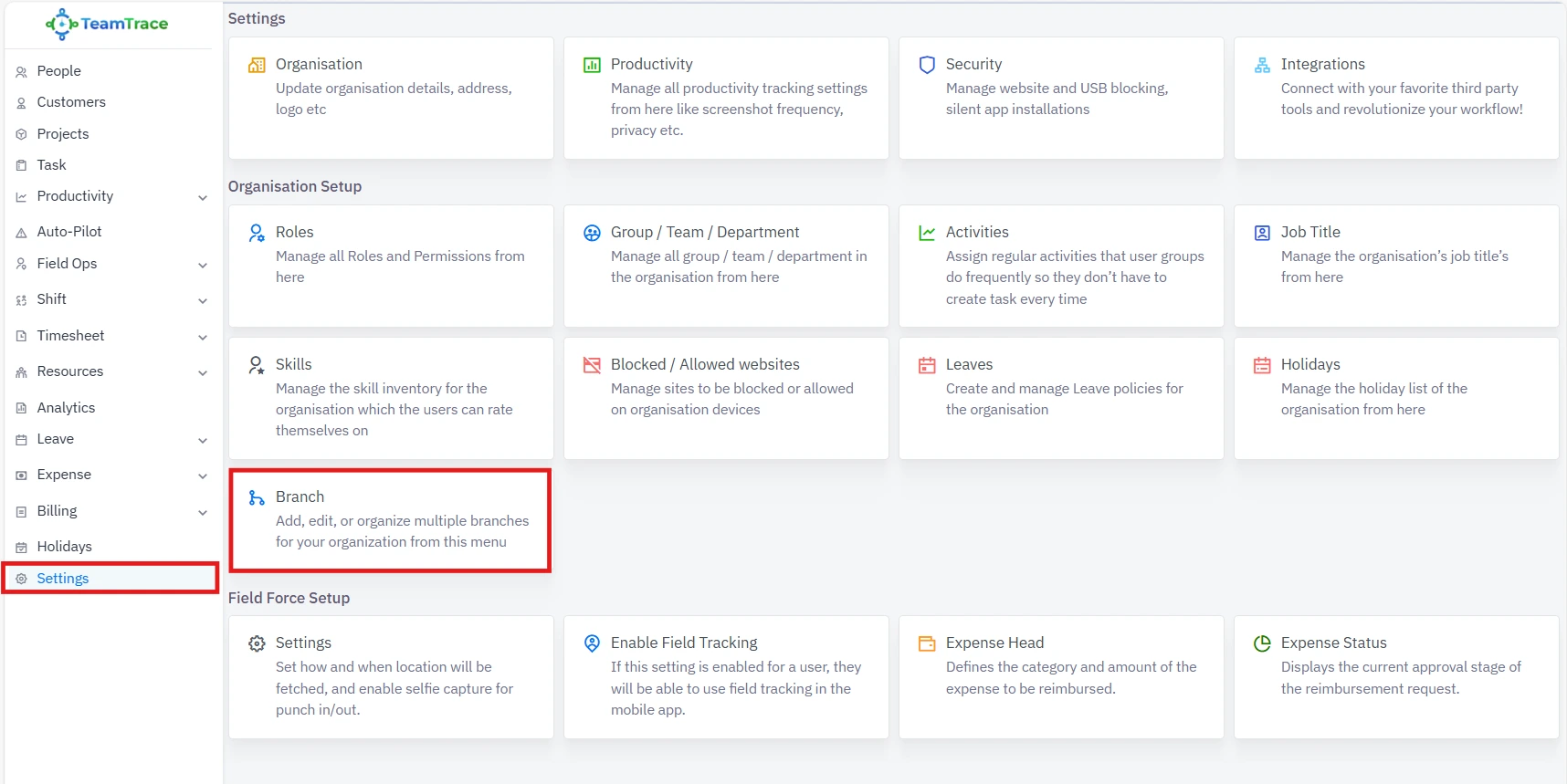
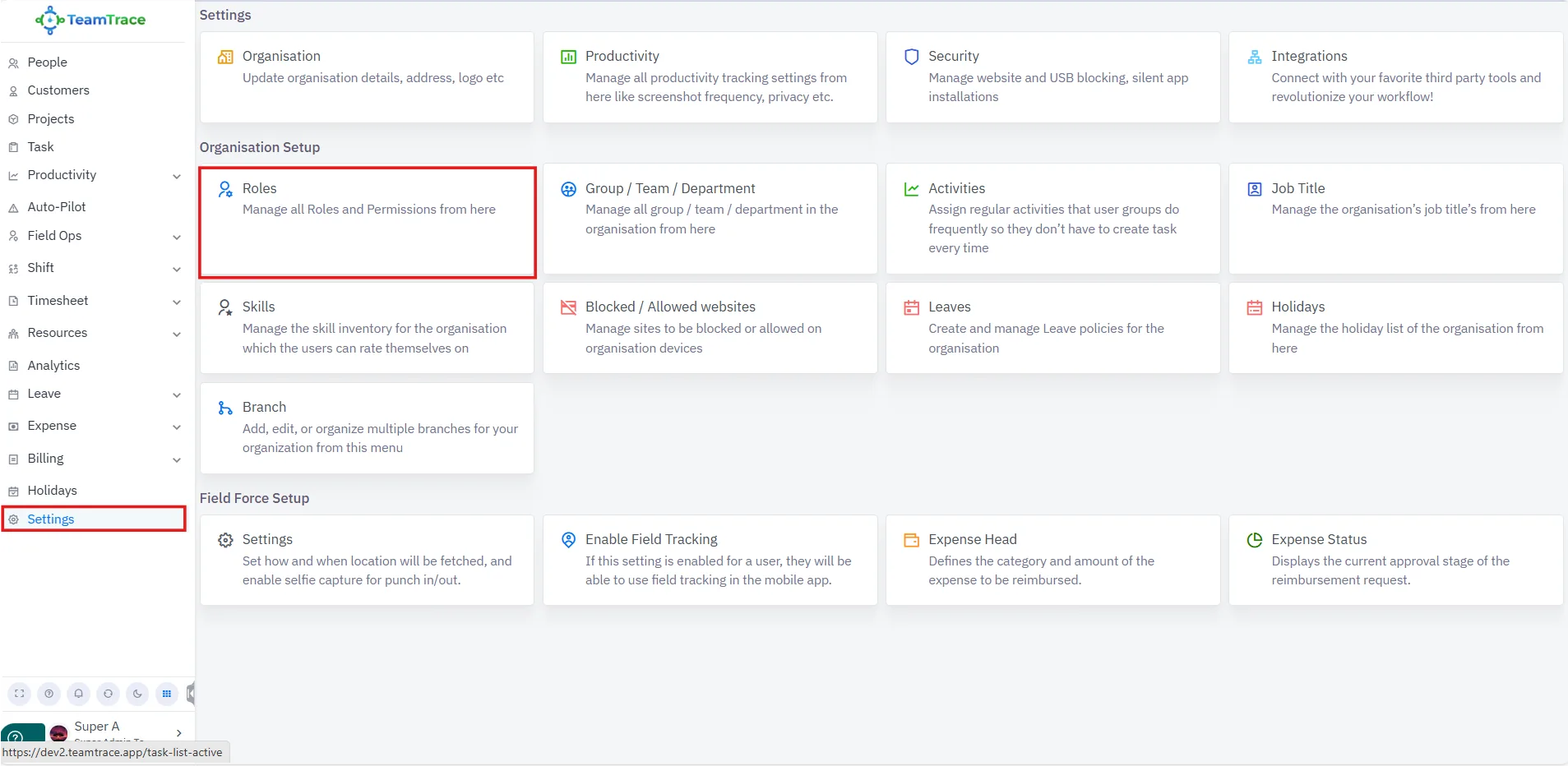
Found under Settings, the new Branch module lets you add and manage branches across your organization. Everything from people to projects now aligns perfectly with your structure.
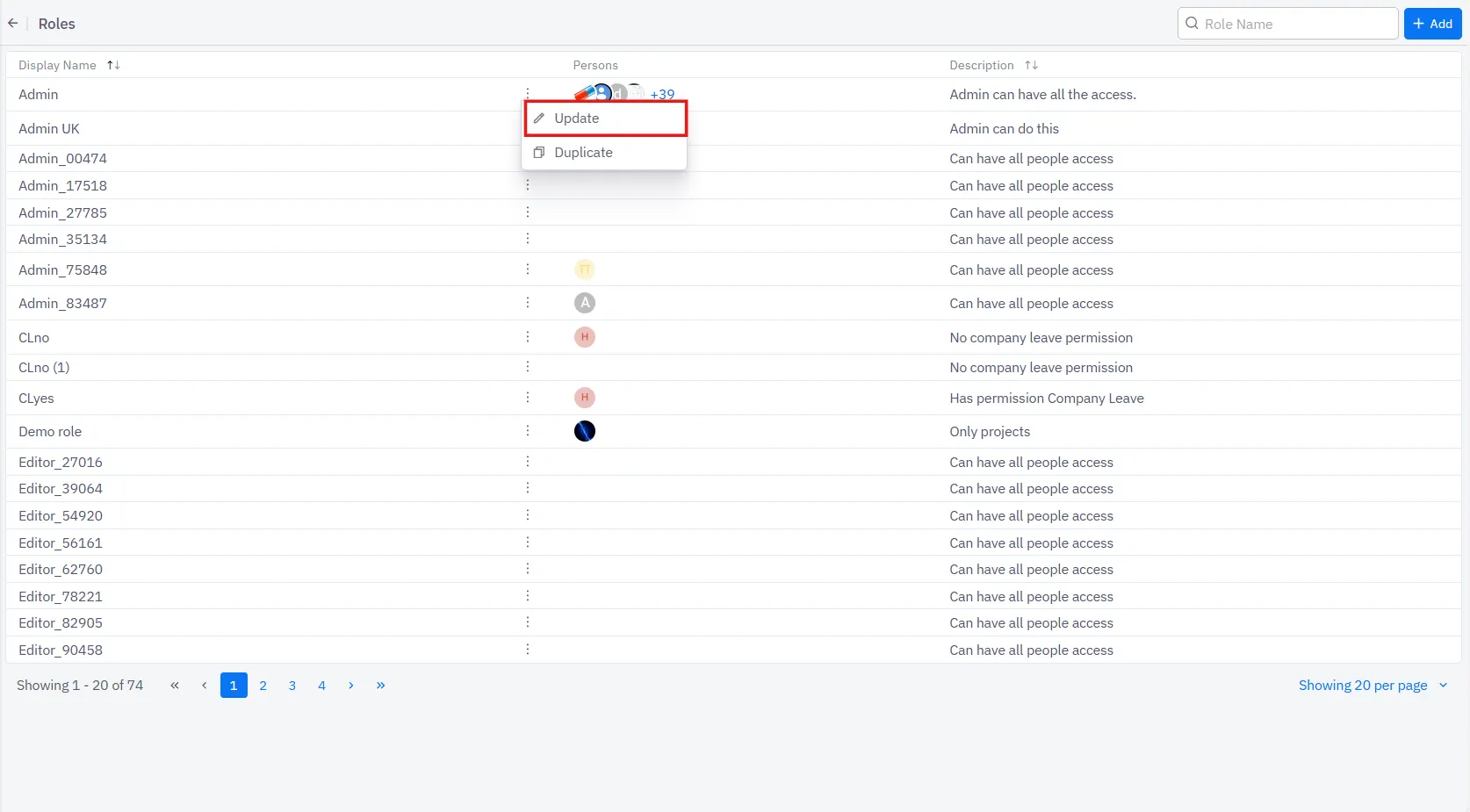
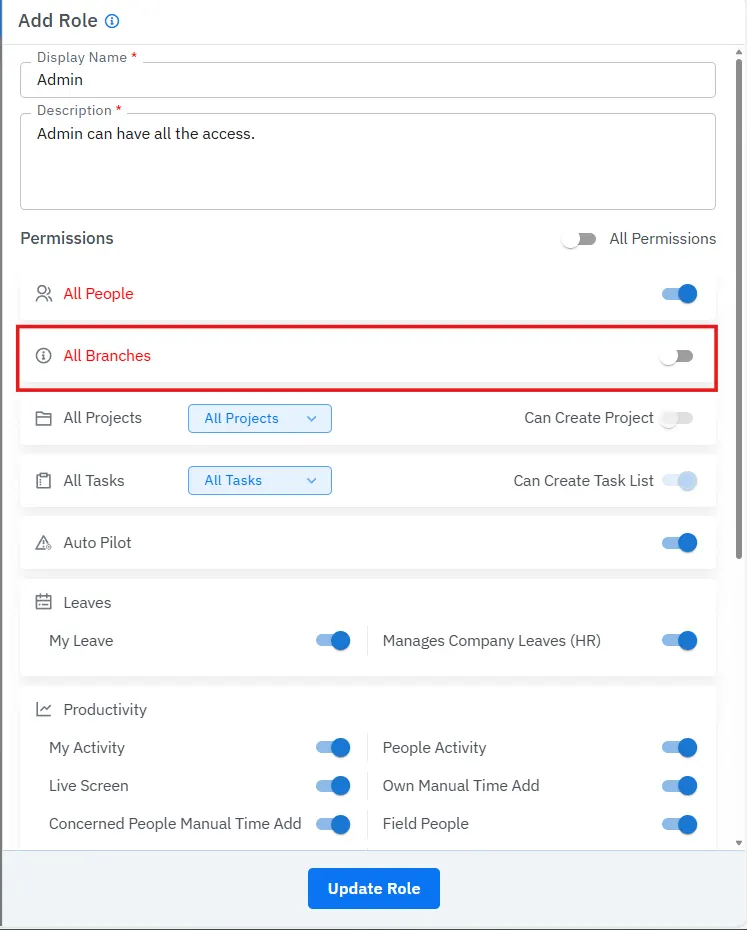
Roles now respect organizational hierarchy with single-branch or all-branch permission modes.
Sharper Reporting
Branch-wise filters now sync across analytics, making every export more accurate and more meaningful.
We listened and delivered:
Better Alignment Across Modules
Field operations, sites, holidays, customers, leaves — everything now syncs seamlessly with your branches.
It’s neither flashy nor loud. But it’s the kind of upgrade you feel in every click, filter, dashboard, and report you download.
Log in today and see how much more seamless your workday becomes.
Users can now create multiple branches within their organization.
To create a new branch:
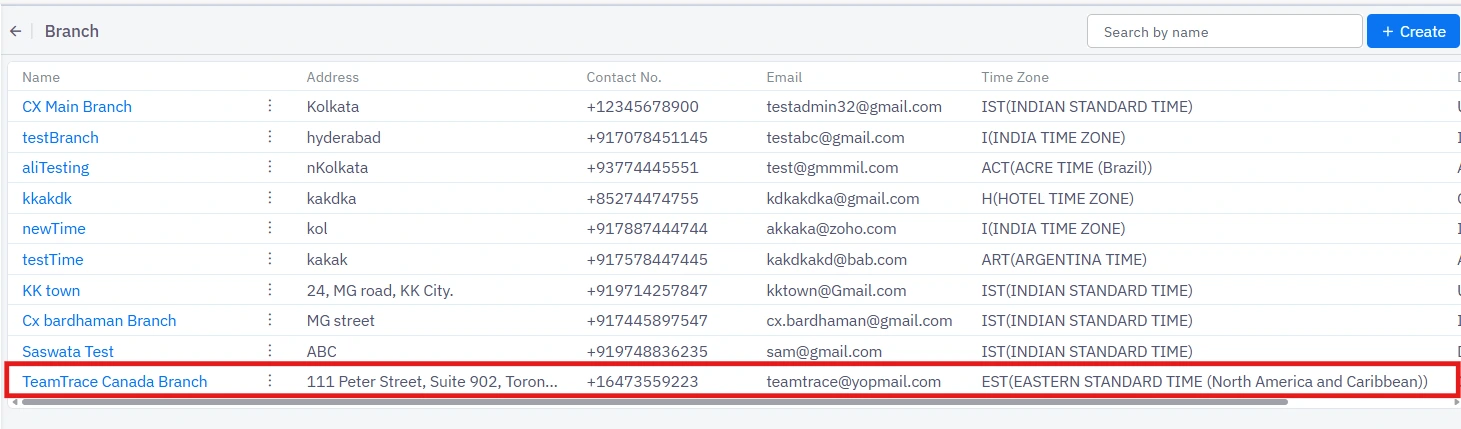
Once created, your new Branch will appear in the list.
Below are the sections where the Branch feature is implemented:
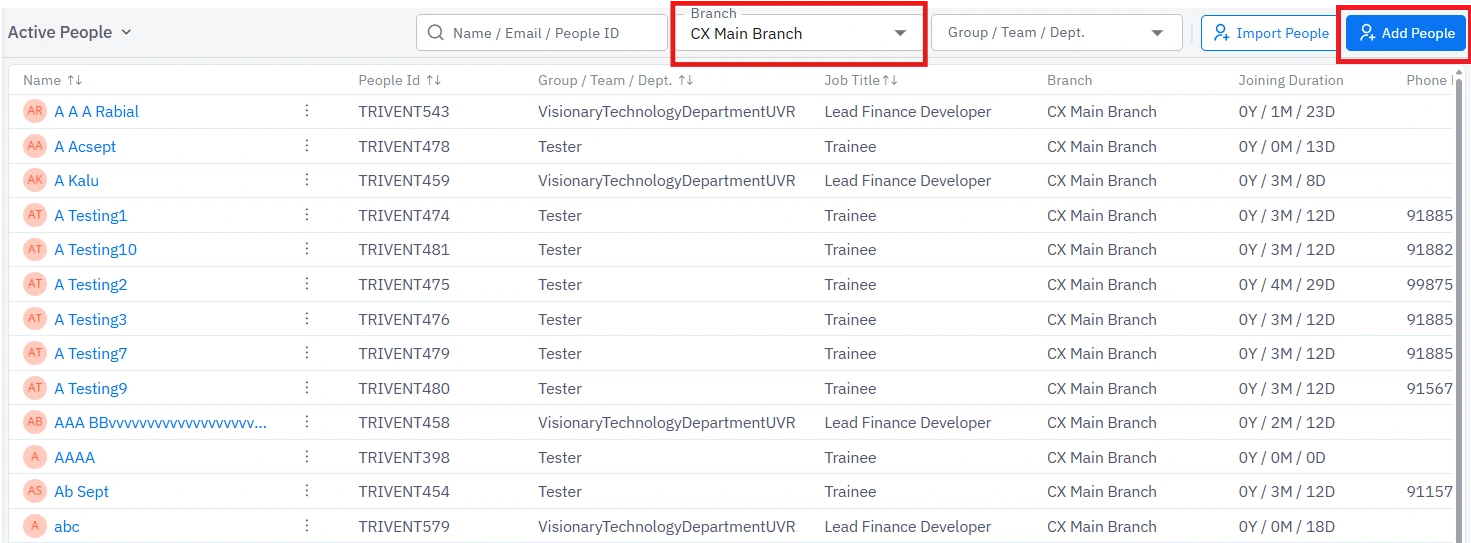
You can now filter employees branch-wise using the Branch filter. You can now assign an employee to a branch when adding them to the platform.
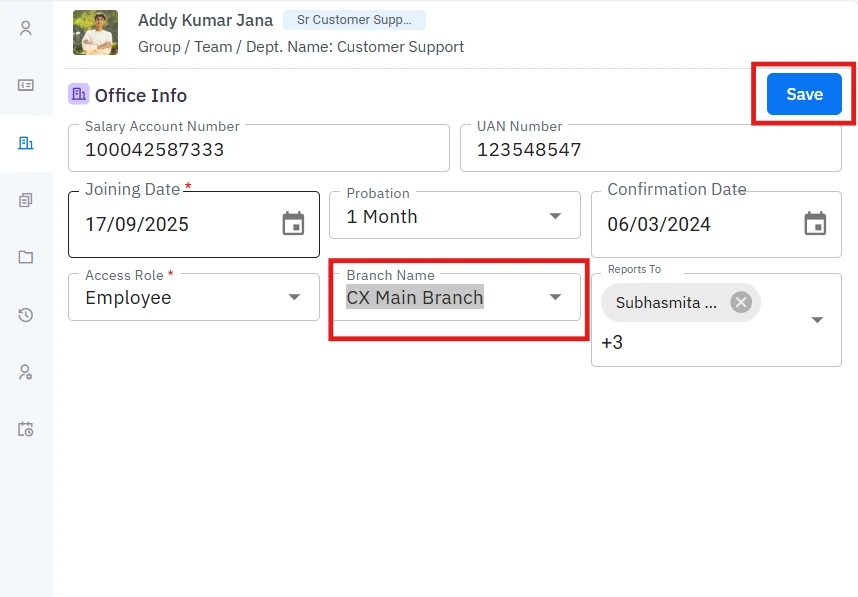
You can also change an employee’s existing branch to another one whenever required.
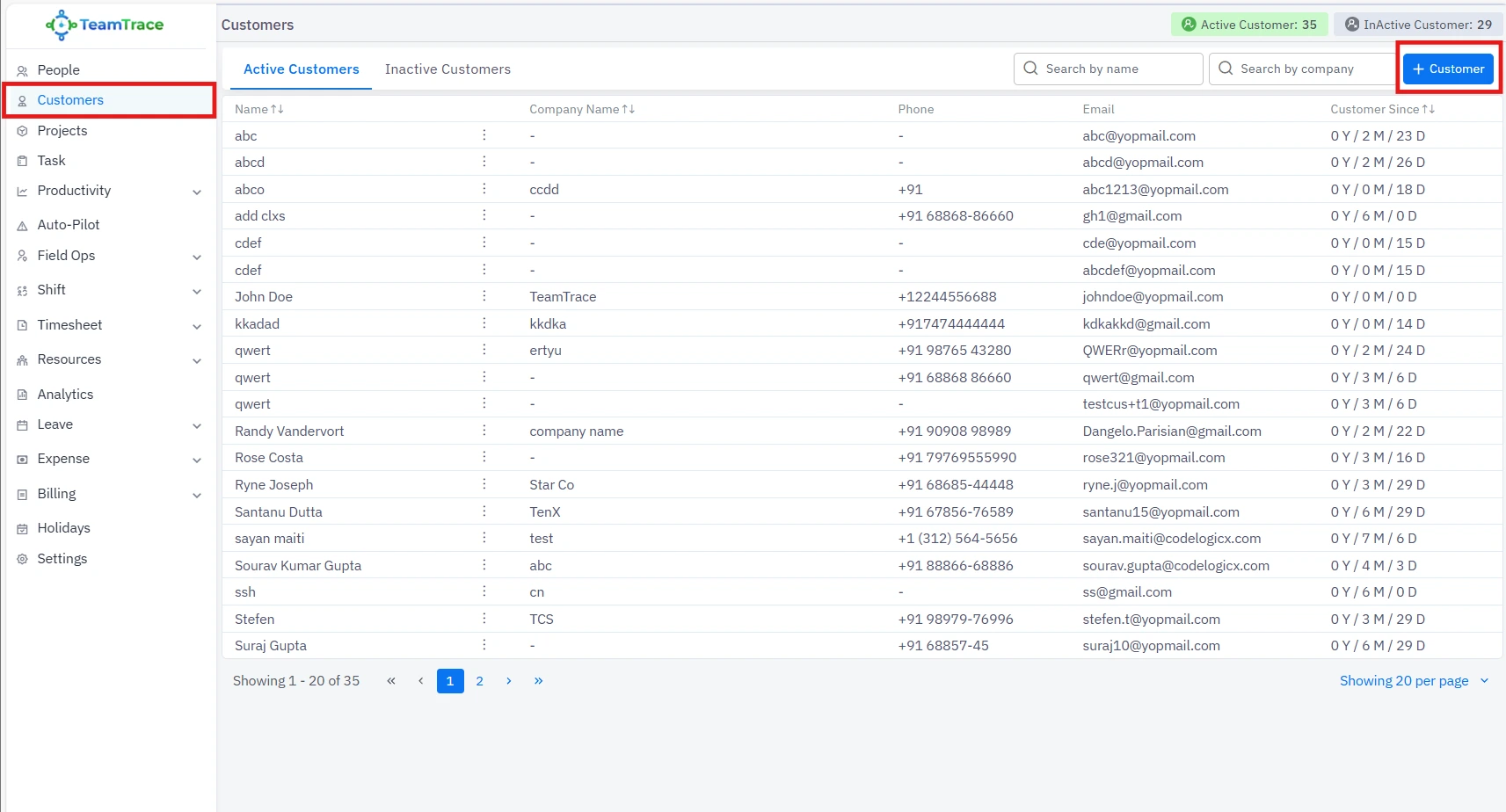
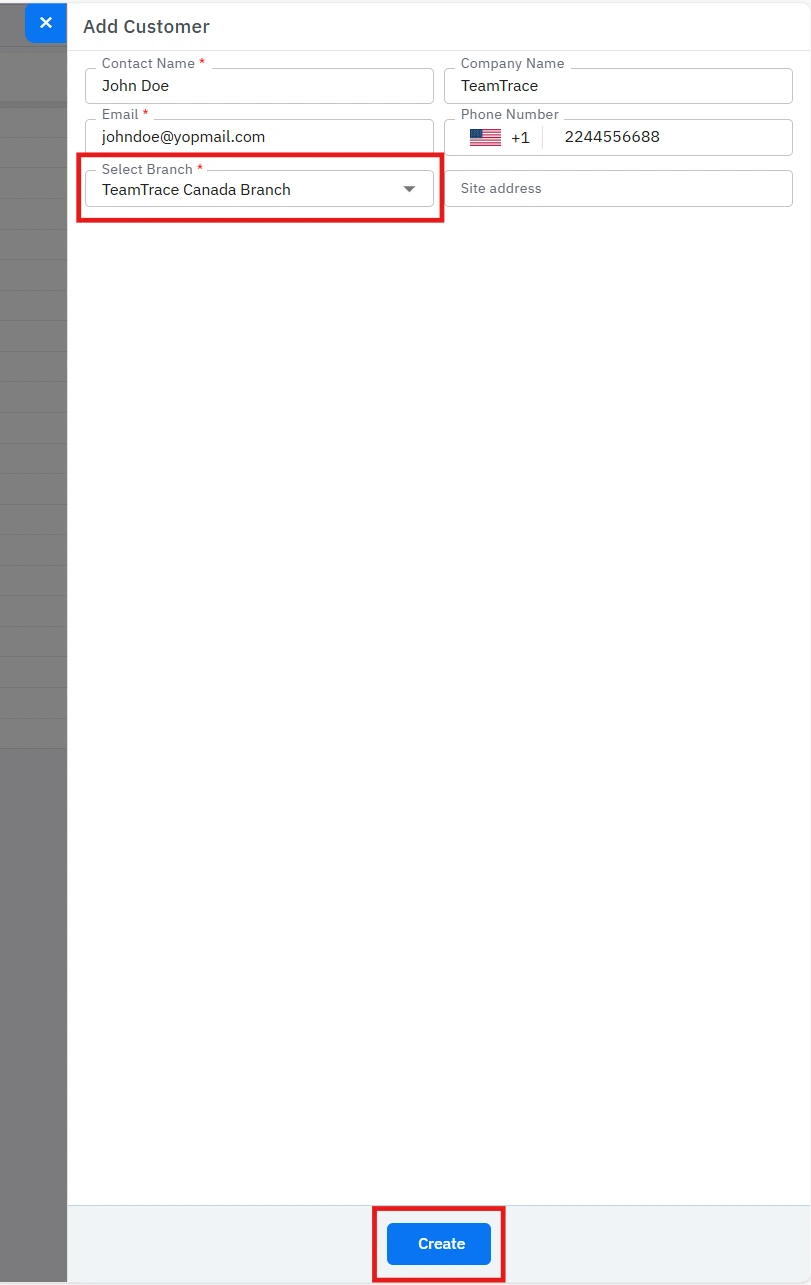
While adding a new customer, you can now select the preferred branch for that customer.
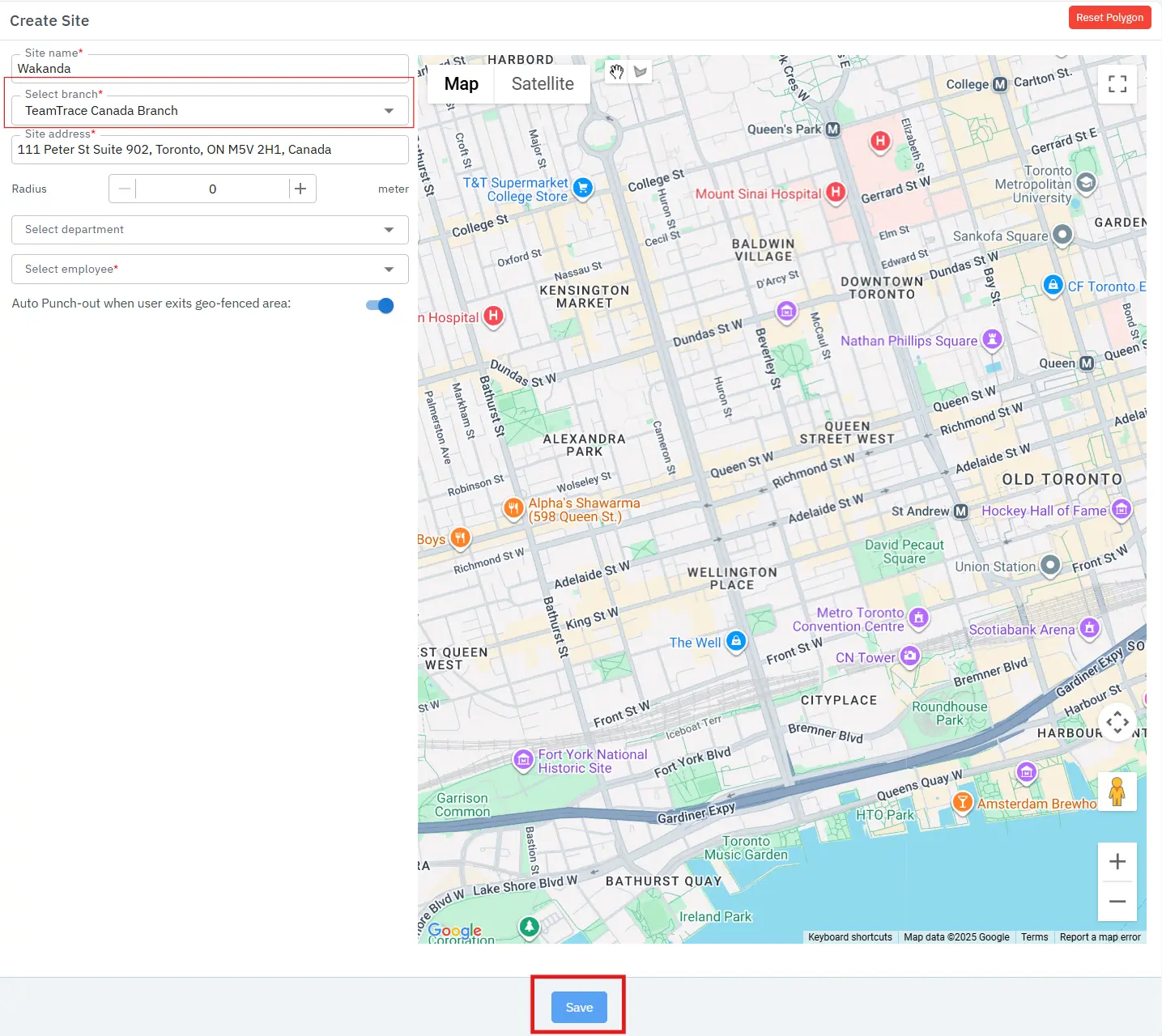
When creating a new site, you can assign it to a specific branch.
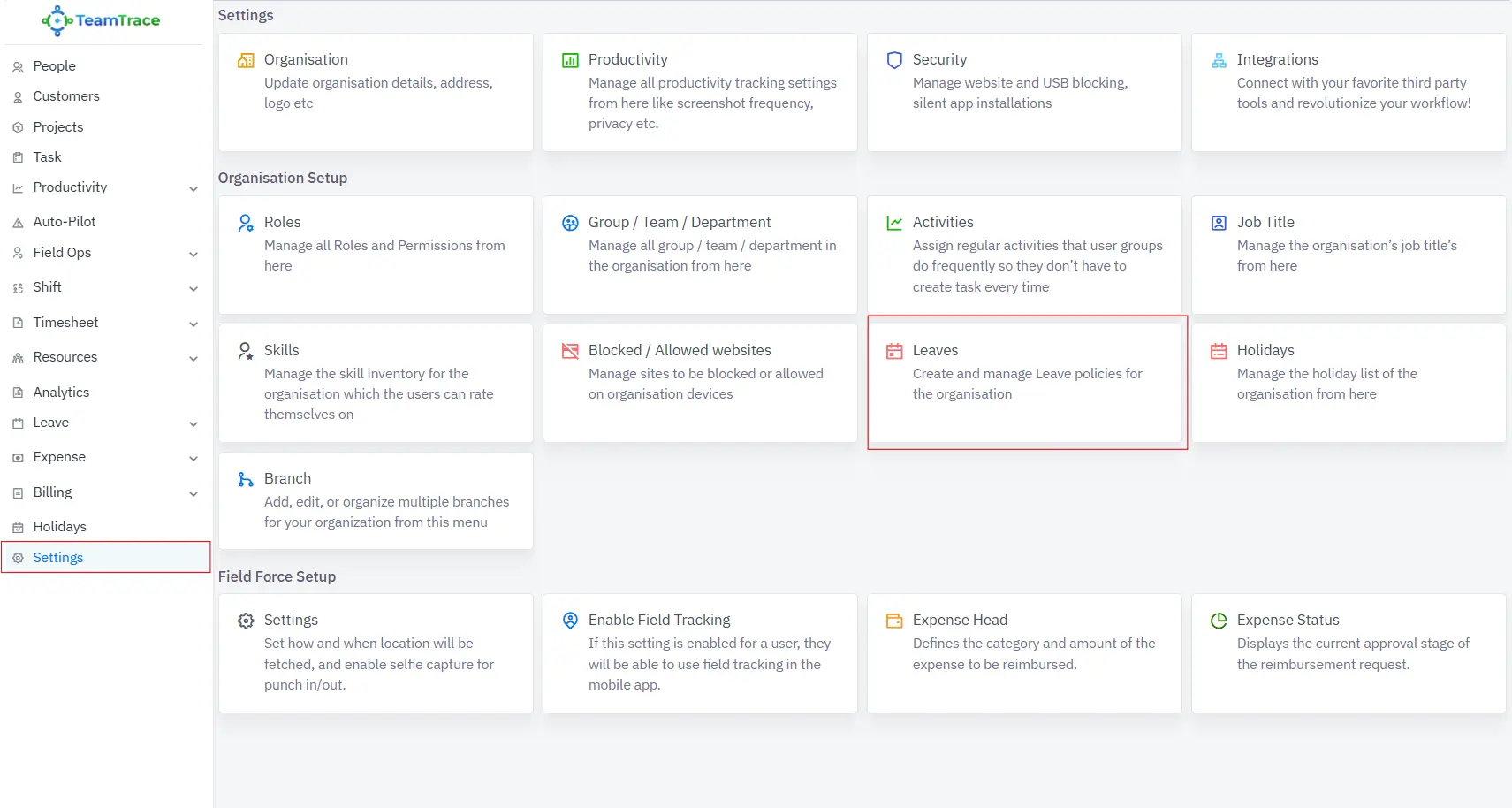
Leave types can now be created and managed branch-wise. These leaves can be viewed only by users within the same branch.
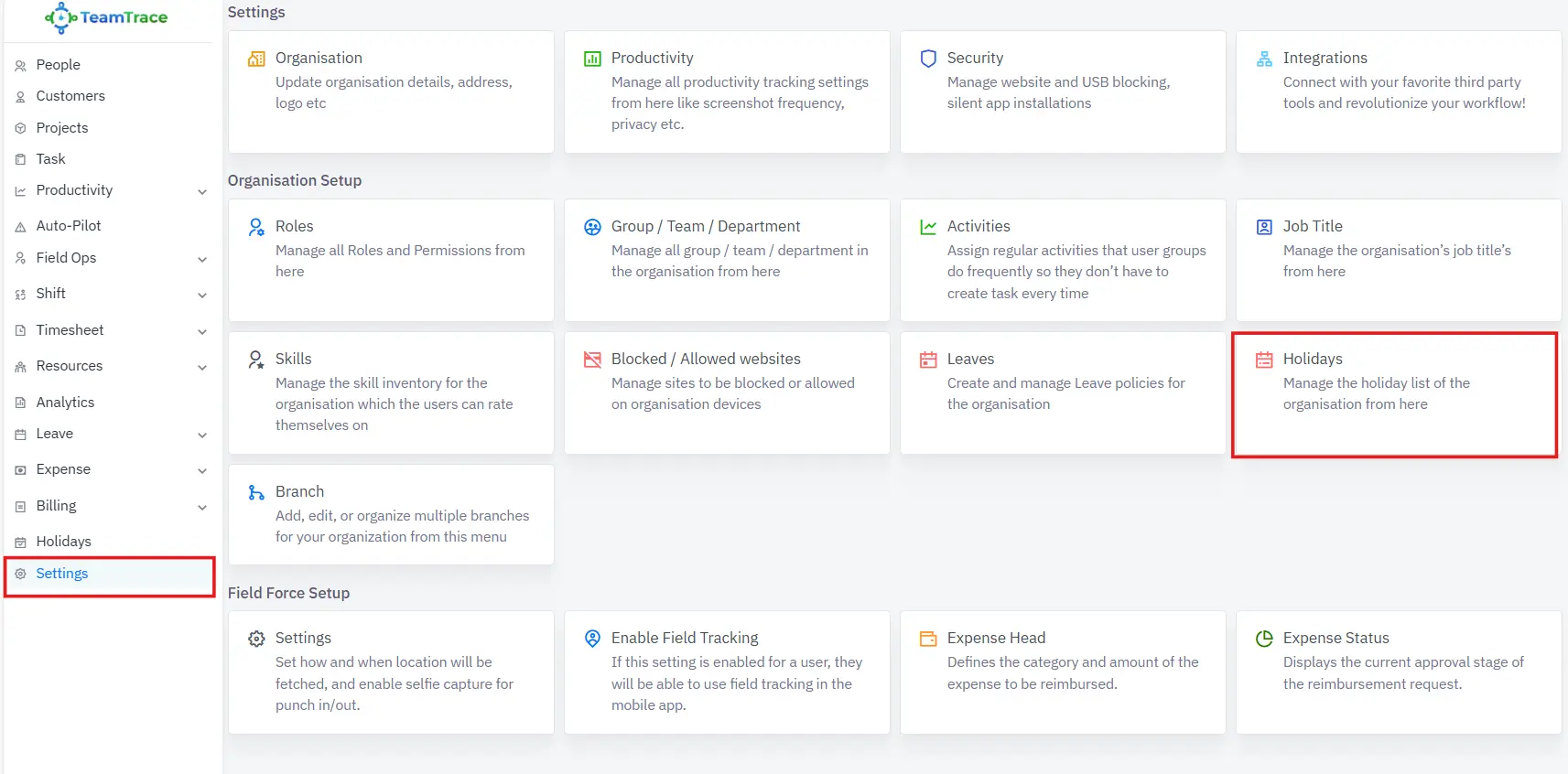
Holidays can also be created and assigned branch-wise. These holidays can be viewed only by users within the same branch.
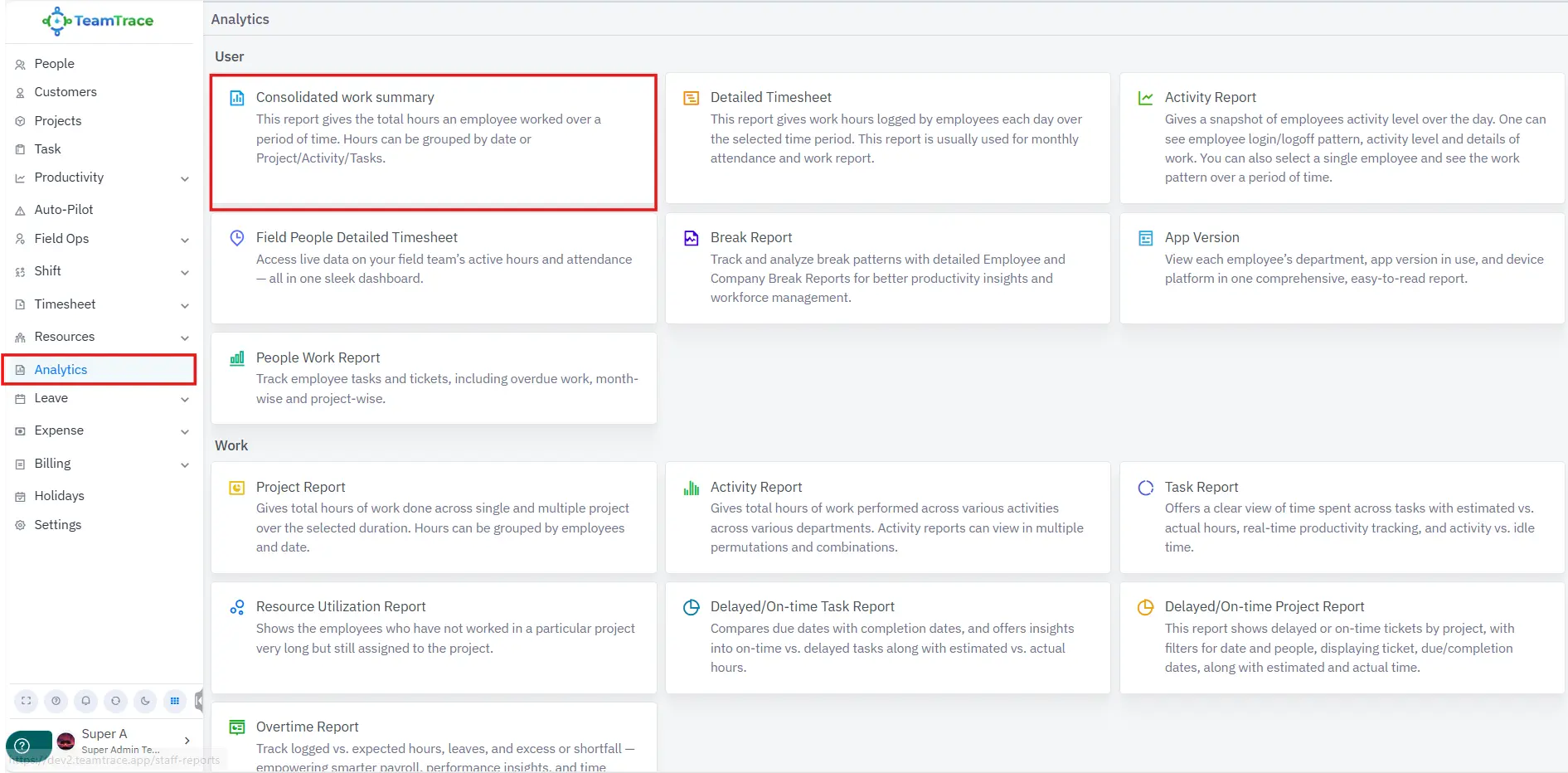
Admins can view, download, schedule, or send the Consolidated Work Summary branch-wise.
Admins can view, download, schedule, or send the Detailed Timesheet branch-wise.
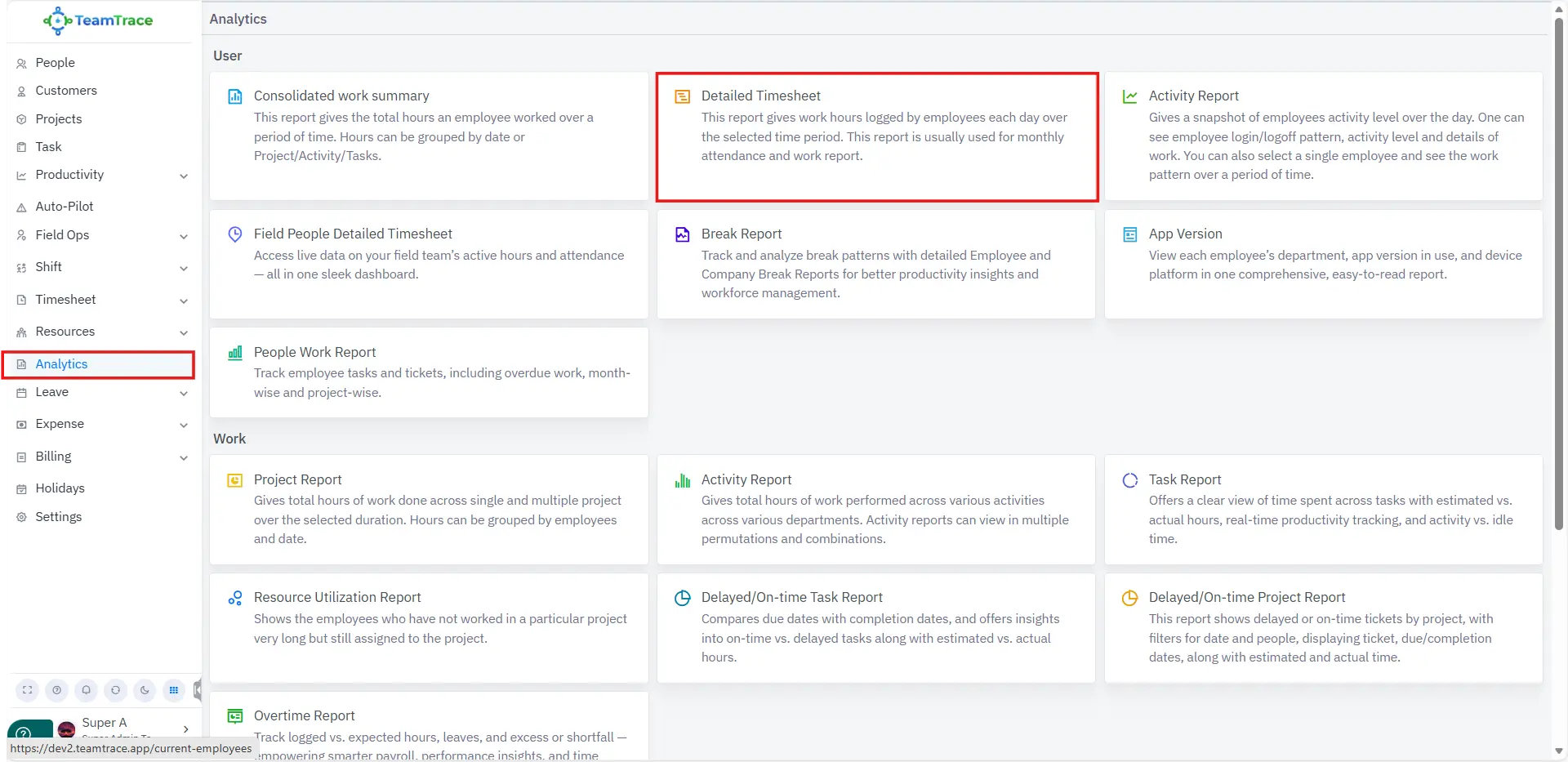
Admins can view or schedule the Activity Report branch-wise
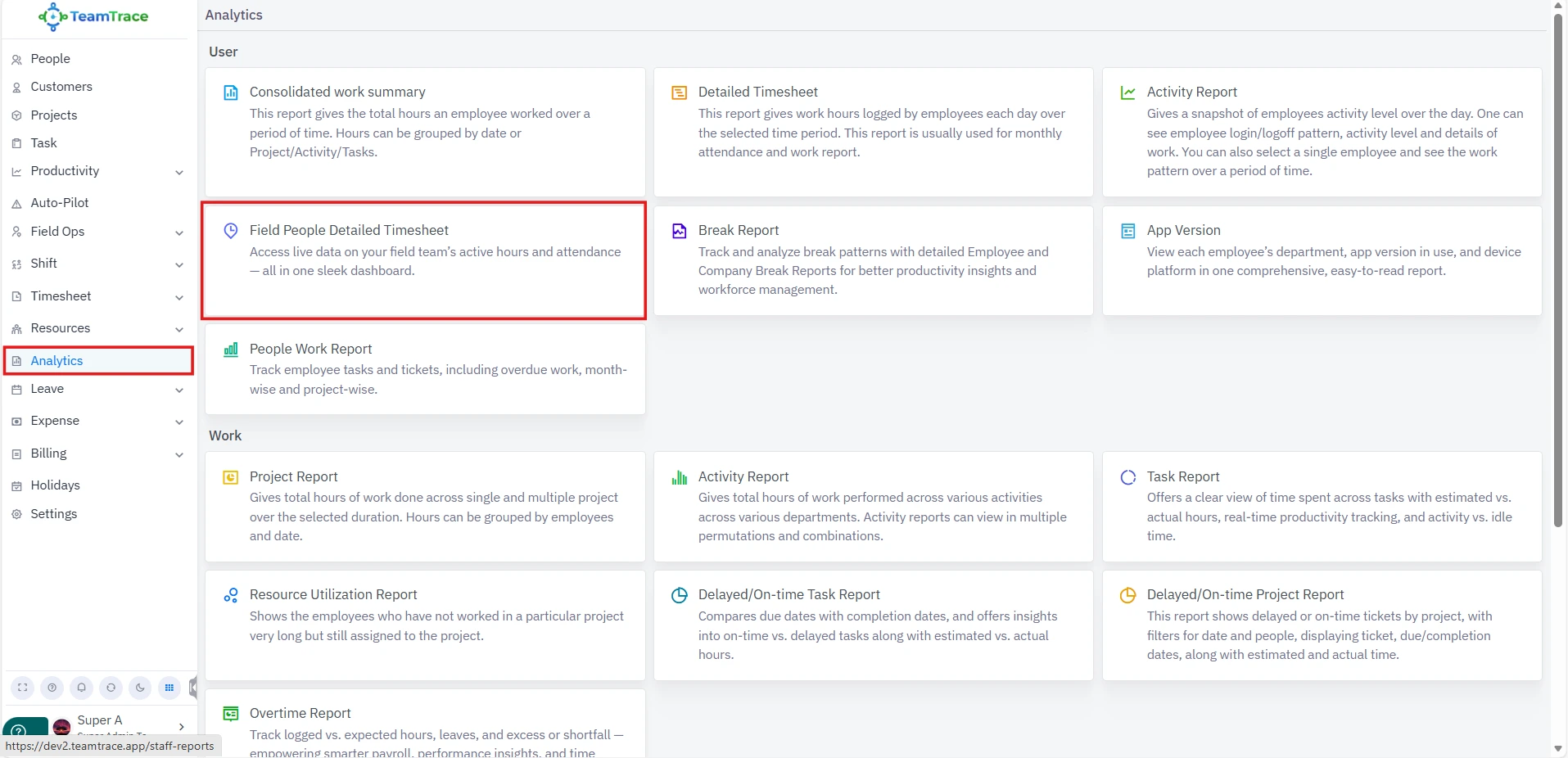
Admins can view, download, schedule, or send the Field People Detailed Timesheet branch-wise.
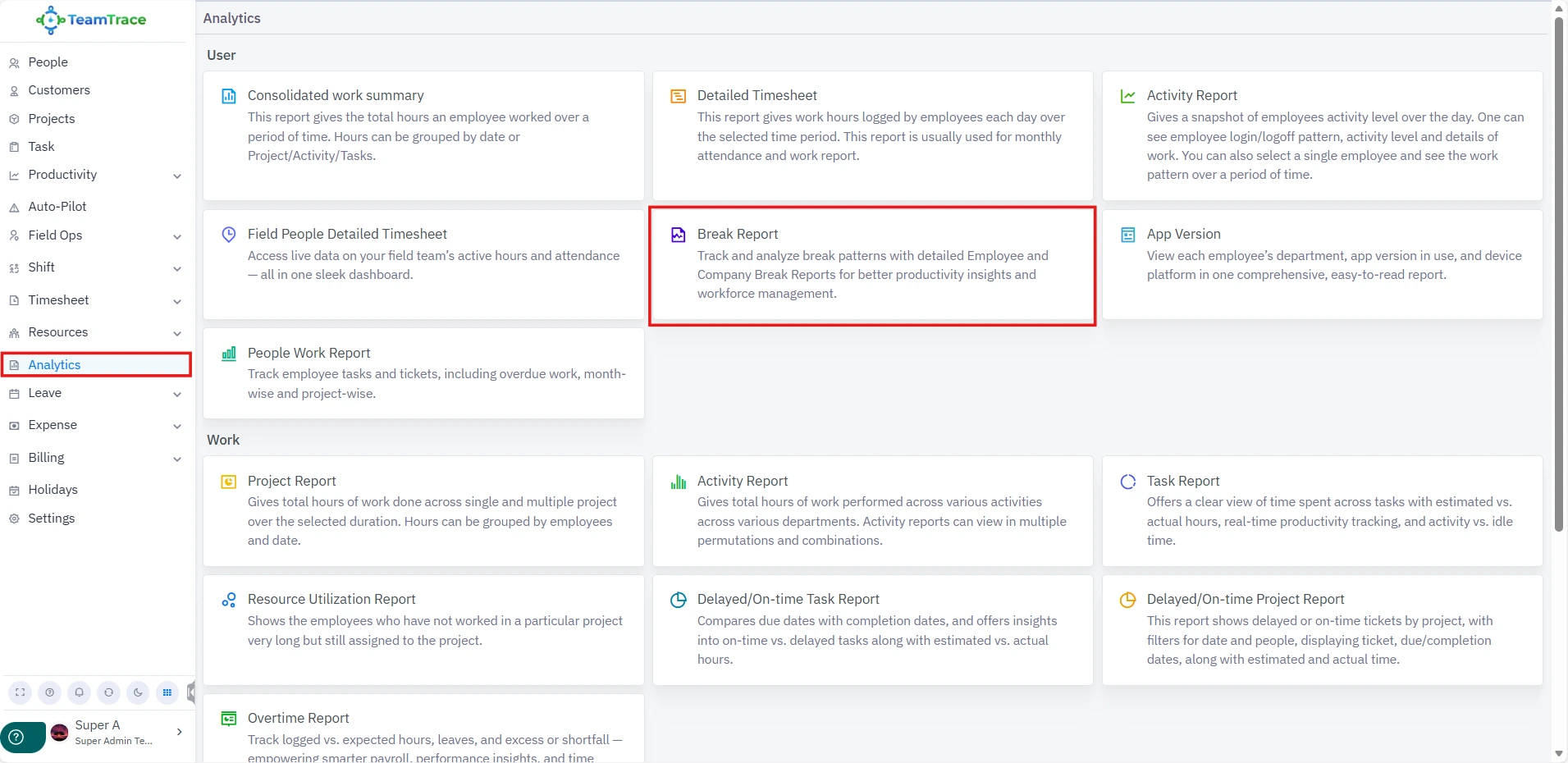
Admins can view, download, schedule, or send the Break Report branch-wise.
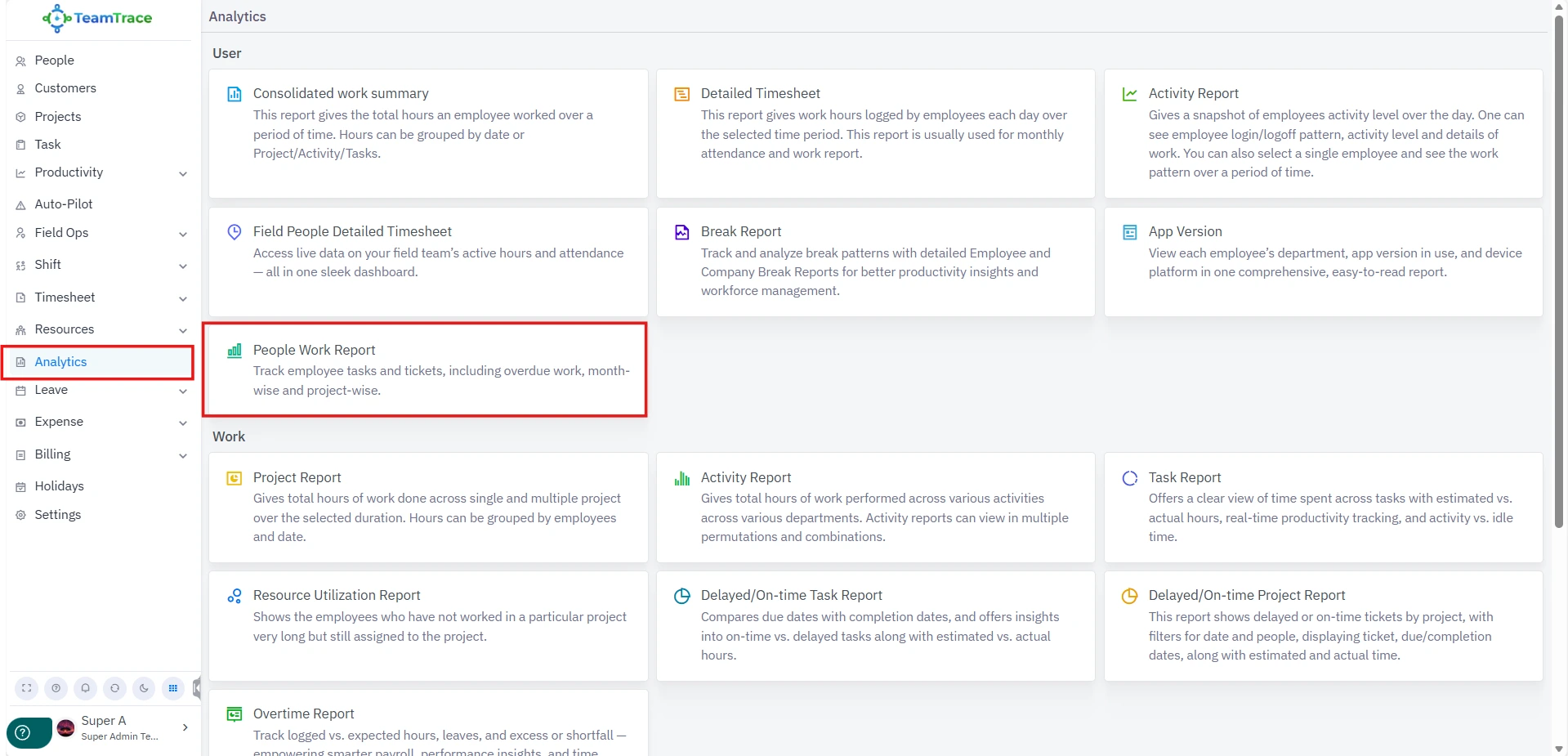
Admins can view, download, schedule, or send the People Work Report branch-wise.
Admins can view, download, schedule, or send the Project Report branch-wise.
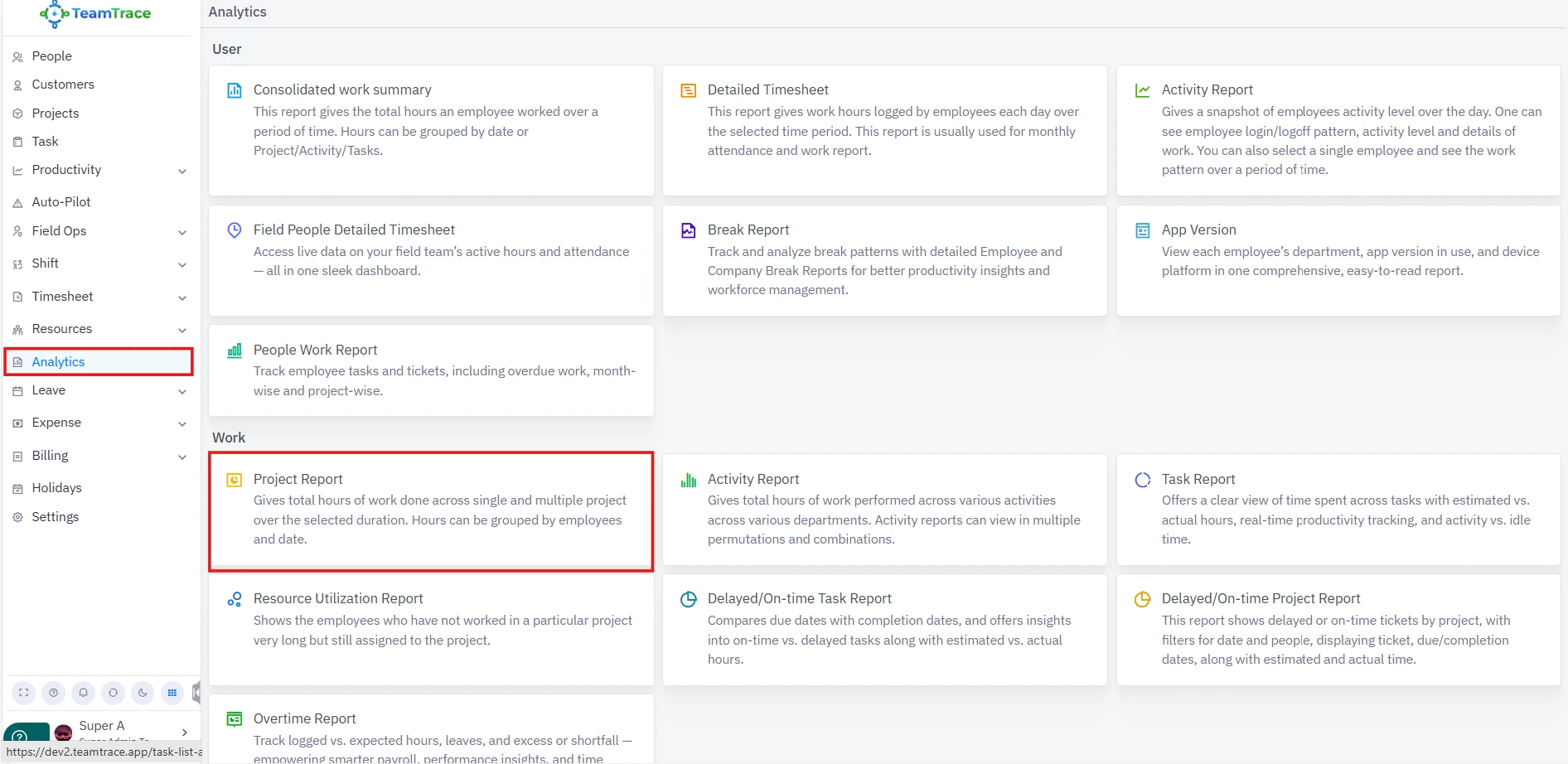
Admins can now view/schedule the Activity Report Branch-wise.
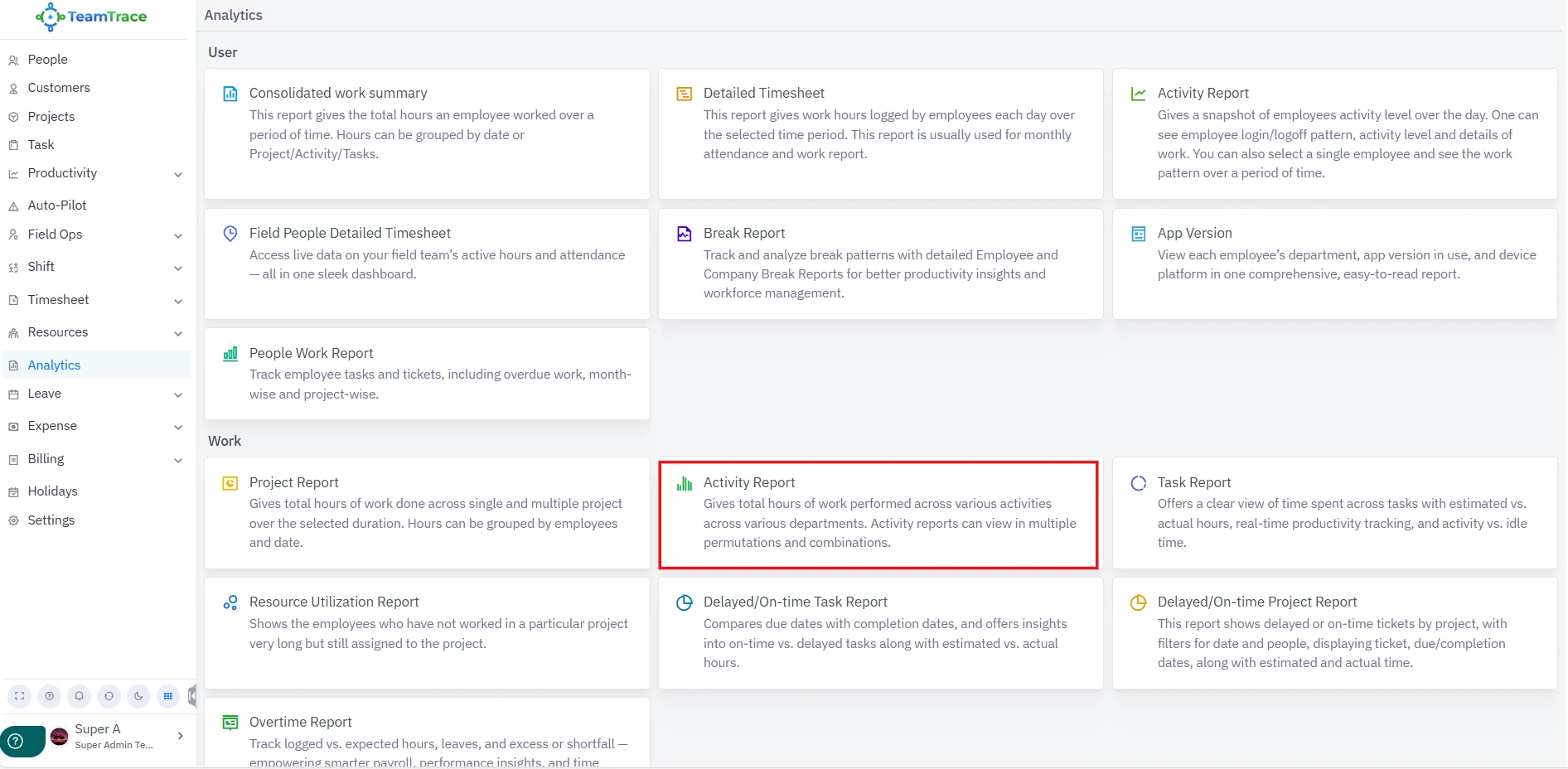
Admins can view, download, or schedule the Task Report branch-wise.
While creating or updating a role, you will now see an All Branches toggle.
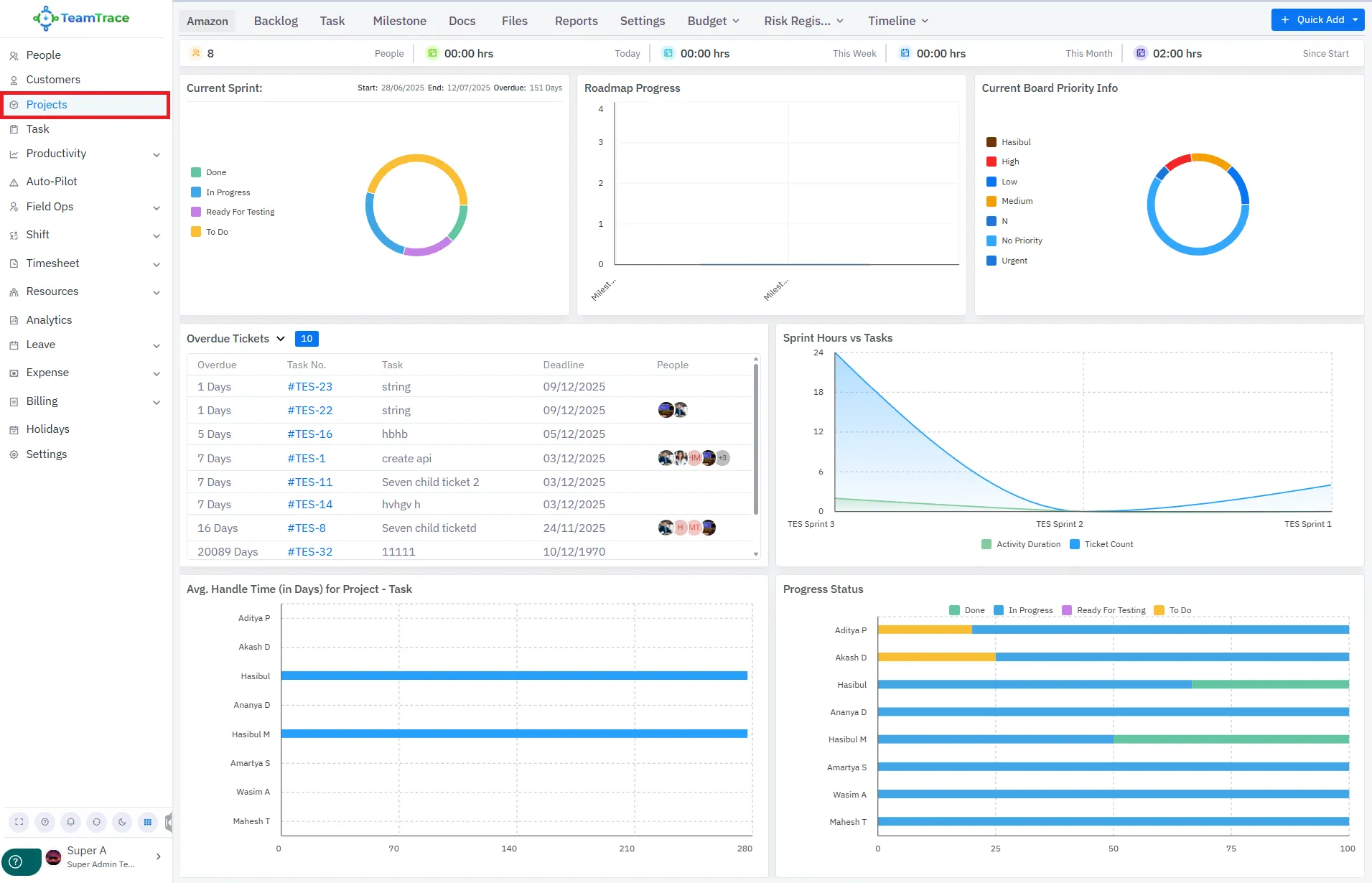
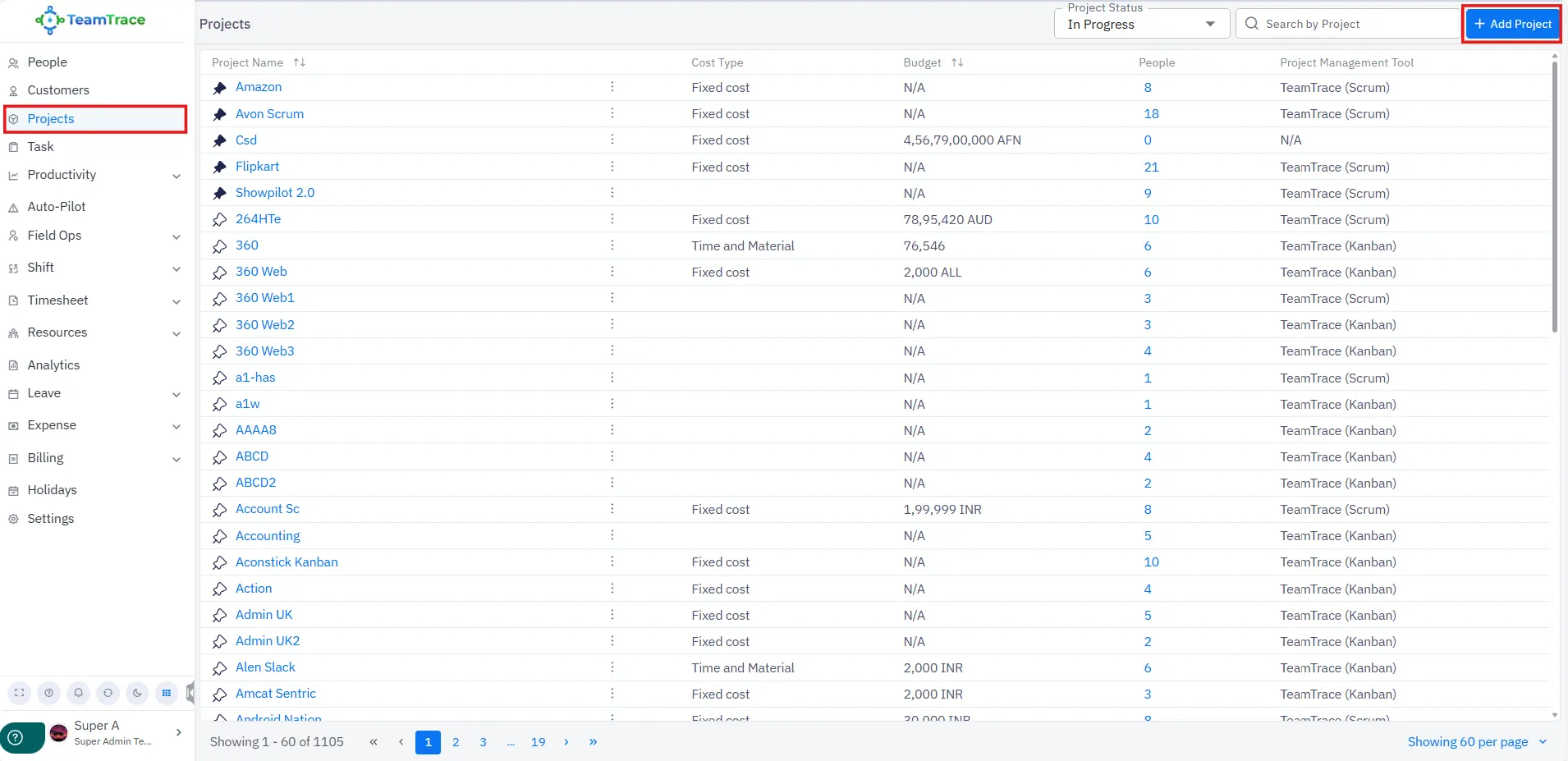
A new and improved UI has been introduced for the Projects section.
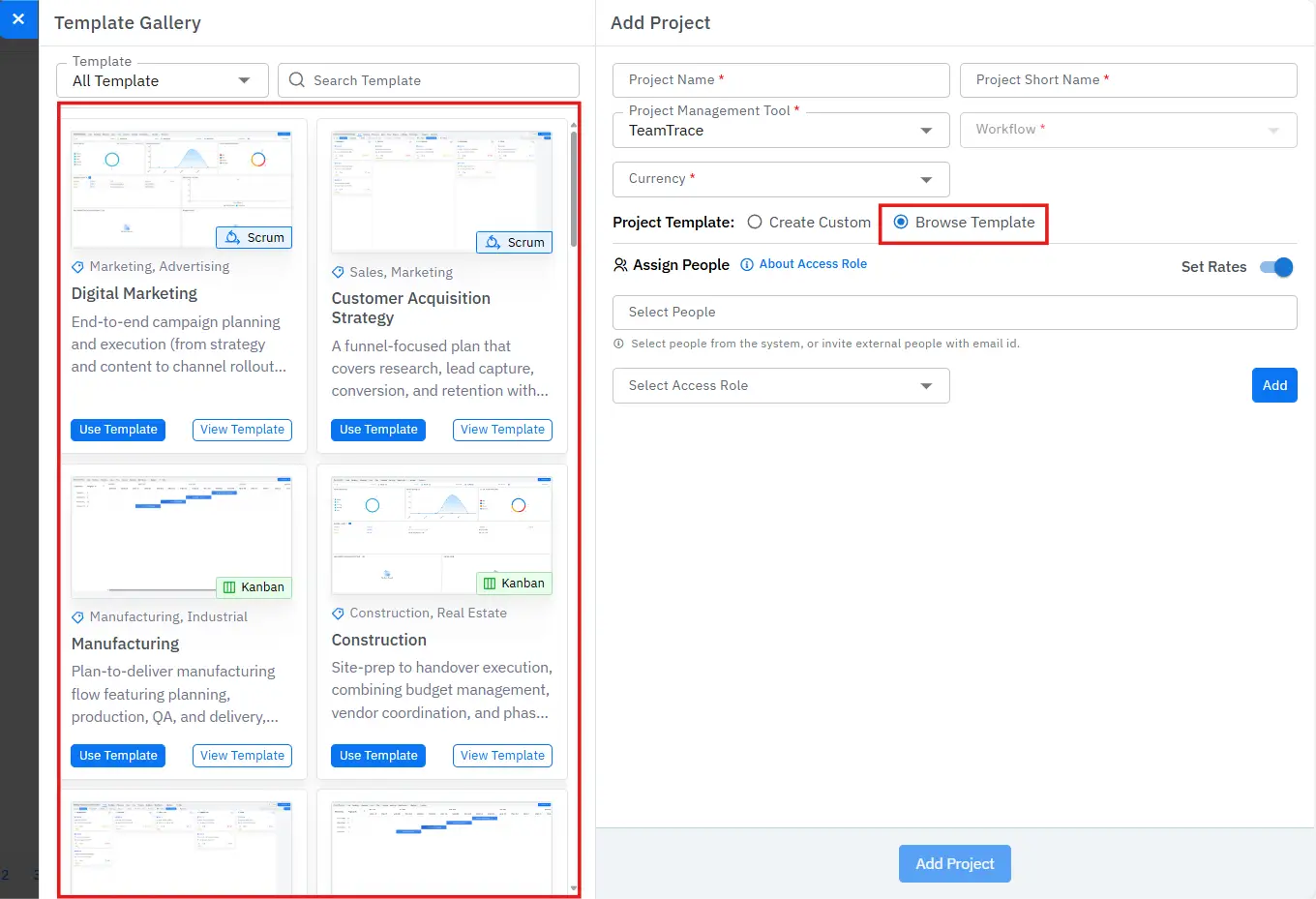
New project templates are now available for use.
Admins can now view detailed expense reports for field employees as needed.
Users can now download the Company Break Report easily.