 TeamTrace
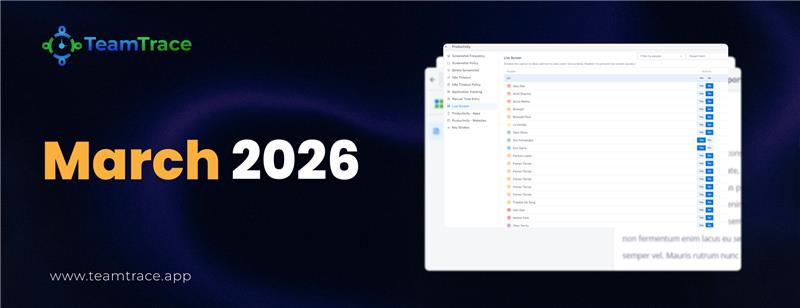


We are pleased to present TeamTrace Product Updates for March 2026. This document outlines the latest enhancements and new features introduced to the platform this month, spanning key areas including Mobile App enhancements, Task Management improvements, and Web Platform additions.
These updates have been designed with a focus on improving usability, streamlining workflows, and providing administrators and managers with greater control over day-to-day operations. Each section below provides a detailed overview of the changes, accompanied by relevant screenshots for reference.
We encourage you to review the updates and explore how these new capabilities can be leveraged to further enhance your team’s productivity and efficiency.
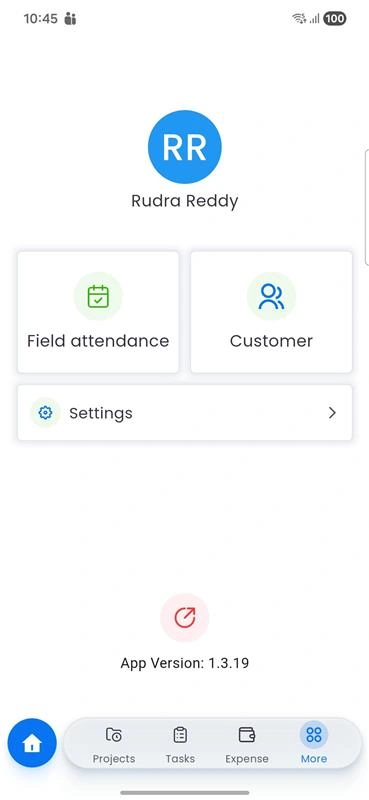
Note: Contact name, company name, customer email, and branch are mandatory fields and must be filled up for inserting a customer into the platform.
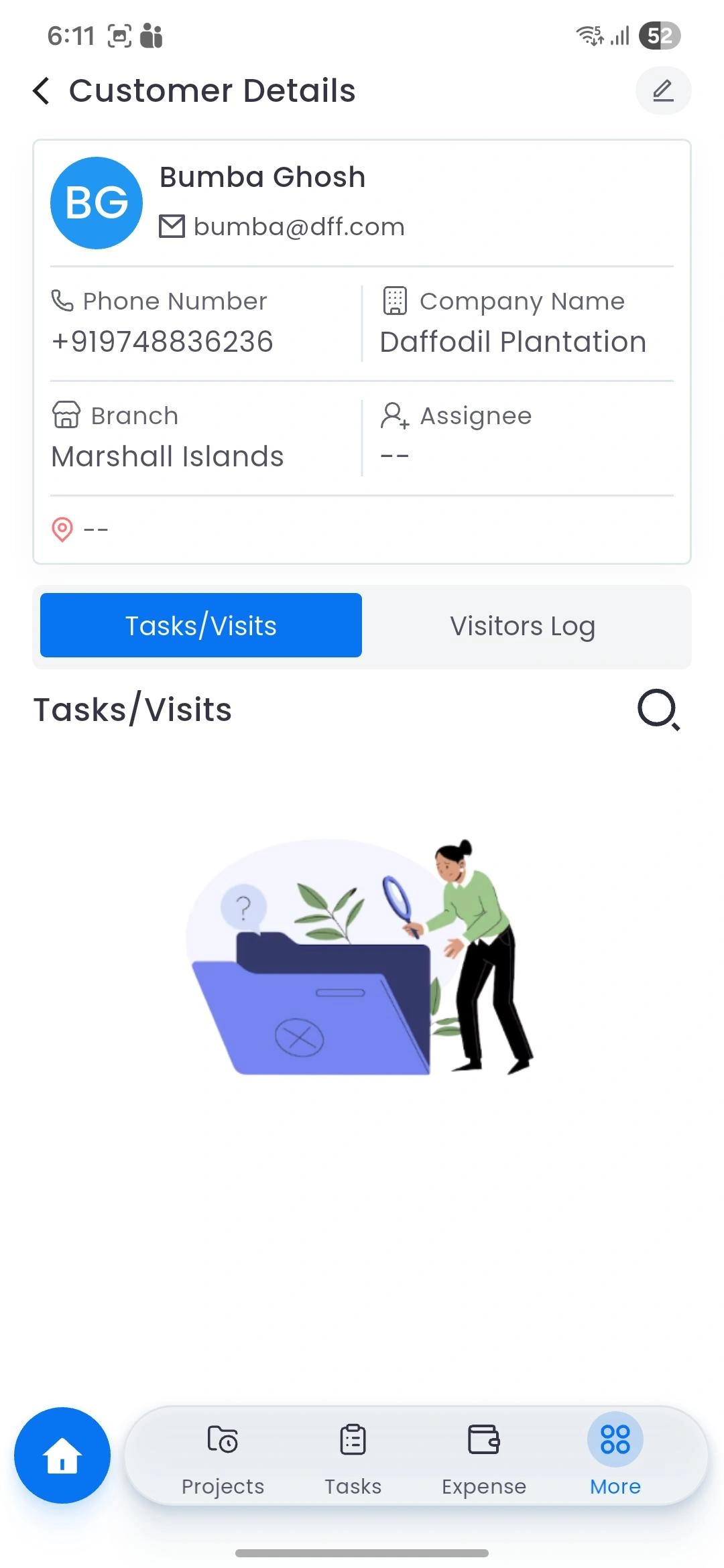
Revamped Task Section
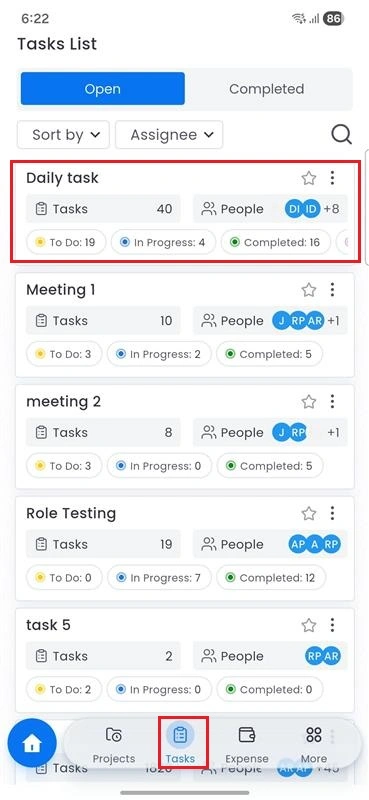
Previously, the customer details were not populated when creating a task. After this update, the customer’s name and address are auto-populated. If needed, the creator of this task can update the address manually for this specific task only.
Additionally, below the Assign To field, users can now update the custom fields for any task.
Note: The addition of custom field can only be done via the web portal.
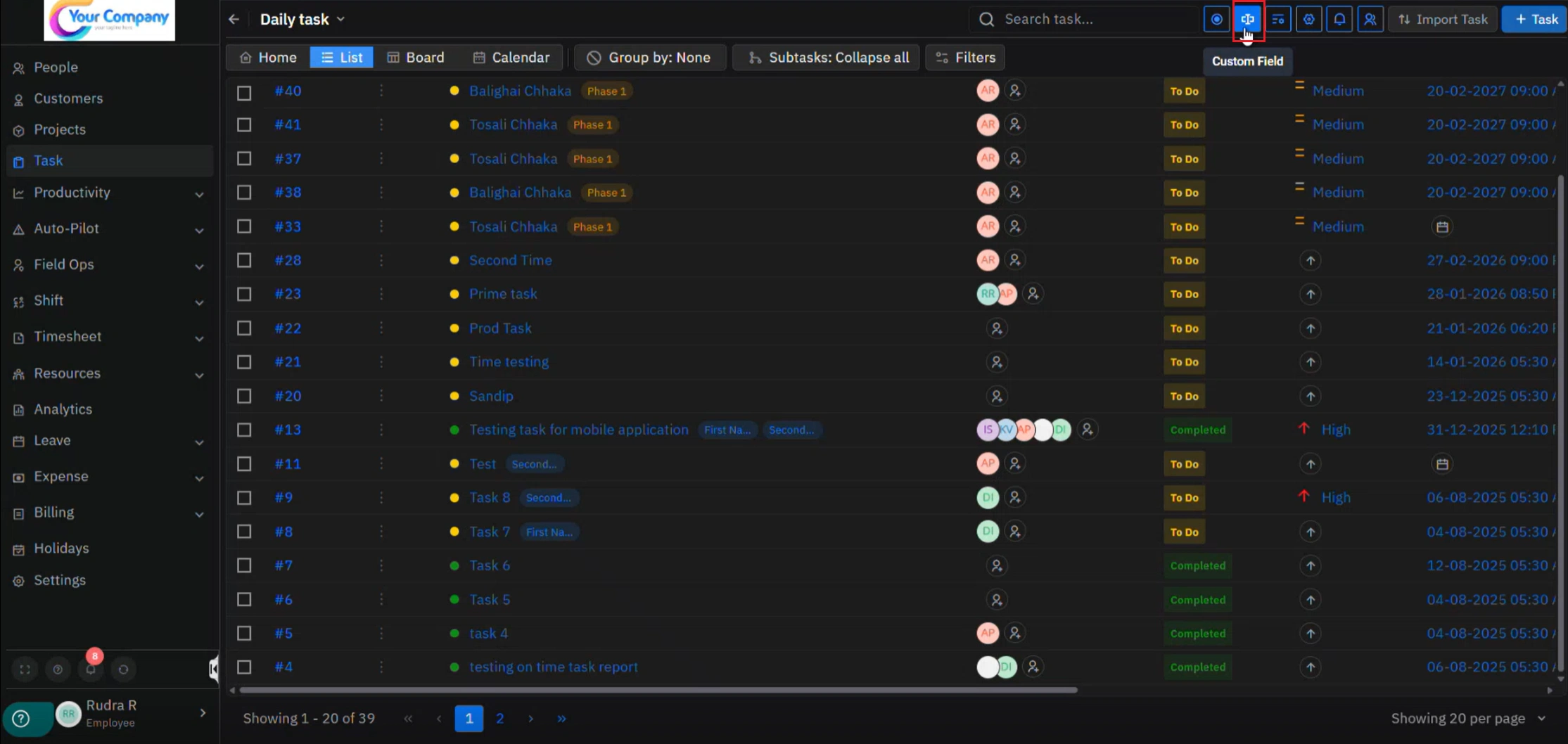
Two key configuration options are available:
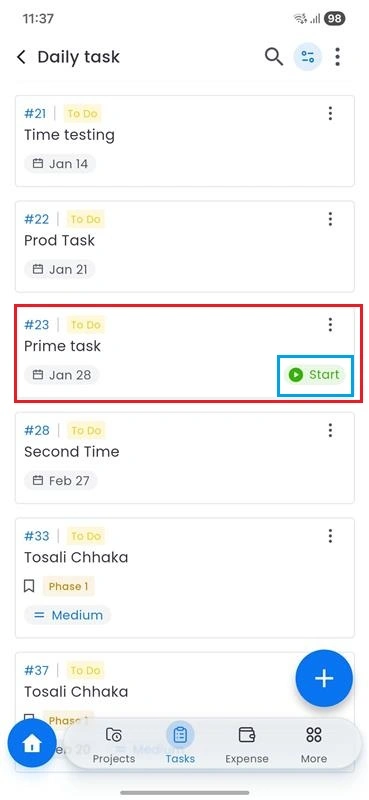
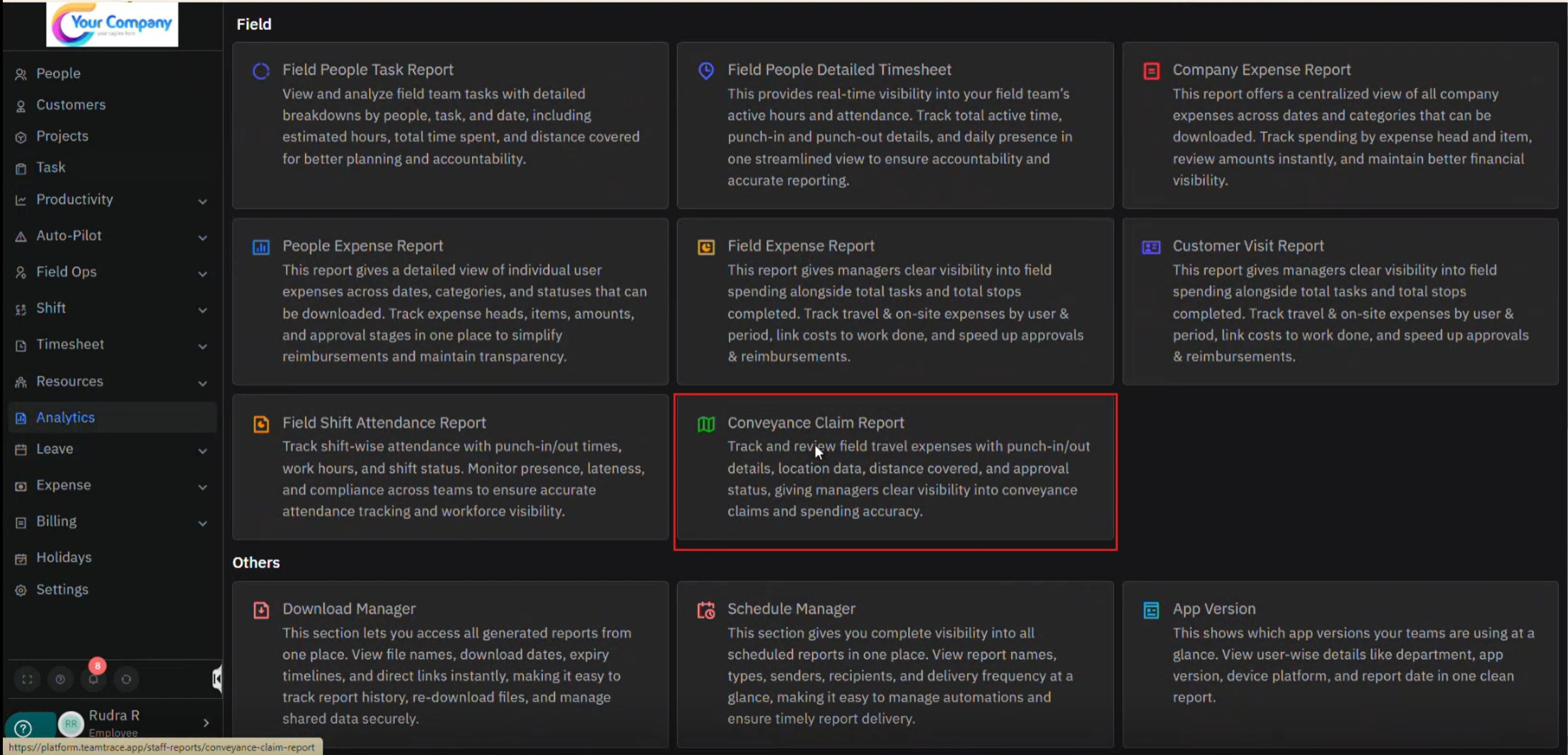
All details related to tasks that have been run (punched in/out) on the mobile app will be visible in this report. This provides a consolidated view of field activity for reporting and reimbursement purposes.
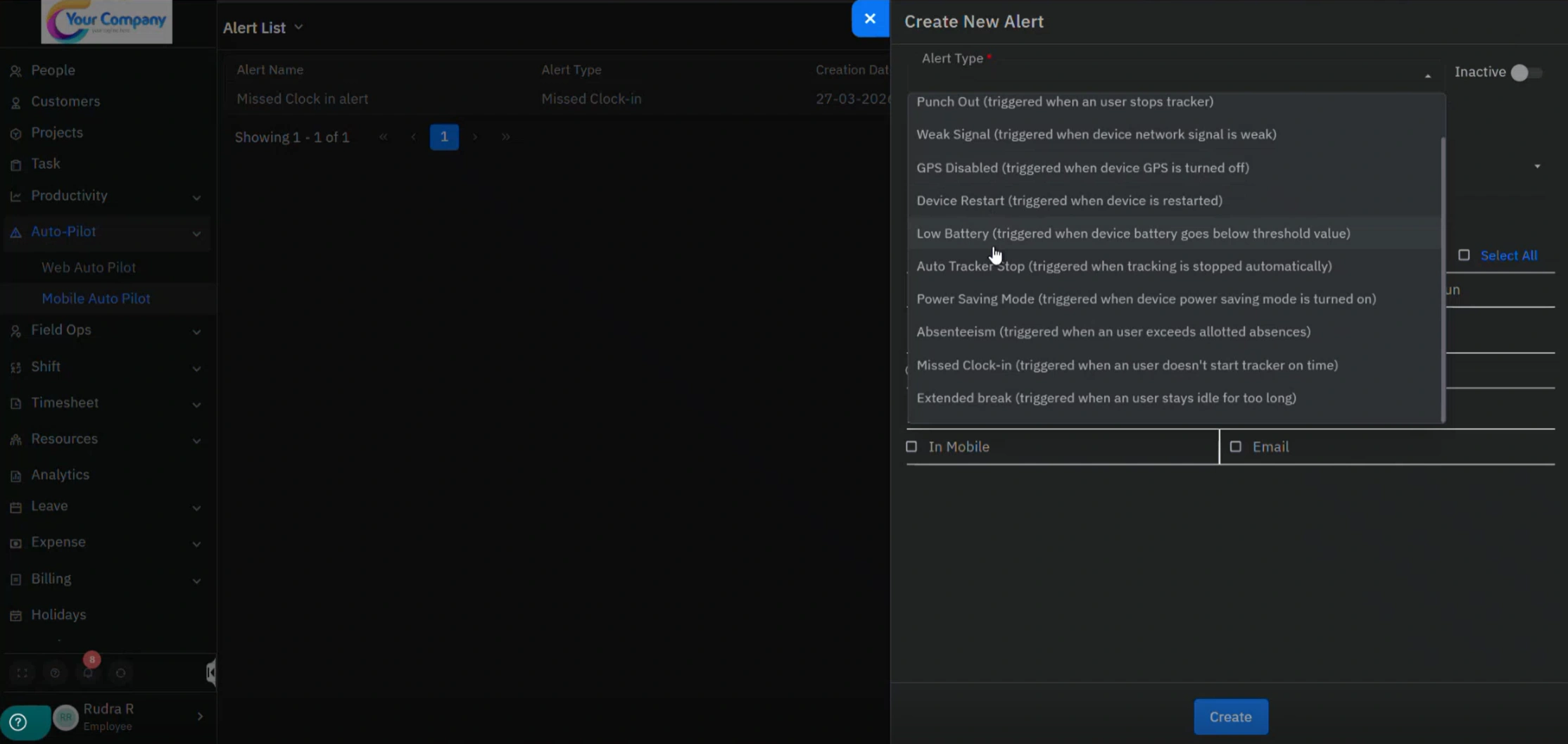
Previously, only web alerts for specific scenarios could be configured.
With this update, admins can now set up mobile alerts for specific scenarios as well, offering the same level of control available for web alerts.
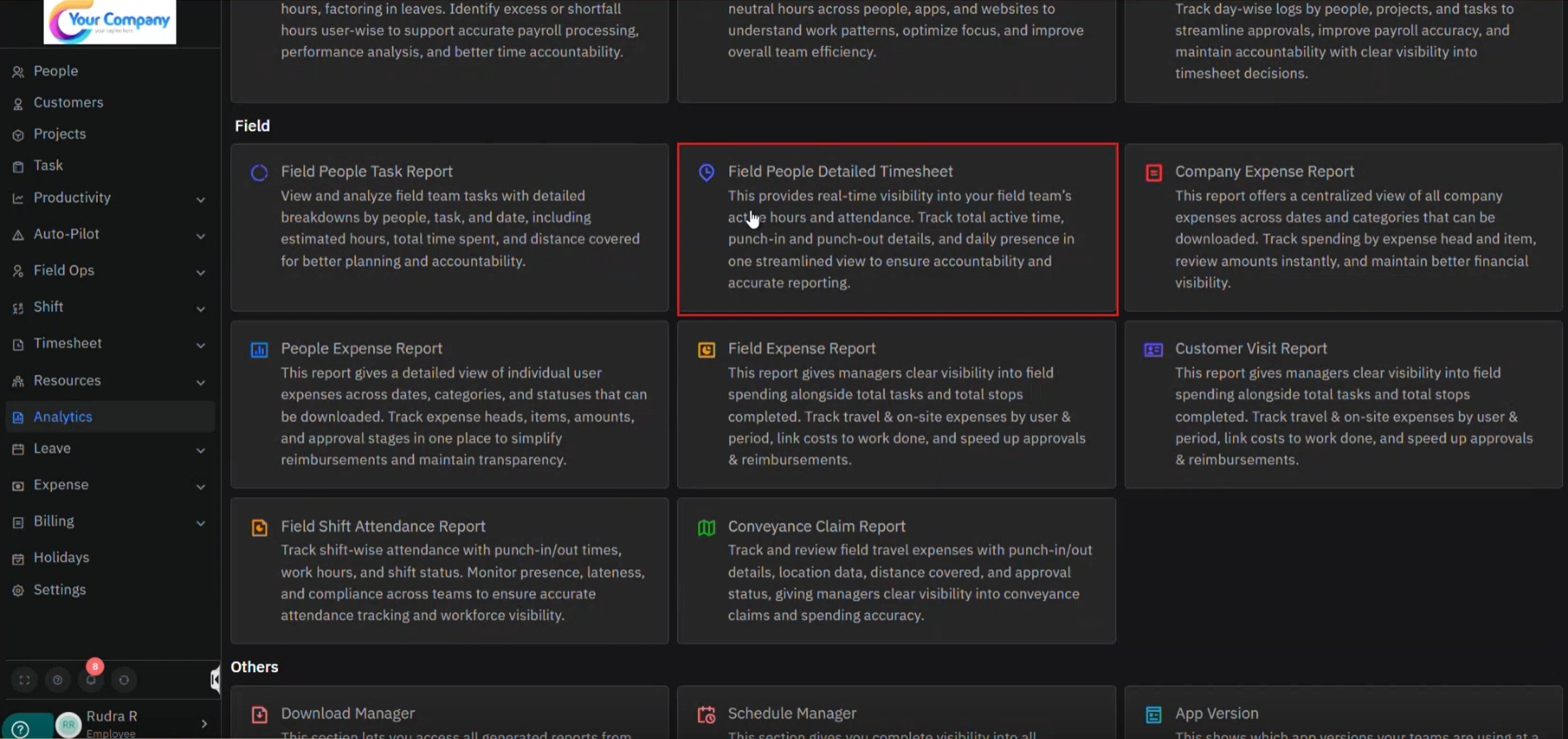
Break counts, representing the number of breaks taken between the last logout and the next login from the mobile app, are now displayed in the Field People Detailed Timesheet section. This addition provides greater visibility into employee work patterns throughout the day.