 TeamTrace



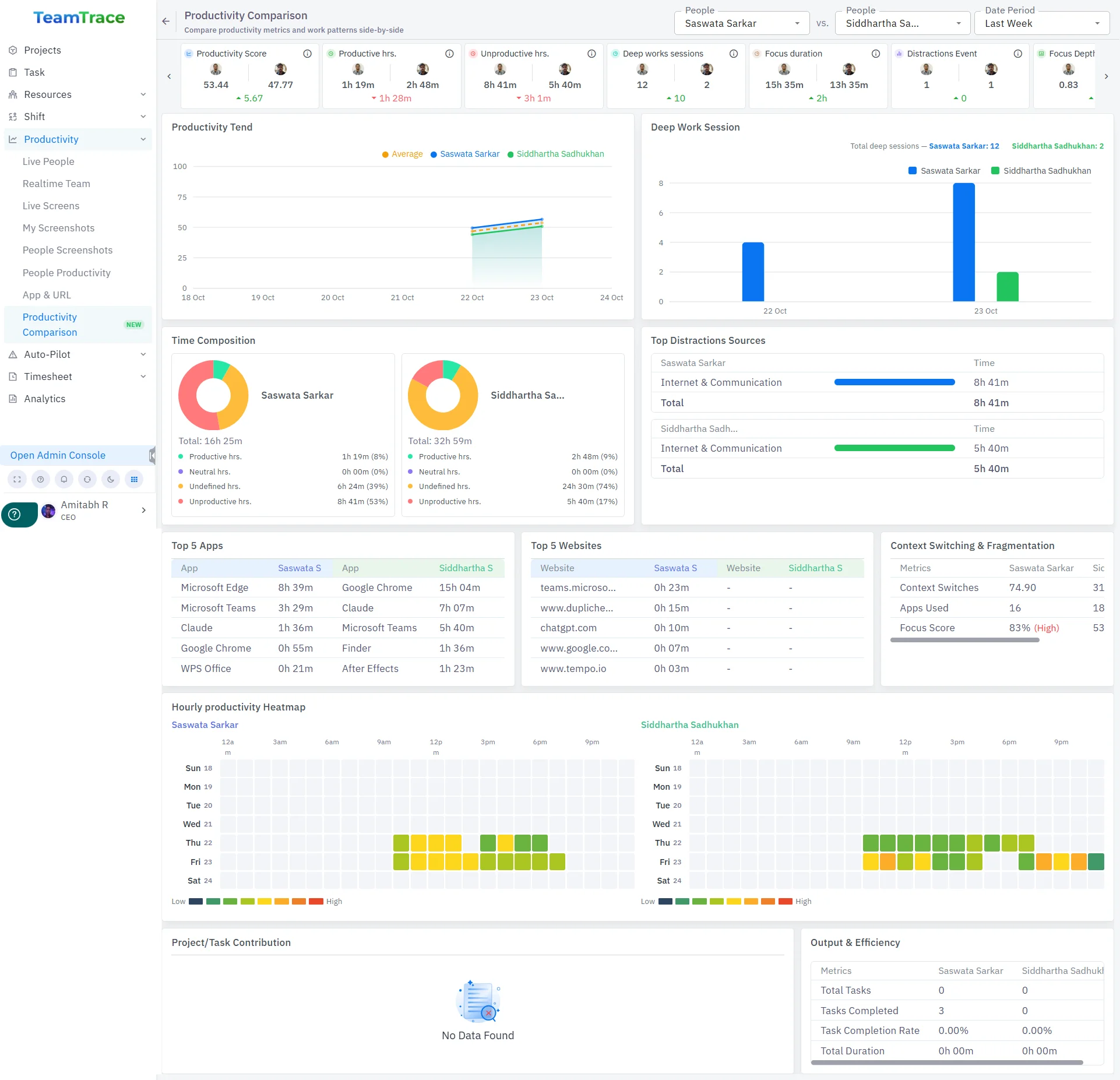
TeamTrace has four new additions this September, starting with a new Organization Chart that gives admins a visual, searchable map of the team’s reporting structure. Alongside it, Global Notification Settings let admins set default alert behavior for all new Tasks and Projects in one place, while three new Analytics reports make it easy to spot what’s on track and what isn’t. Rounding out the release, a new Productivity Comparison tool lets you benchmark any two team members side by side.
A new organization chart, showing the hierarchy of every employee in the organization, is now visib le to admins.
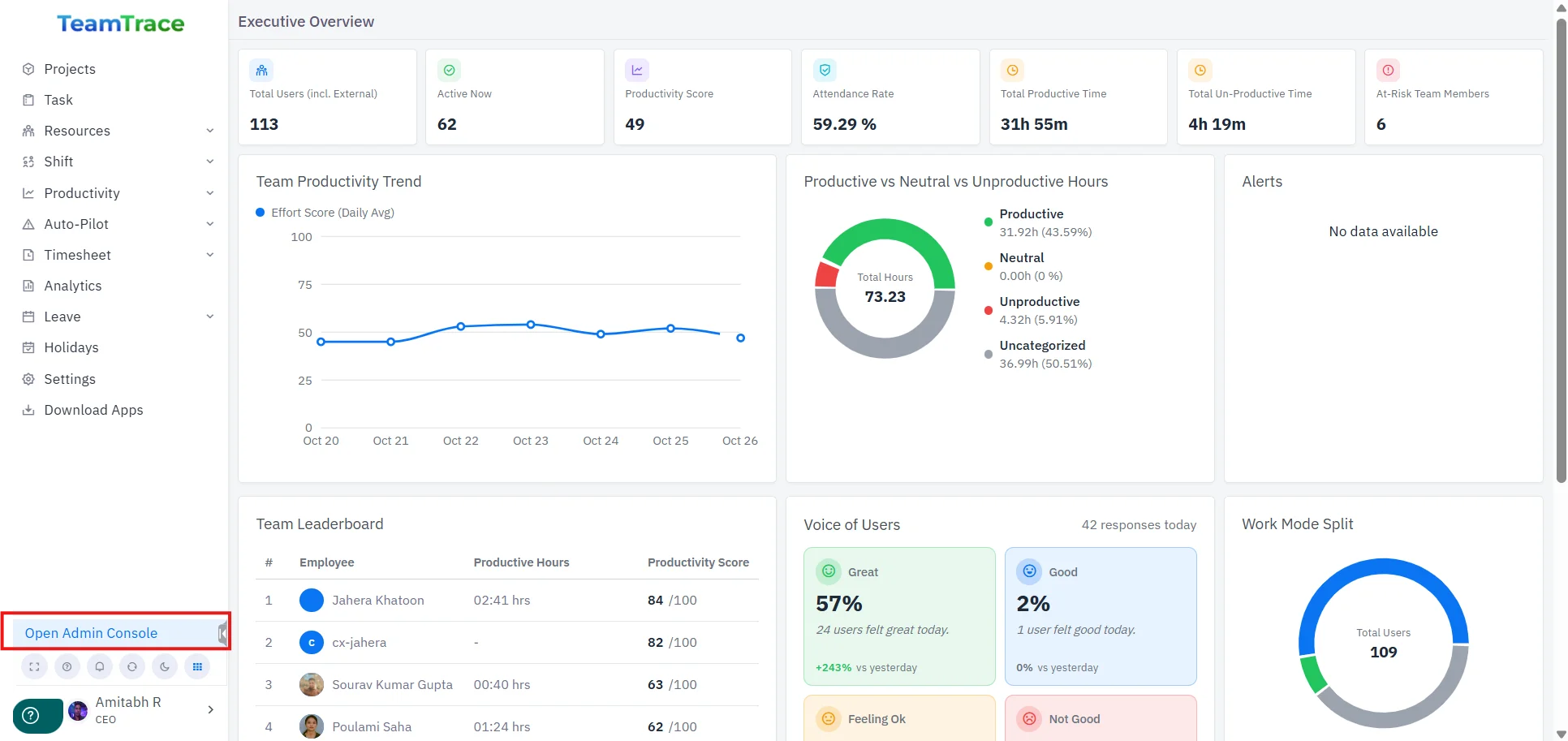
This chart is available under Admin Console → Organization Chart.
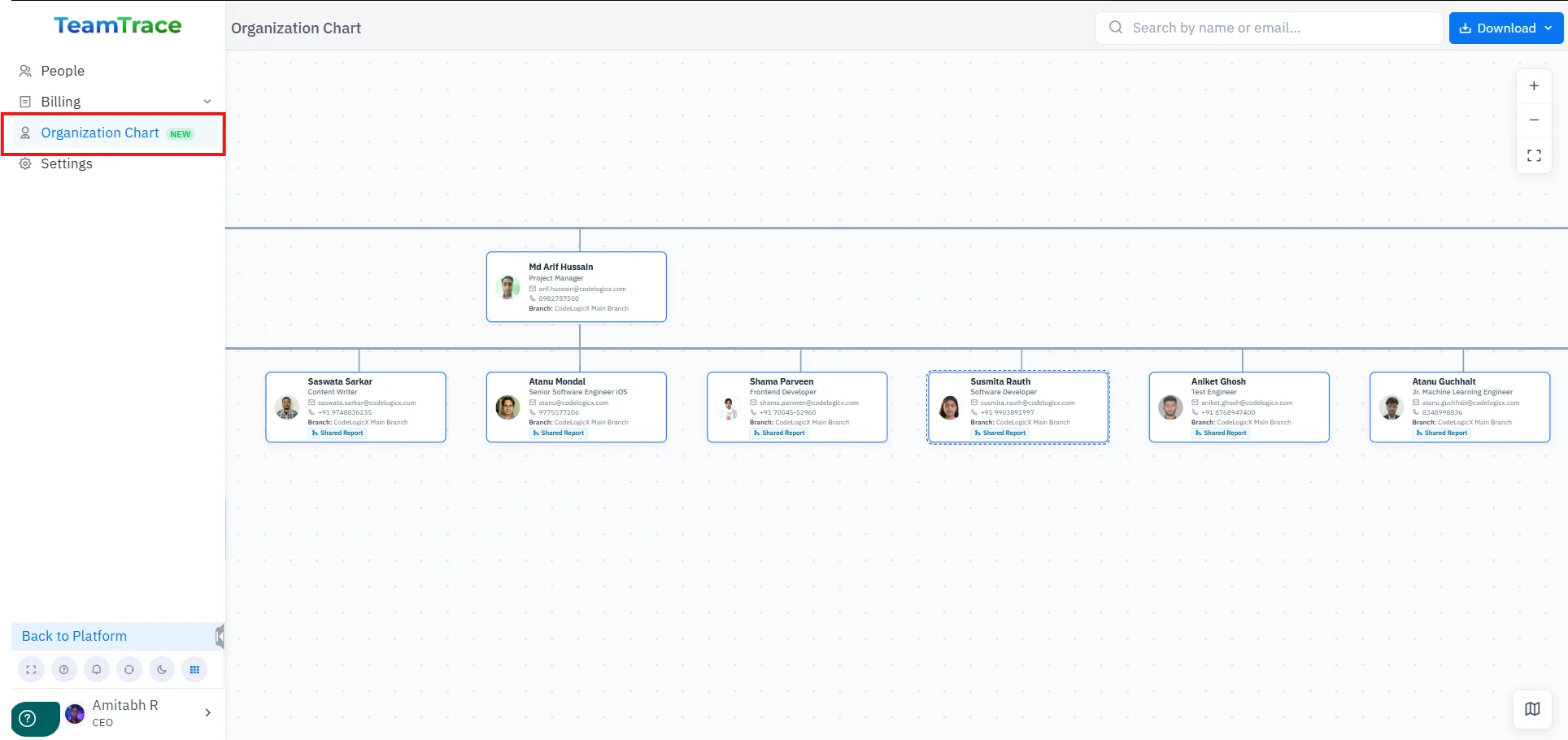
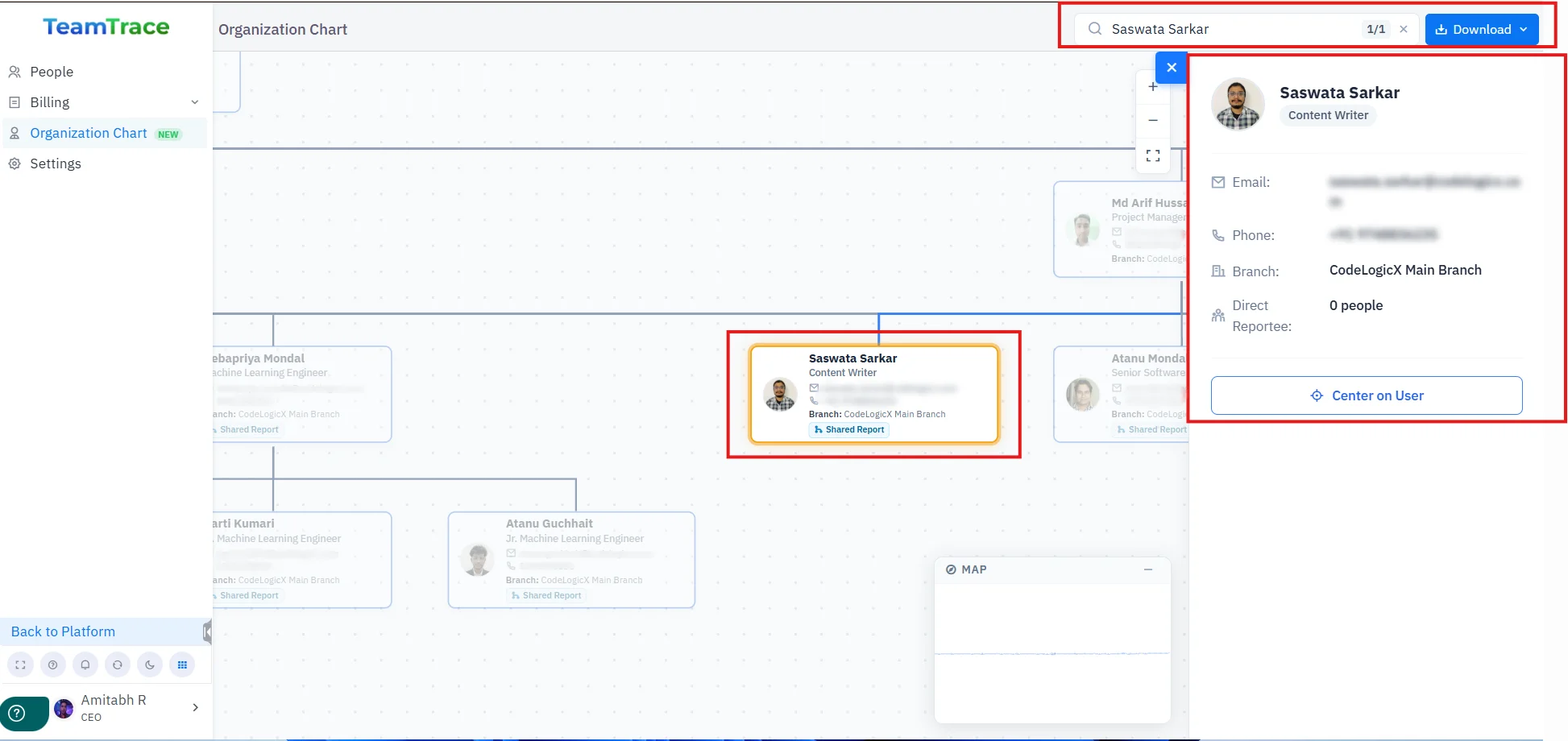
You can search for any user using the search bar and download the chart if required.
Clicking on any user will display their details.
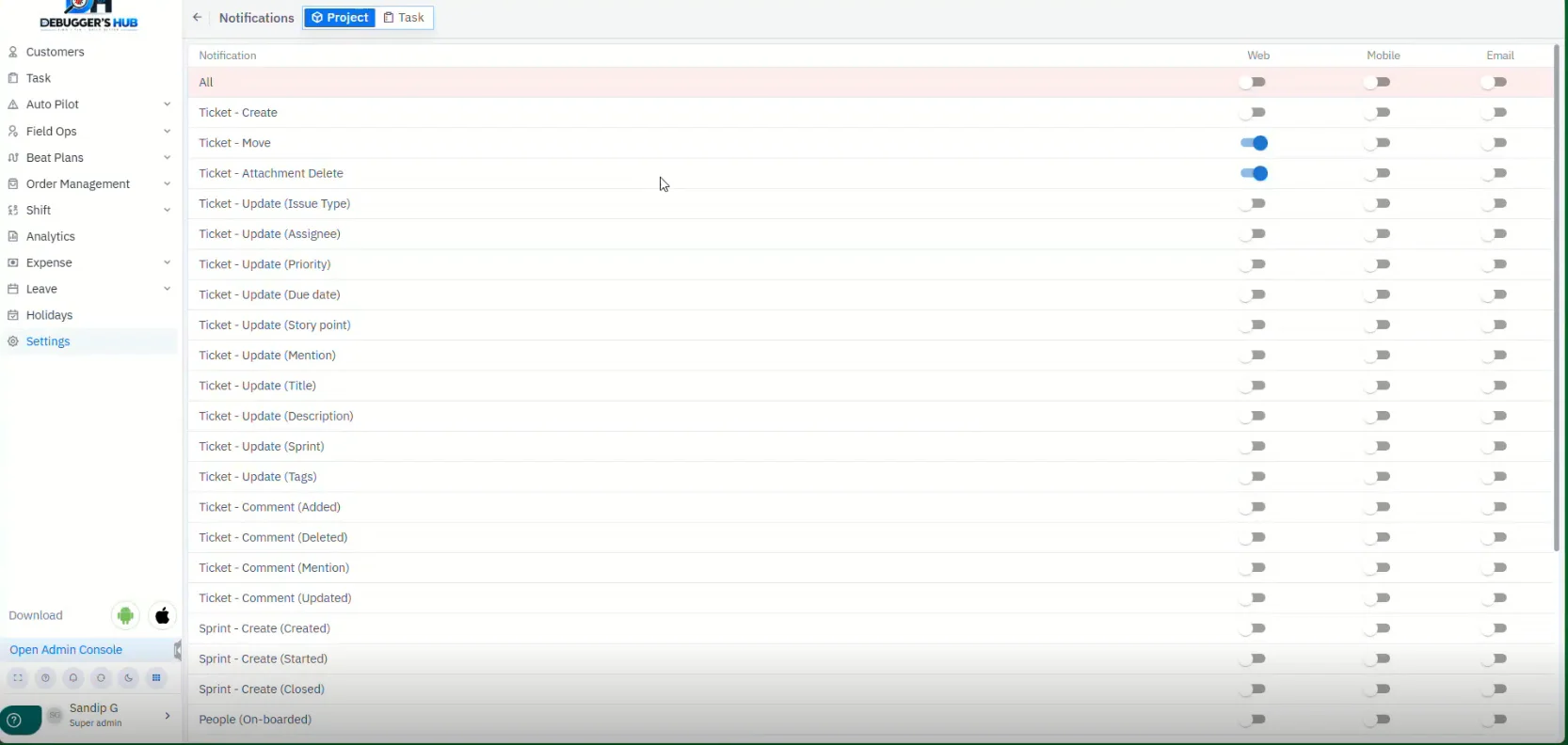
A new Global Notification Settings option lets admins set default notification preferences for Tasks and Projects, configured separately. Any new task or project automatically picks up these default settings. Existing tasks and projects are not affected, so their current settings stay the same. If someone is onboarded onto an existing project or task, their notifications will also follow the global settings. You can still change the notification settings for a specific task or project after it’s created — doing so will override the global setting, but only for that item.
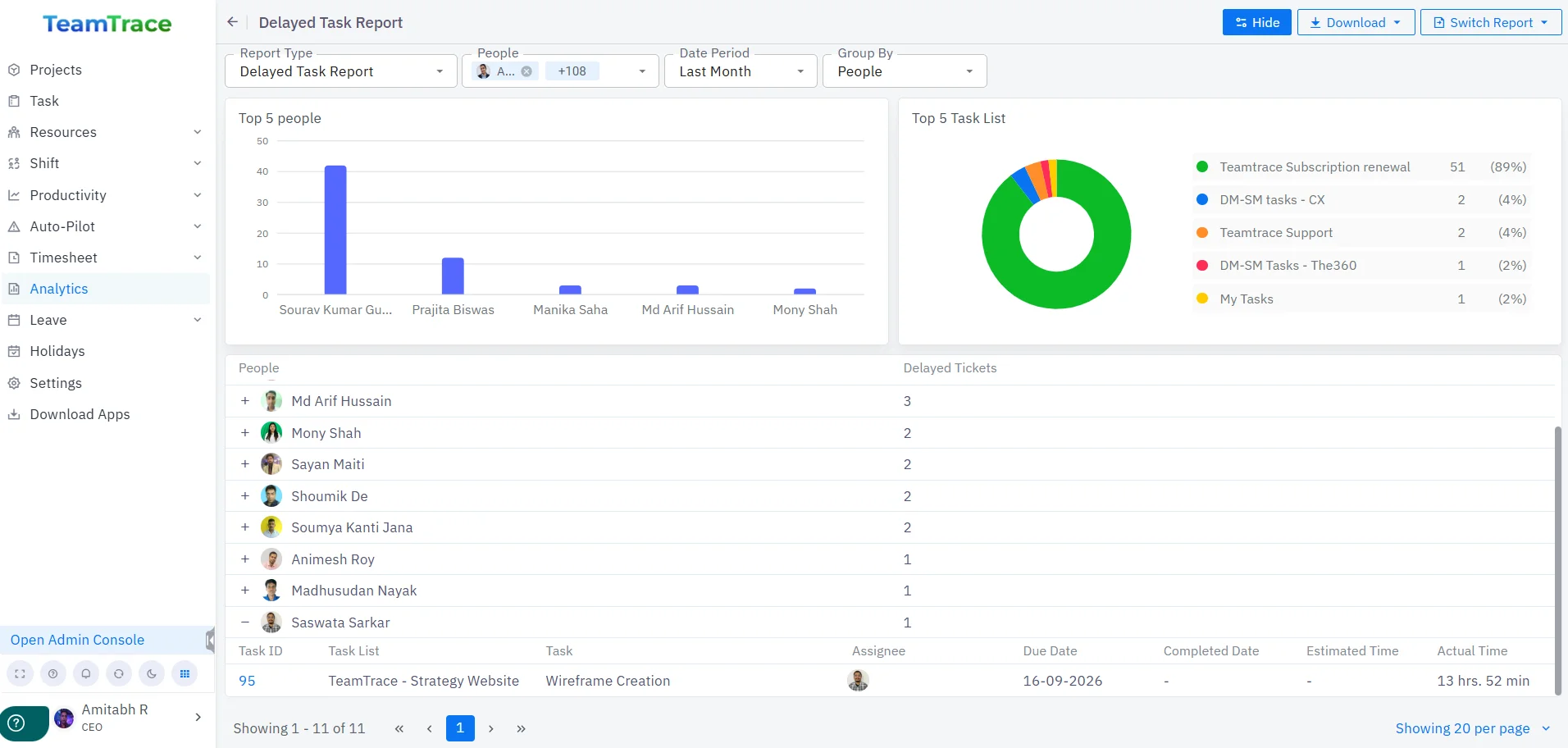
A new Delayed/On-Time Task Report is now available in the Analytics section of TeamTrace. This report shows all tasks that are delayed or on time.
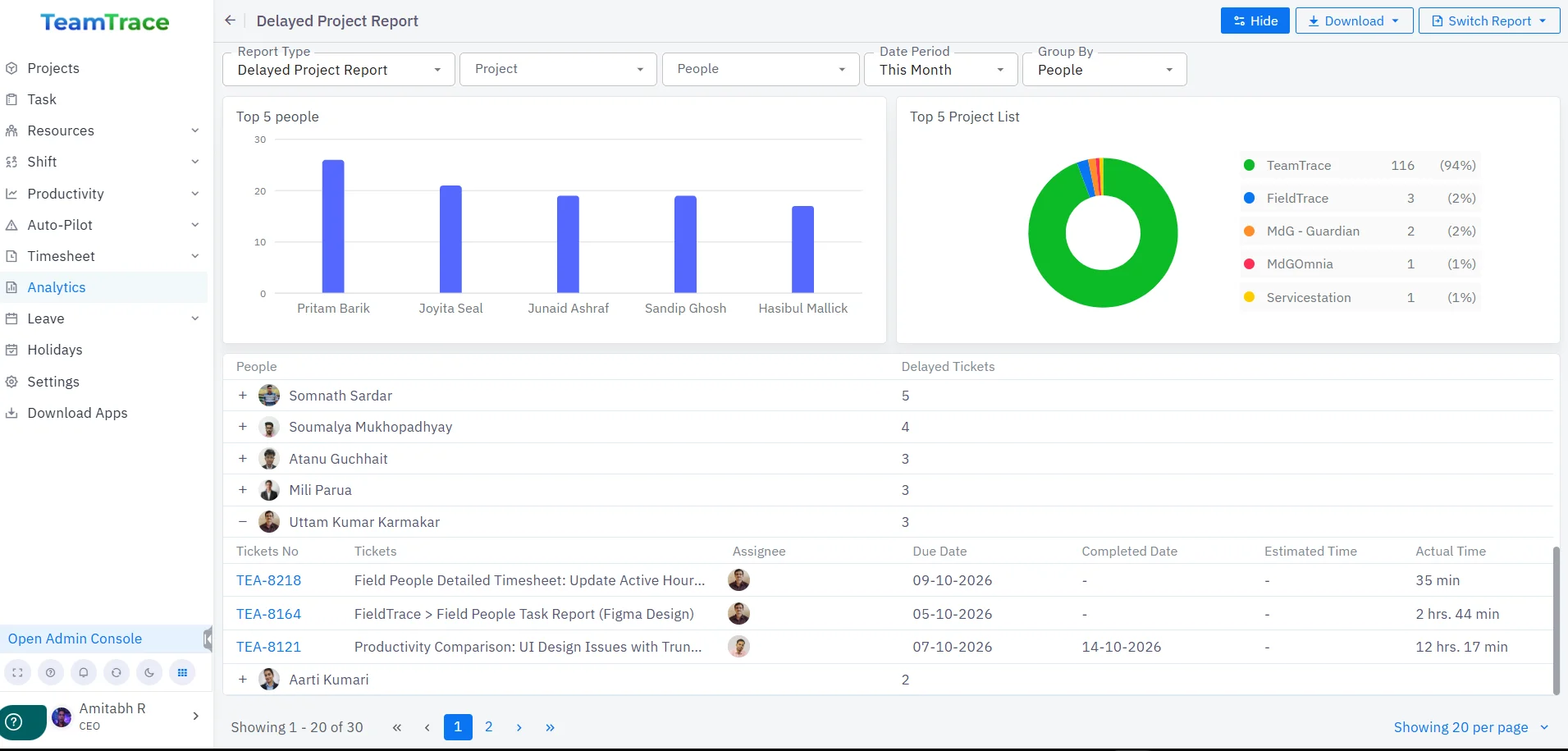
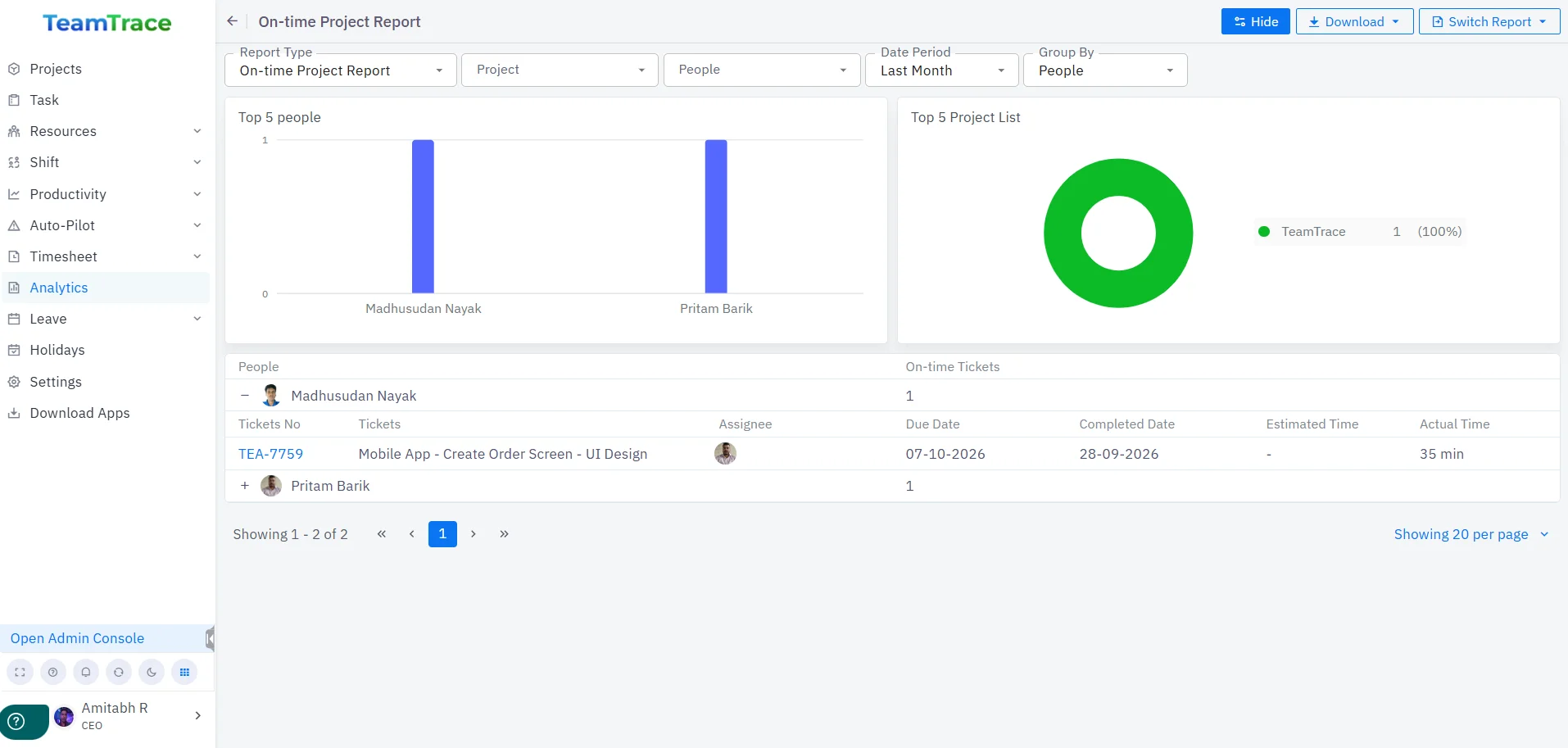
A new Delayed/On-Time Project Report is now available in the Analytics section of TeamTrace. This report shows all project tickets that are delayed or on time.
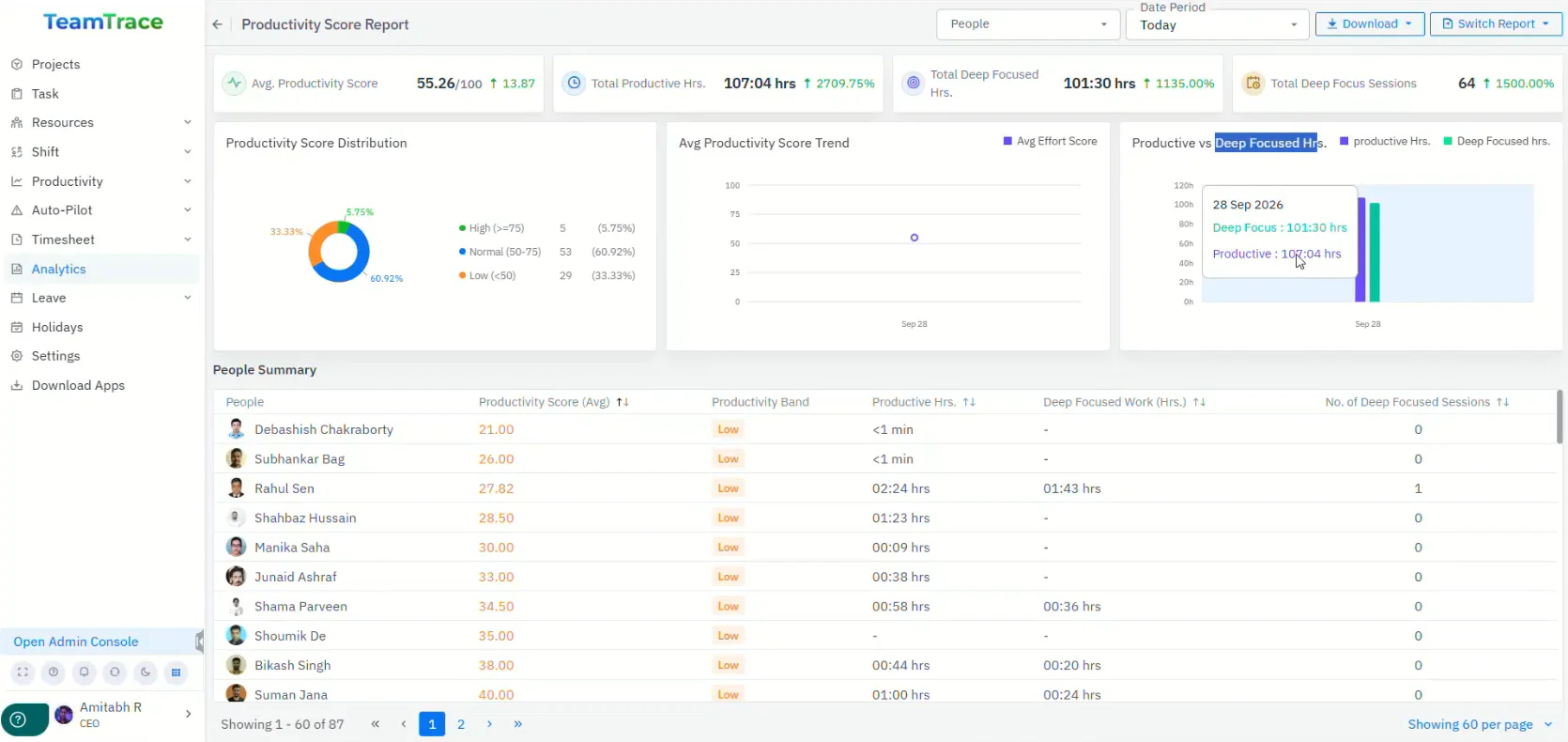
A new Productivity Score Report is now available in the Analytics section of TeamTrace. It shows the average productivity score for each user, along with a productivity band that displays productive hours, deep-focused work hours, and the number of deep-focus sessions.
A new productivity comparison metric is now available under the Productivity tab in TeamTrace.
Here, you can select two users and compare their productivity across various metrics.