 TeamTrace


We encourage you to review the updates and explore how these new capabilities can be leveraged to further enhance your team’s productivity and efficiency.
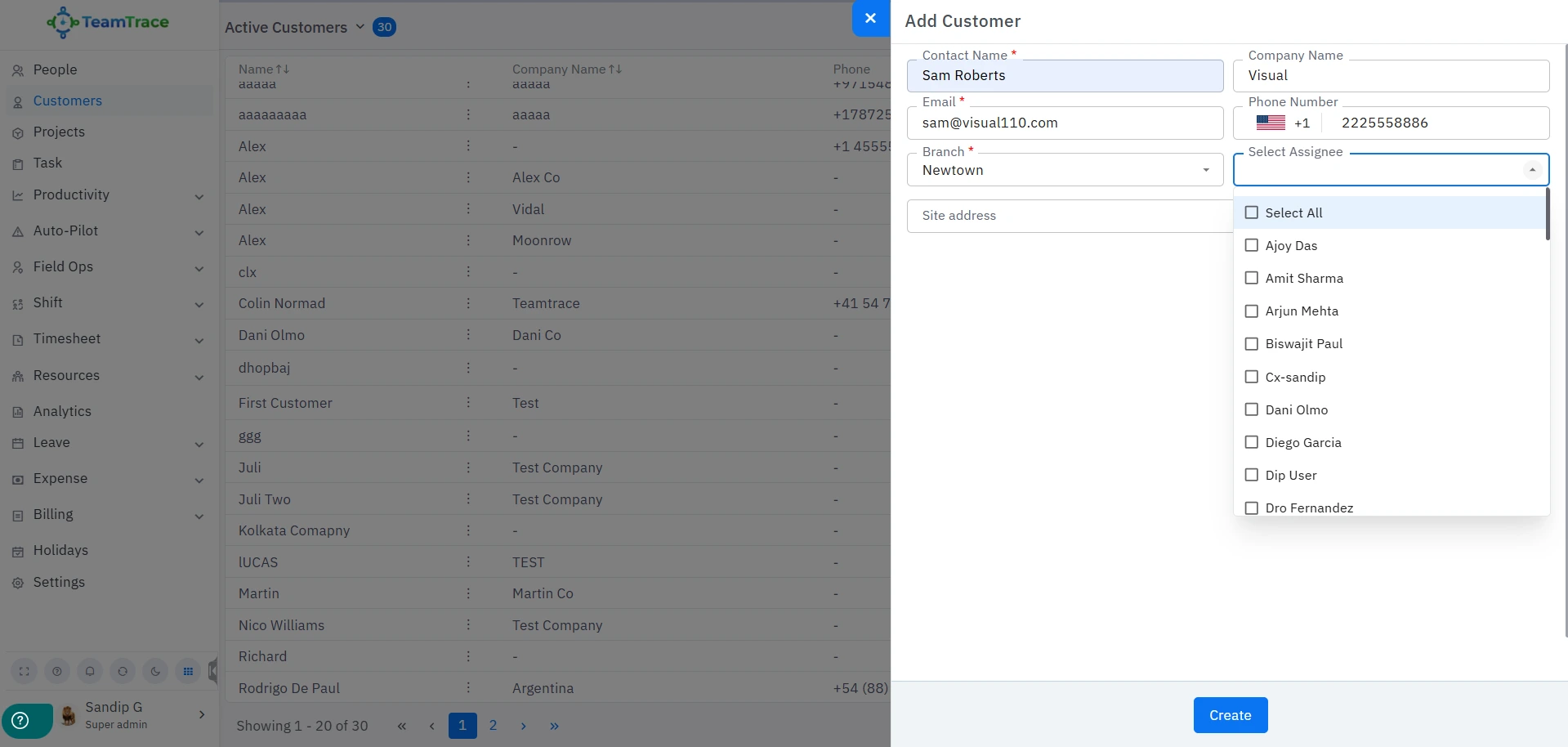
When a customer profile is created in TeamTrace, the team member who will be attending that customer can be assigned directly from this interface.
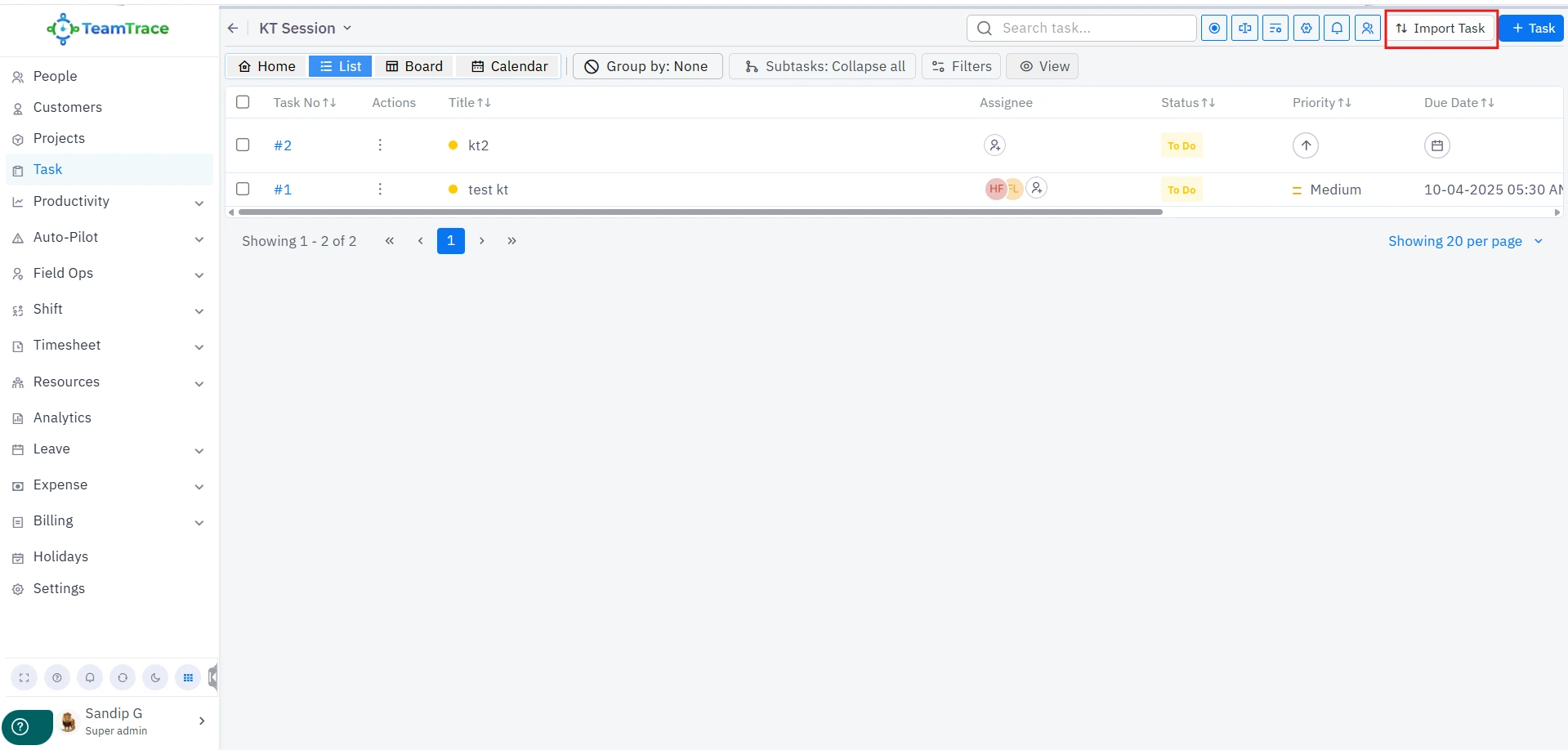
Once inside a task, managers and admins can now import tasks in bulk into the main task list.
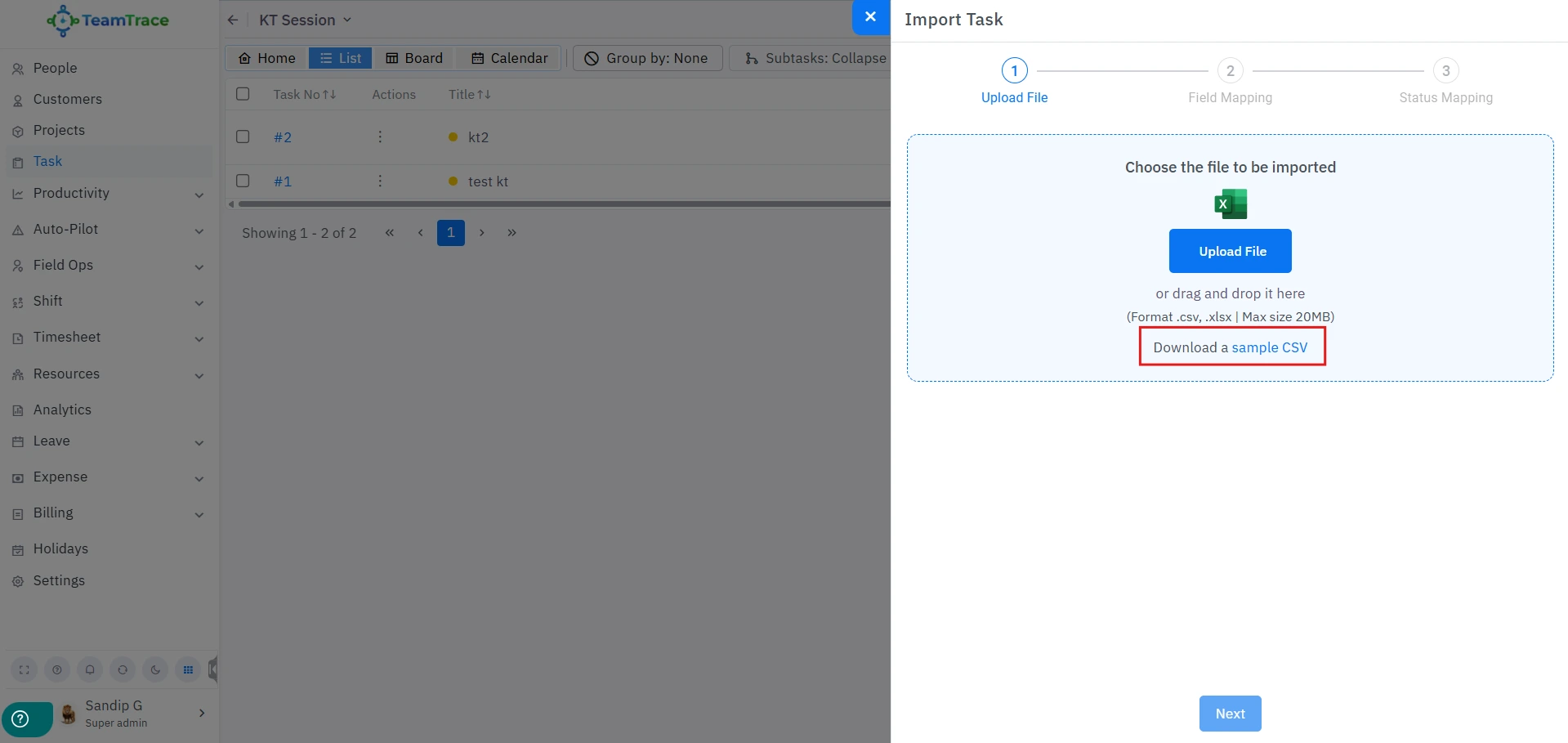
A CSV file will be downloaded, which must be filled in according to the available fields. The mandatory fields in this CSV file are Title and Status.
Once completed, upload the CSV file and map the fields accordingly.
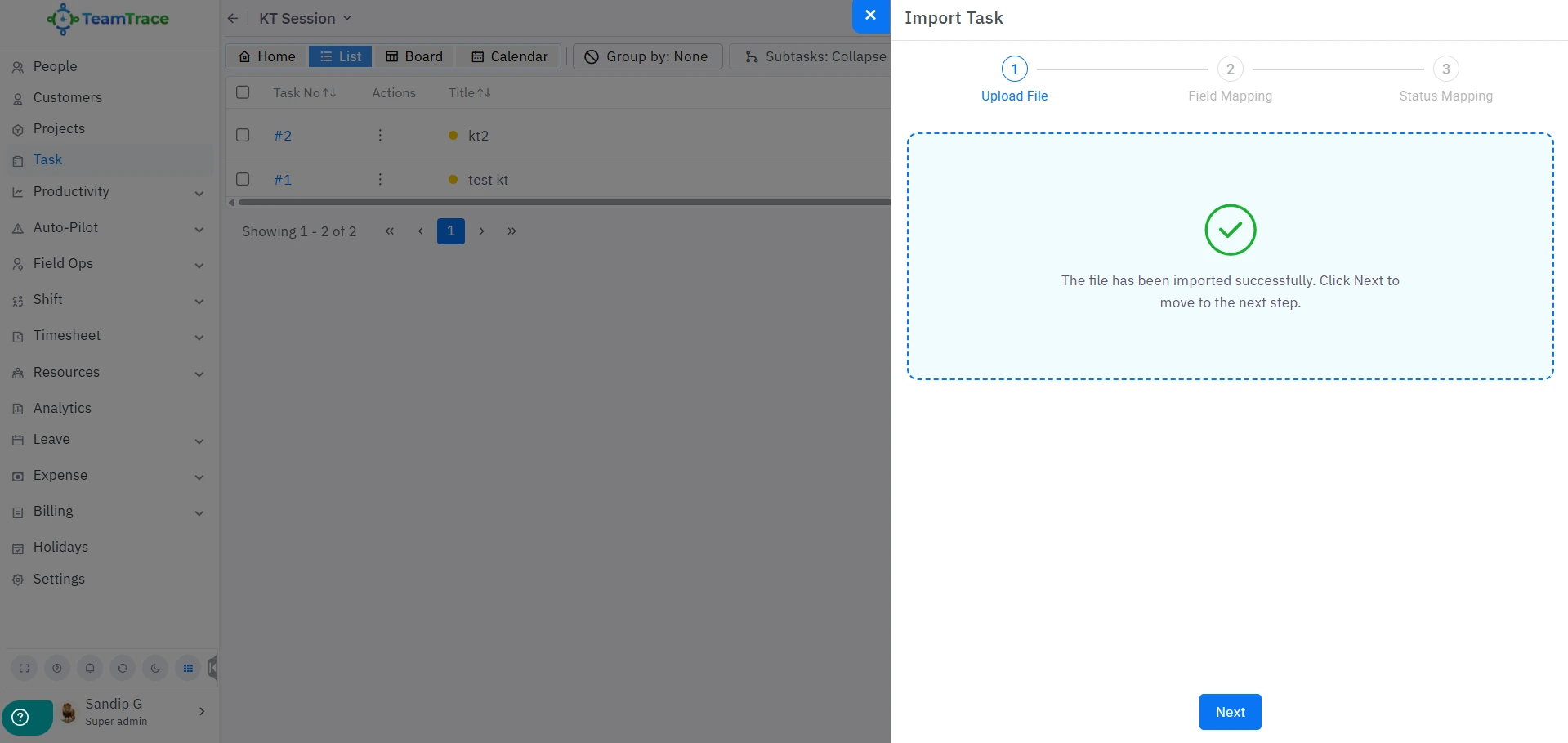
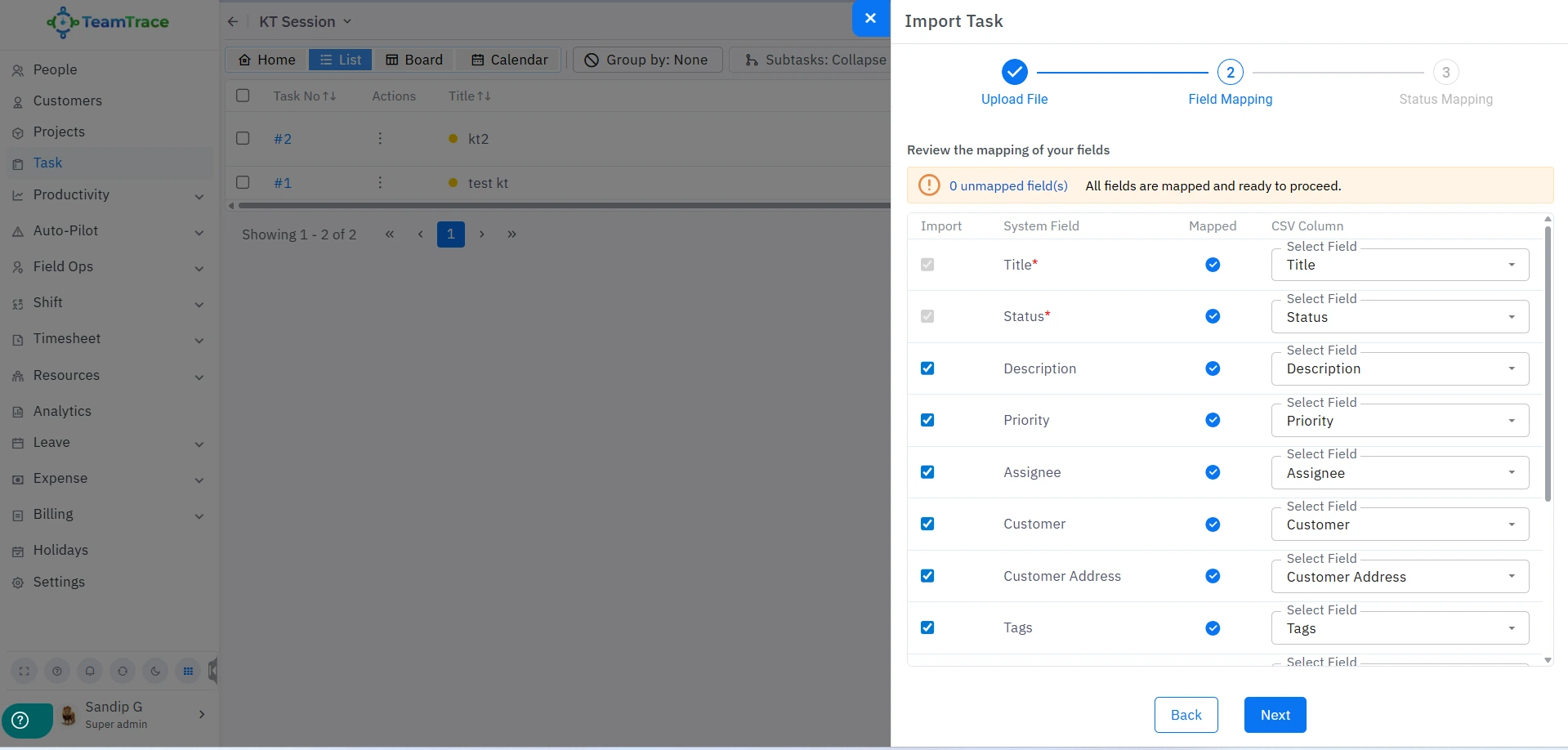
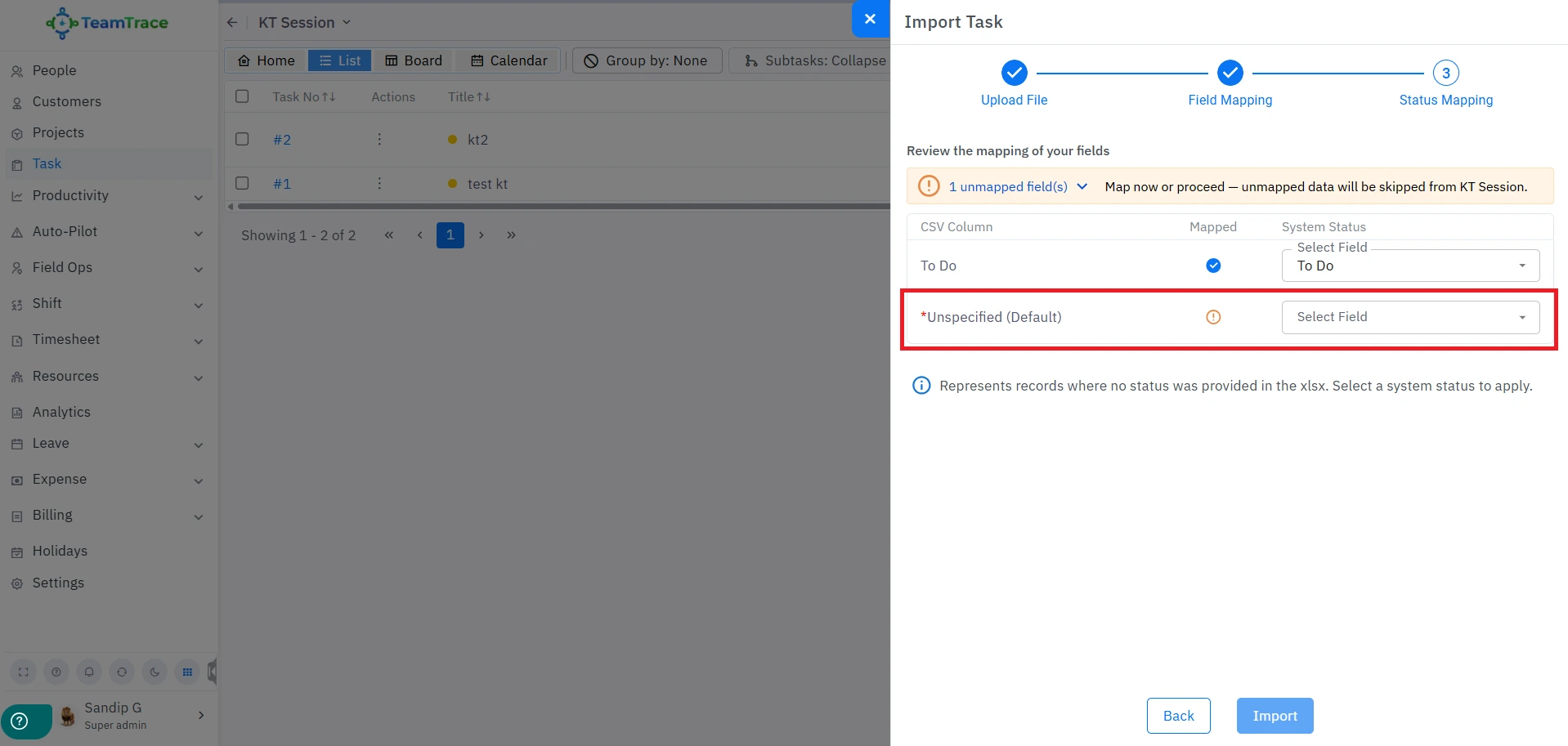
Note: The ‘Unspecified (Default)’ field is there for tasks that require custom status fields and do not have their status defined. There has to be a default status for each of the tasks that are in this CSV/XLSX file.
Once the import is successful, it will be displayed as follows.
Whenever a user starts a task from their mobile app to attend to a specific customer, the report for that task along with all its details will be visible in the Customer Visit Report.
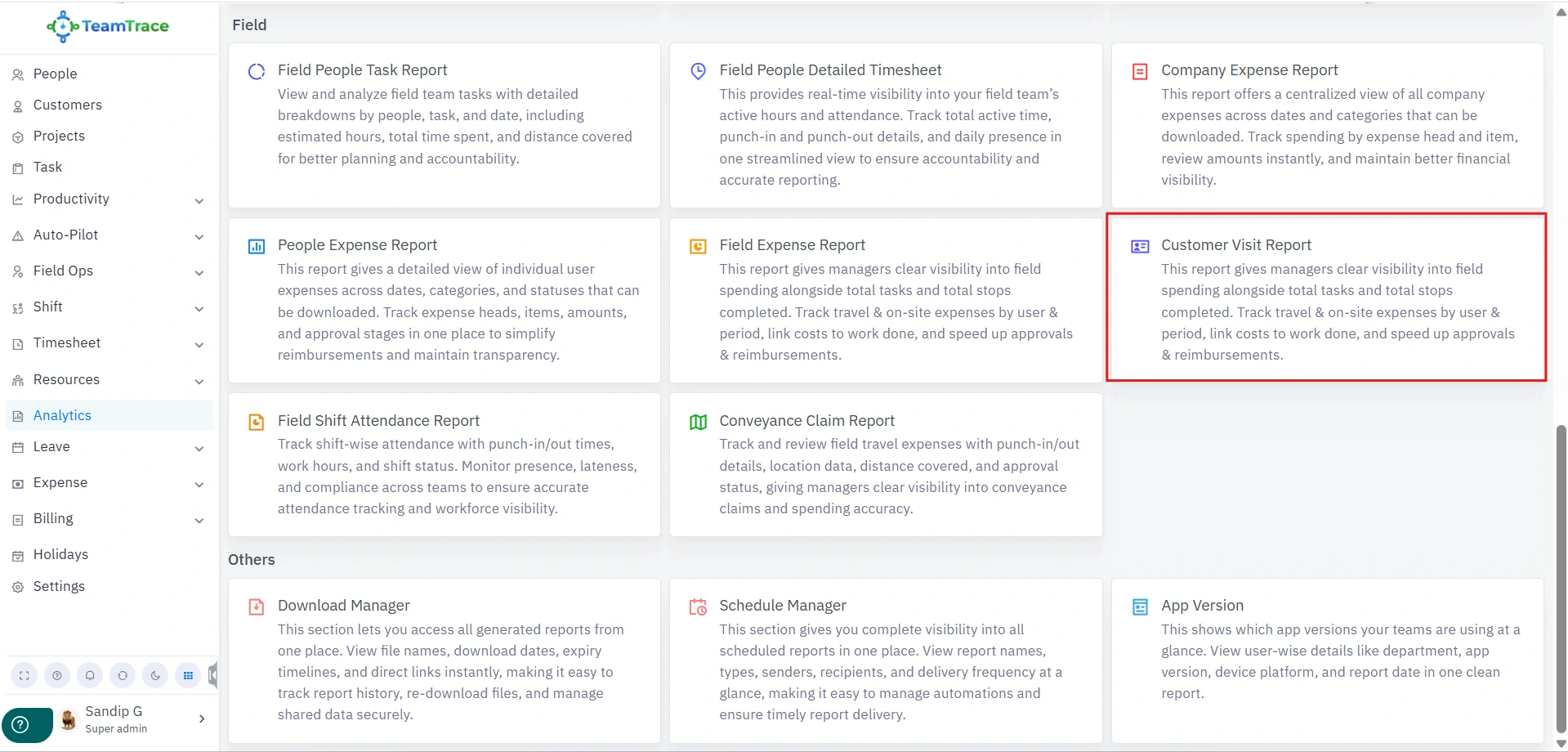
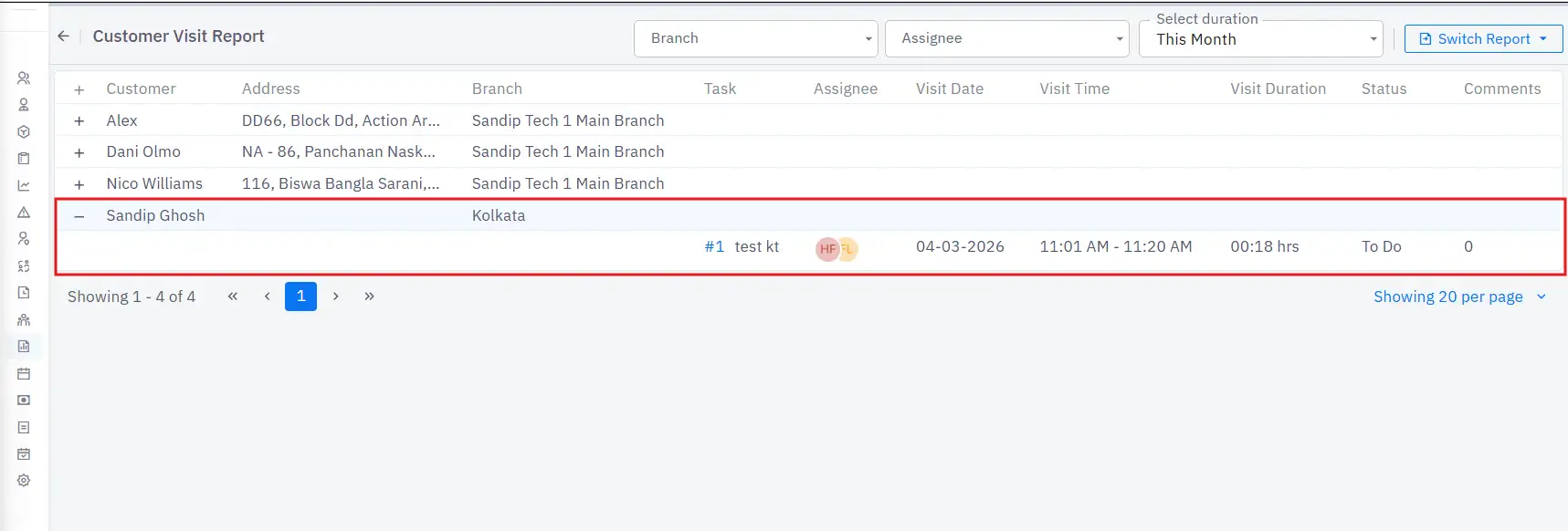
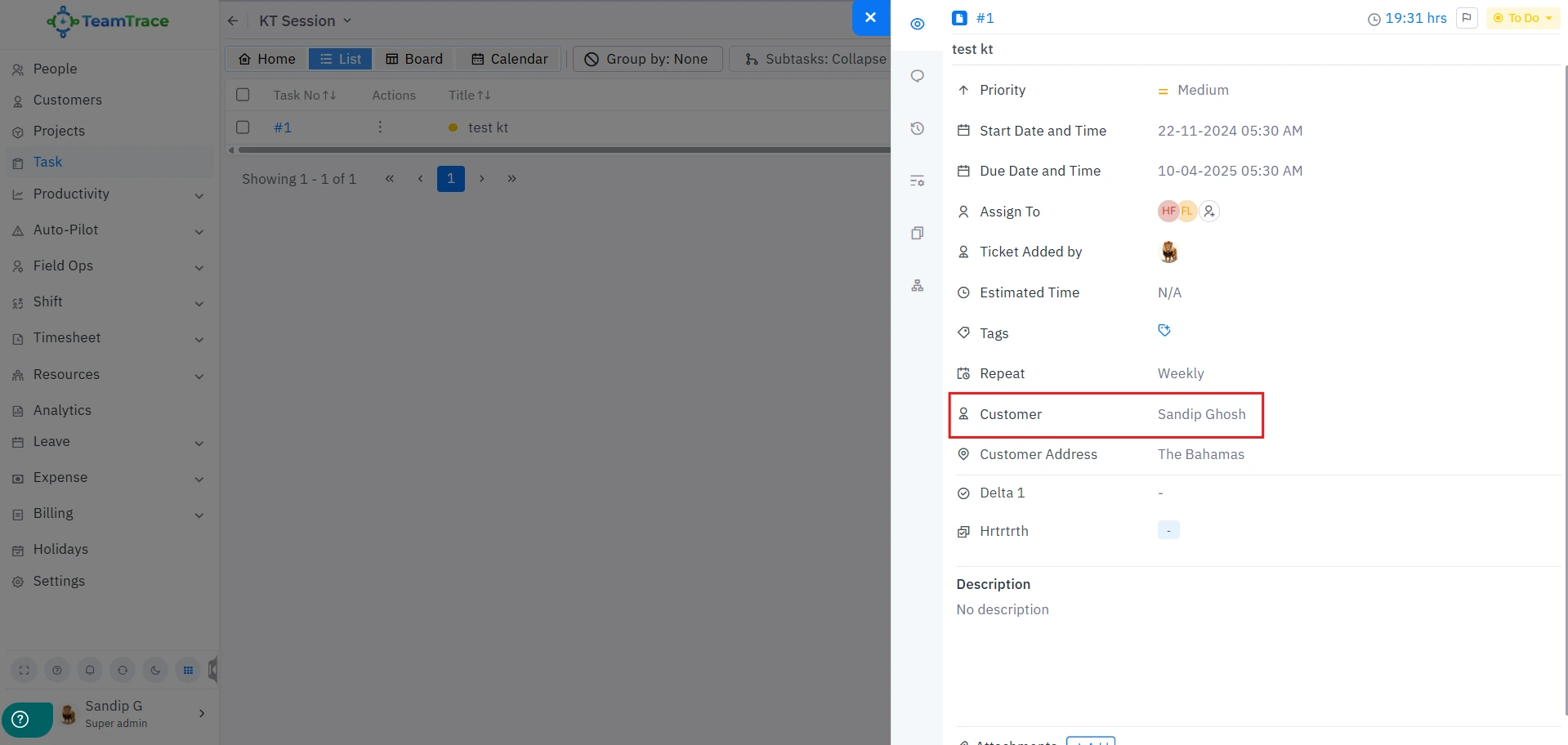
Note: This report will show data only when a customer is added to any task. If there is no customer added to a task, it will not be reflected in this report.
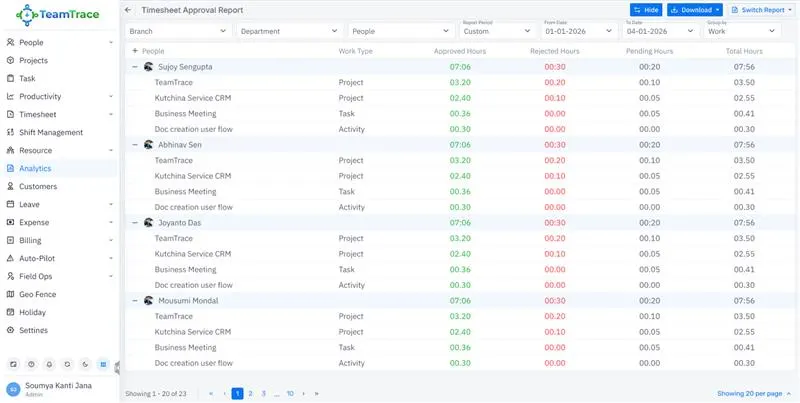
Admins and managers can view or download the approved timesheets for individual employees.
They can view or group the timesheet by date or work type.
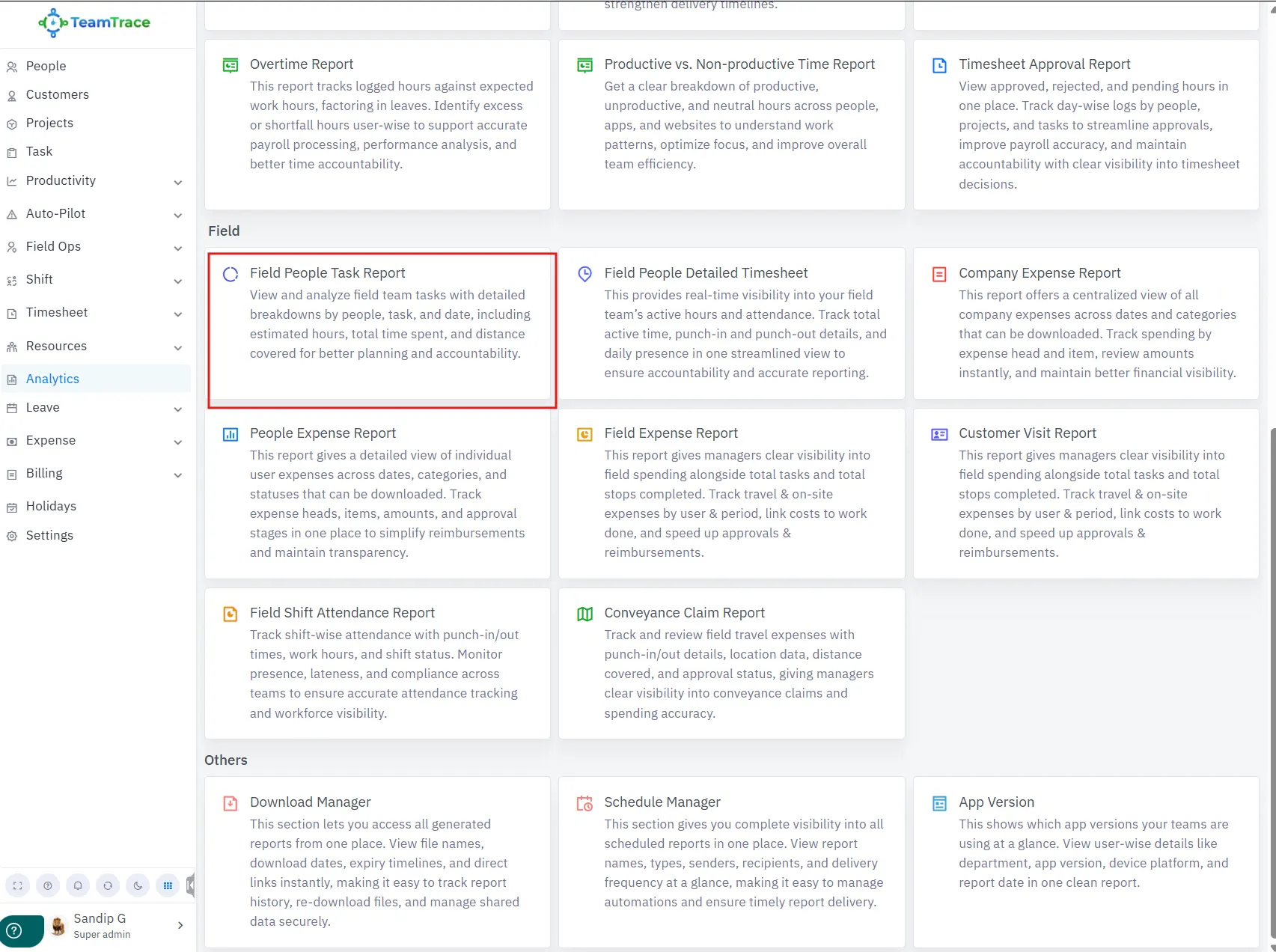
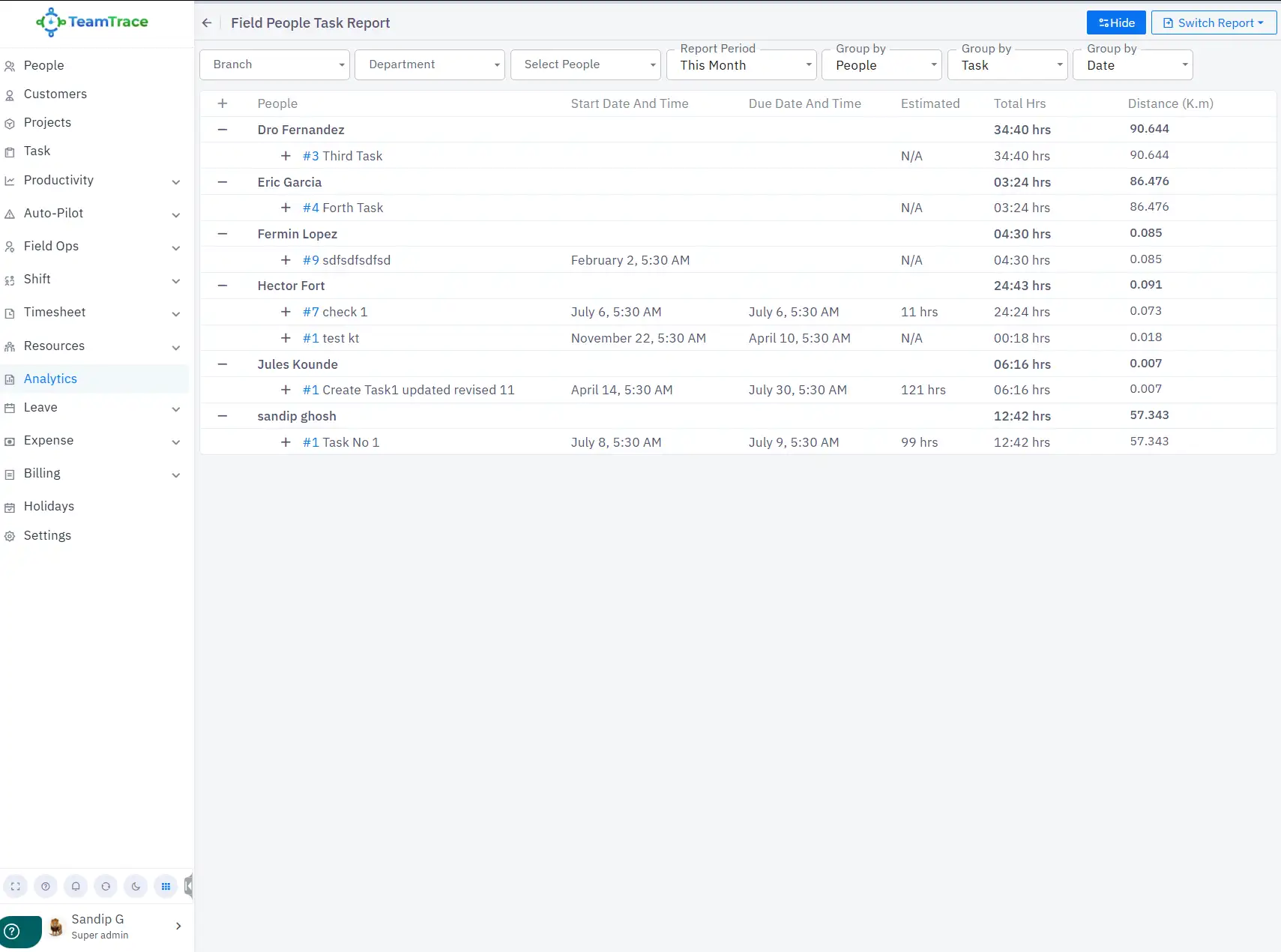
All task reports, regardless of whether a customer is assigned to the task or not, will be reflected in this report section.
This report is task-focused.
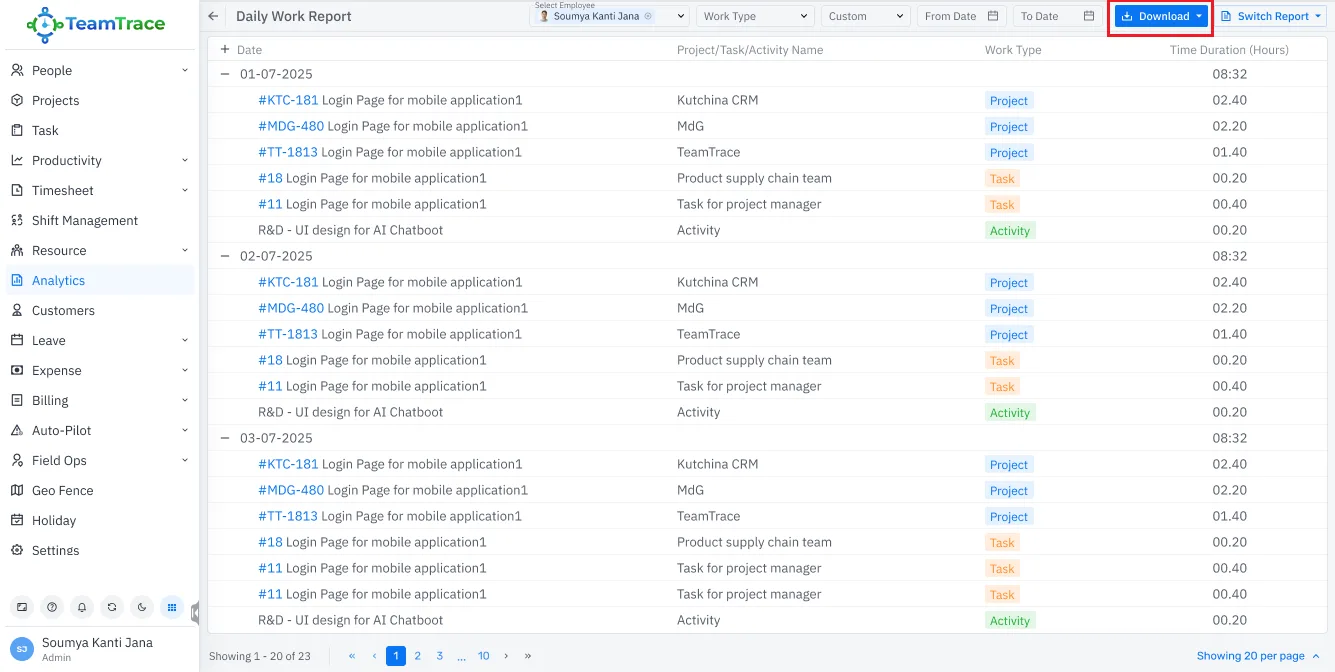
A new download option has been added to the Daily Work Report section.