 TeamTrace
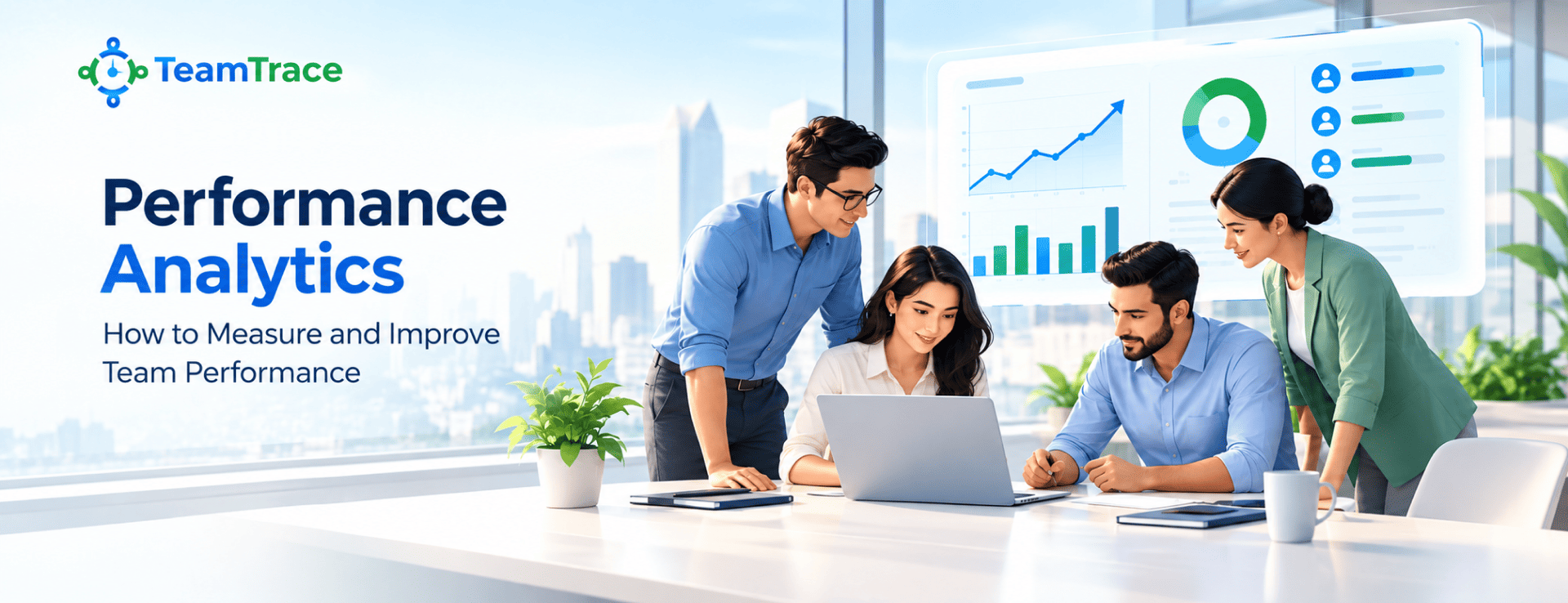


Knowing whether your team is performing well shouldn’t come down to guesswork.
A team may be busy all day, attend meetings, complete tasks, and stay online for hours, but does that actually mean they are productive?
Not necessarily!
Without precise data, it can be difficult to understand where time is spent, whether workloads are balanced, and what are genuine driving results.
This is where performance analytics comes in.
Instead of relying on assumptions or occasional performance reviews, businesses can use real-time data to understand how work gets done. From productivity and workload to task completion and efficiency, the right data can reveal both strengths and bottlenecks across a team.
This becomes even more important for distributed and field-based teams, where managers cannot always see what is happening throughout the workday.
With the right approach to employee productivity monitoring and workforce management, businesses can move beyond simply tracking activity. They can identify patterns, address inefficiencies, distribute workloads more effectively, and help employees perform their best.
In this guide, we’ll explore what performance analytics means, which employee performance metrics matter most, and how businesses can turn performance data into meaningful improvements.
The process of collecting, analyzing, and interpreting employee and team data to understand how effectively work is being completed is called performance analytics.
Simply put, it helps answer questions such as:
Unlike traditional performance reviews that often look backward at a specific period, performance analytics provides a more continuous view of business performance.
It brings together data from different activities and turns it into actionable insights. Depending on the business and the tools being used, this could include task completion, working hours, attendance, sales activity, customer interactions, response times, project progress, or field visits.
Performance is rarely influenced by one factor. An employee can be highly capable but still struggle because of an excessive workload, inefficient processes, unclear priorities, or poor resource allocation.
Performance analytics gives businesses the visibility needed to identify these issues before they become bigger problems.
Without reliable data, managers may rely heavily on personal observations or subjective opinions when evaluating employees.
Analytics creates measurable benchmarks.
Instead of saying “this team seems less productive,” managers can examine actual trends in task completion, turnaround times, attendance, sales activity, or other relevant KPIs.
This makes performance discussions more objective and focused.
Not every productivity problem is obvious.
An employee might technically complete their assigned tasks but spend excessive time on repetitive administrative work. Similarly, a team may meet its targets while still operating inefficiently.
Employee productivity monitoring can help uncover these hidden gaps by showing where working time and resources are being used.
The goal isn’t simply to find employees who are underperforming. It is to understand what prevents the team from performing better.
An overloaded employee and an underutilized employee can exist on the same team.
Without data, managers may not notice the imbalance until deadlines are missed or employees become overwhelmed.
Performance analytics can highlight differences in workload, task volume, completion rates, and time spent on work. Managers can then redistribute responsibilities and create a more balanced workflow.
Effective workload management can improve both productivity and employee experience.
For organizations managing employees across different locations, performance visibility becomes even more important.
Managers may need to coordinate field representatives, remote employees, sales teams, service technicians, or distributed operations without being physically present.
Analytics provides a centralized view of workforce activity and performance, helping managers make more informed decisions about scheduling, resource allocation, territories and staffing.
This makes performance analytics a valuable part of modern workforce management.
When data results in action, it is most beneficial.
Instead of waiting until the end of a month or quarter to discover the team is falling behind, managers can monitor performance trends and address problems earlier.
For example:
Performance drops -> Identify the bottleneck -> Understand the cause -> Take corrective action -> Measure the result.
This creates a continuous improvement cycle rather than a once-a-year performance conversation.
Performance analytics isn’t only about identifying problems.
It can also show which employees consistently deliver strong results, manage their workload efficiently, meet targets, or demonstrate reliable performance.
These insights can help managers recognize employees who are making a significant contribution and understand the practices that may help them succeed.
There is no universal list of metrics that work for every organization. The right Employee Performance Metrics depend on the employee’s role, business goals, and type of work.
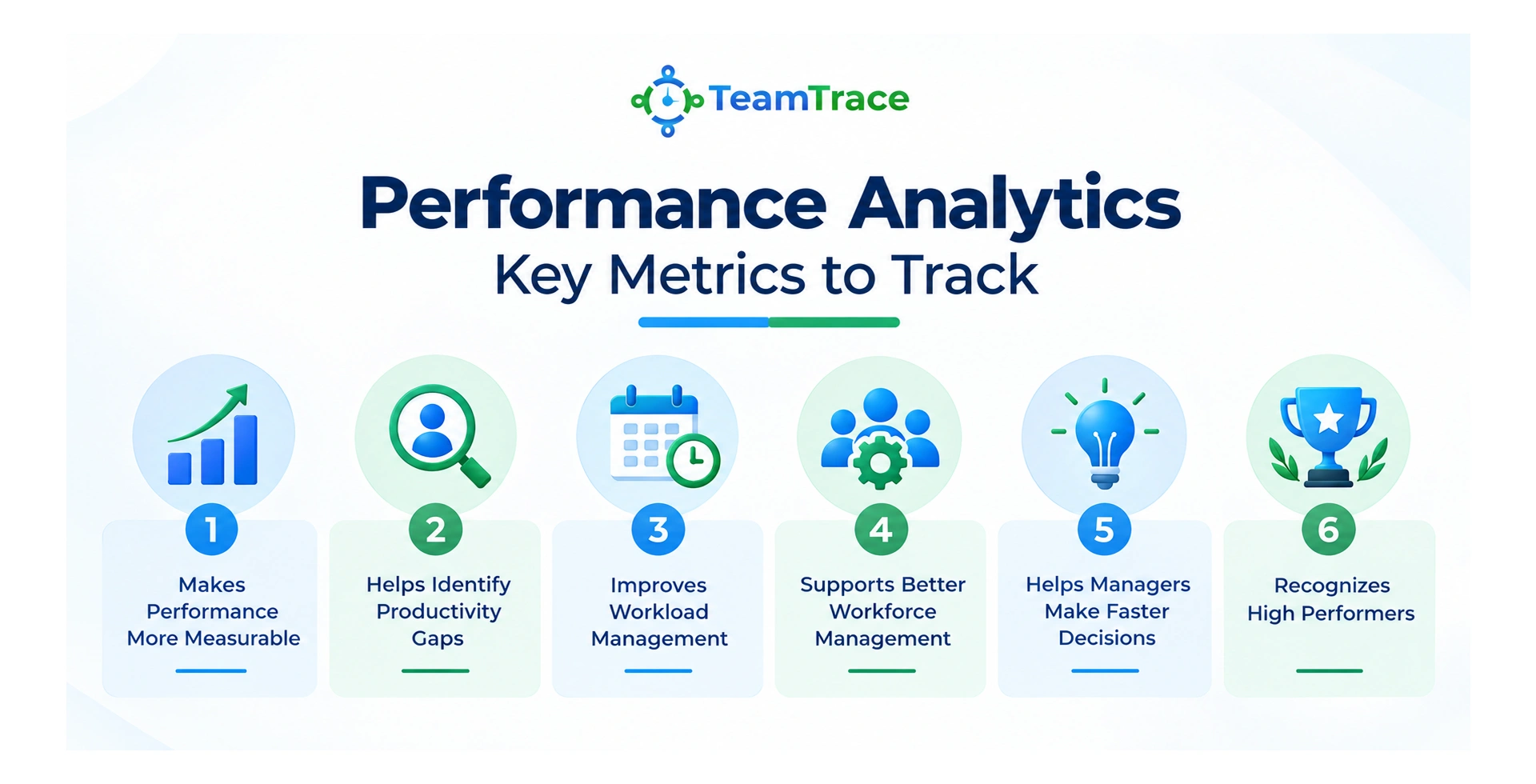
However, most businesses can organize their performance data into a few key categories.
These metrics help determine how much meaningful work is being completed.
Examples include:
The important point is to measure outcomes, rather than simply measuring how busy someone appears.
Time-based metrics help businesses understand how efficiently employees use their working hours.
You can track:
These metrics can help identify processes that are consuming more time than they should.
Workload data is particularly useful for managers responsible for multiple employees or teams.
Useful indicators include:
These metrics can help managers spot employees who are overloaded before productivity starts declining.
High output doesn’t necessarily mean high performance if the quality of work is poor.
Depending on the role, businesses can track:
Combining productivity with quality creates a much more complete picture of employee performance.
Attendance data can provide useful context, particularly for field and distributed teams.
Businesses may track:
For field teams, these metrics can be particularly useful when combined with productivity and sales data.
Ultimately, performance needs to connect back to business objectives.
Managers can track:
The key is to ensure that the metrics being tracked actually reflect what success looks like for that role.
Collecting data is only the beginning.
The real value of performance analytics comes from what managers do with the insights.
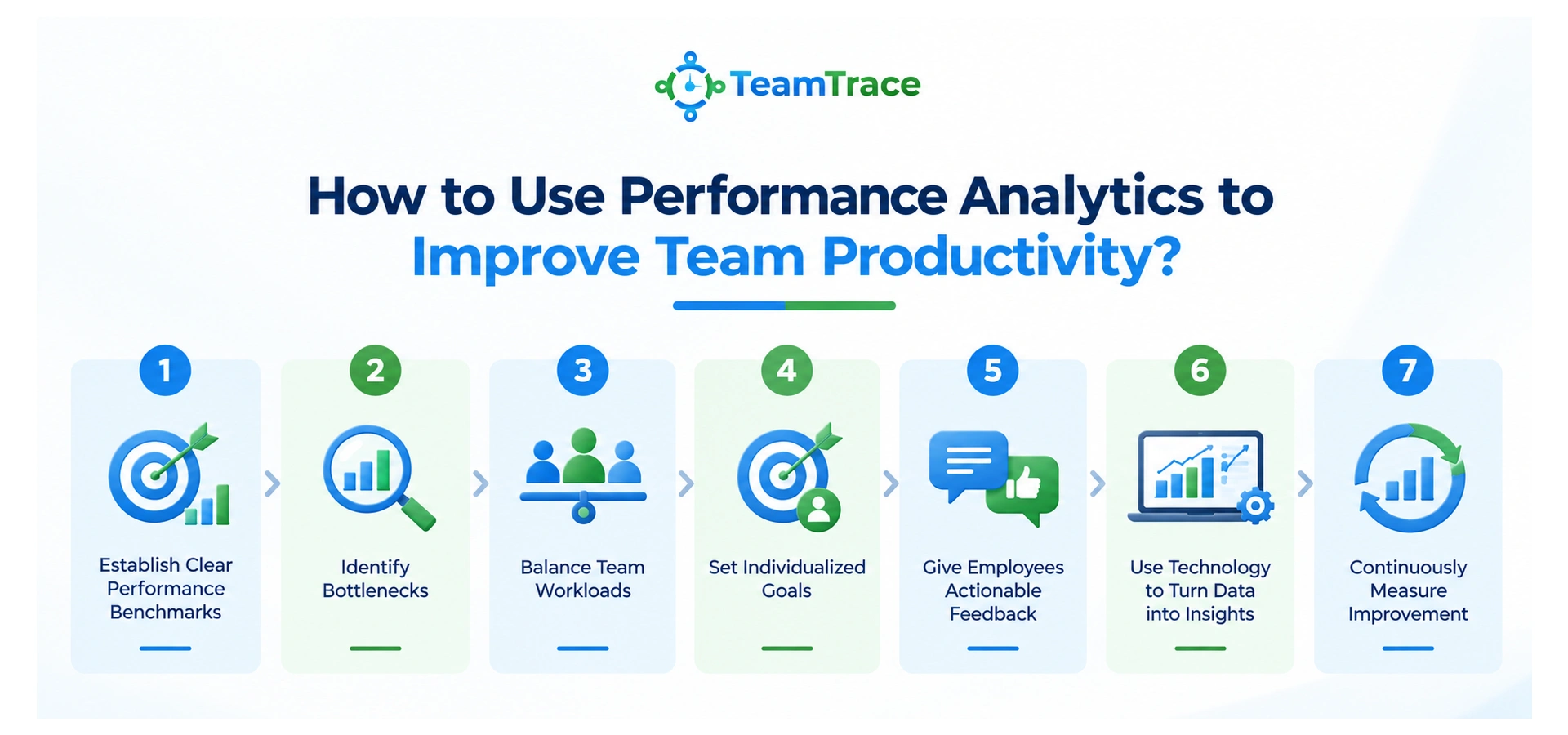
Before analyzing performance, define what good performance actually means.
Set measurable benchmarks for relevant KPIs and make sure employees understand them.
For example, a field sales representative might be evaluated based on a combination of:
Visits completed + productive hours + orders generated + collections + target achievement
This is more meaningful than judging performance based solely on the number of hours an employee appears to be working.
Look for patterns rather than isolated incidents.
If a particular process consistently takes longer than expected, investigate why.
Is the employee overloaded?
Is the process unnecessarily complicated?
Are resources missing?
Is travel consuming too much time?
Are tasks being assigned inefficiently?
Analytics should help you move from “What happened?” to “Why did it happen?”
Use performance data to understand who has too much work and who has available capacity.
Managers can then redistribute tasks, adjust schedules, or reallocate resources.
This is especially important for large teams where workload imbalances may otherwise remain hidden.
Not every employee operates under the same conditions.
Instead of giving everyone identical targets, use historical performance data, role requirements, territory size, workload, and available resources to establish realistic goals.
This can make performance management fairer and more achievable.
Performance data makes feedback more specific.
Instead of:
“You need to improve your productivity.”
Managers can say:
“Your task completion rate is strong, but response time has increased over the past month. Let’s identify what is causing the delay.”
The second approach gives the employee something concrete to work on.
Manually collecting and analyzing employee data can quickly become another administrative burden for managers.
This is where team performance management software can help.
A centralized system can bring together relevant workforce data, automate reporting, visualize performance trends, and give managers a clearer picture of what is happening across their teams.
For remote and field-based organizations, this can be particularly useful because managers don’t have to rely entirely on self-reported updates.
Performance analytics should not end after a problem is identified.
After making a change, measure the results.
For example:
Problem: Field representatives spend too much time travelling
Action: Optimize territories and schedules
Measurement: Compare travel time and completed visits before and after the change
This creates a data-driven approach to continuous improvement.
Although employee performance analytics and employee productivity monitoring are often discussed together, they aren’t exactly the same thing.
Employee monitoring primarily focuses on observing or recording employee activity. It can include attendance, working hours, application usage, location, activity levels, or other operational information.
Performance analytics, on the other hand, focuses on interpreting data to understand performance and make better decisions.
Think of it this way:
| Employee Monitoring | Performance Analytics |
| Tracks activity | Analyzes performance |
| Focuses on what employees do | Focuses on what the data means |
| Collects operational information | Identifies trends and patterns |
| Provides visibility | Provides actionable insights |
| Often answers, “What happened?” | Helps answer “Why?” and “What next?” |
The two can work together.
For example, a business may use employee productivity monitoring to understand working patterns and then use performance analytics to determine whether those patterns are affecting productivity.
The distinction matters because effective performance management shouldn’t be about watching employees every minute. It should be about understanding work, removing obstacles, improving processes, and helping teams achieve better outcomes.
Performance Analytics for Remote Teams
This distinction becomes even more important when managing distributed employees.
For performance analytics for remote teams, managers need to focus on outcomes rather than physical visibility.
An employee being online for eight hours doesn’t automatically mean they had a productive day. Similarly, someone who isn’t constantly active on a system may still be delivering excellent results.
The best analytics approach combines activity data with meaningful performance indicators such as completed work, targets, deadlines, quality, and business outcomes.
Good performance management isn’t about collecting more data. It’s about collecting the right data and knowing what to do with it.
This is why businesses use TeamTrace, which helps them measure performance analytics more effectively. It brings key workforce and productivity data together in one place, saving you the hassle of switching between multiple apps.
From employee productivity and attendance to workload and activity trends, TeamTrace gives managers the visibility they need to understand how their teams are performing.
With these insights, businesses can identify inefficiencies, balance workloads, improve productivity, and make data-driven workforce management decisions.
For remote and distributed teams in particular, this means moving beyond simply monitoring activity to understand performance and taking meaningful action to improve it.
The most useful metrics usually depend on the role, but the common ones for measuring employee performance analytics including productivity, goal achievement, task completion, efficiency, quality, attendance, workload, response time, and output.
It helps managers identify productivity gaps, workload imbalances, inefficient processes, and performance trends. Managers can then use these insights to redistribute workloads, improve processes, set better goals, and provide more targeted feedback.
No. Employee monitoring focuses primarily on tracking employee activity, while performance analytics interprets data to understand performance and support better decisions. They can complement each other when used appropriately.
Yes. TeamTrace helps remote teams measure performance analytics by providing visibility into employee productivity, work hours, attendance, activities, and workload.
This data helps managers identify productivity gaps, improve workload management, and make more informed performance decisions without relying solely on self-reported updates.