 TeamTrace


This month’s release is about trust and flexibility with clearer attendance and shift reporting, a leave engine that finally matches how leave is actually earned, a more secure login, and a few workflow fixes that save real time in Tasks & Projects.
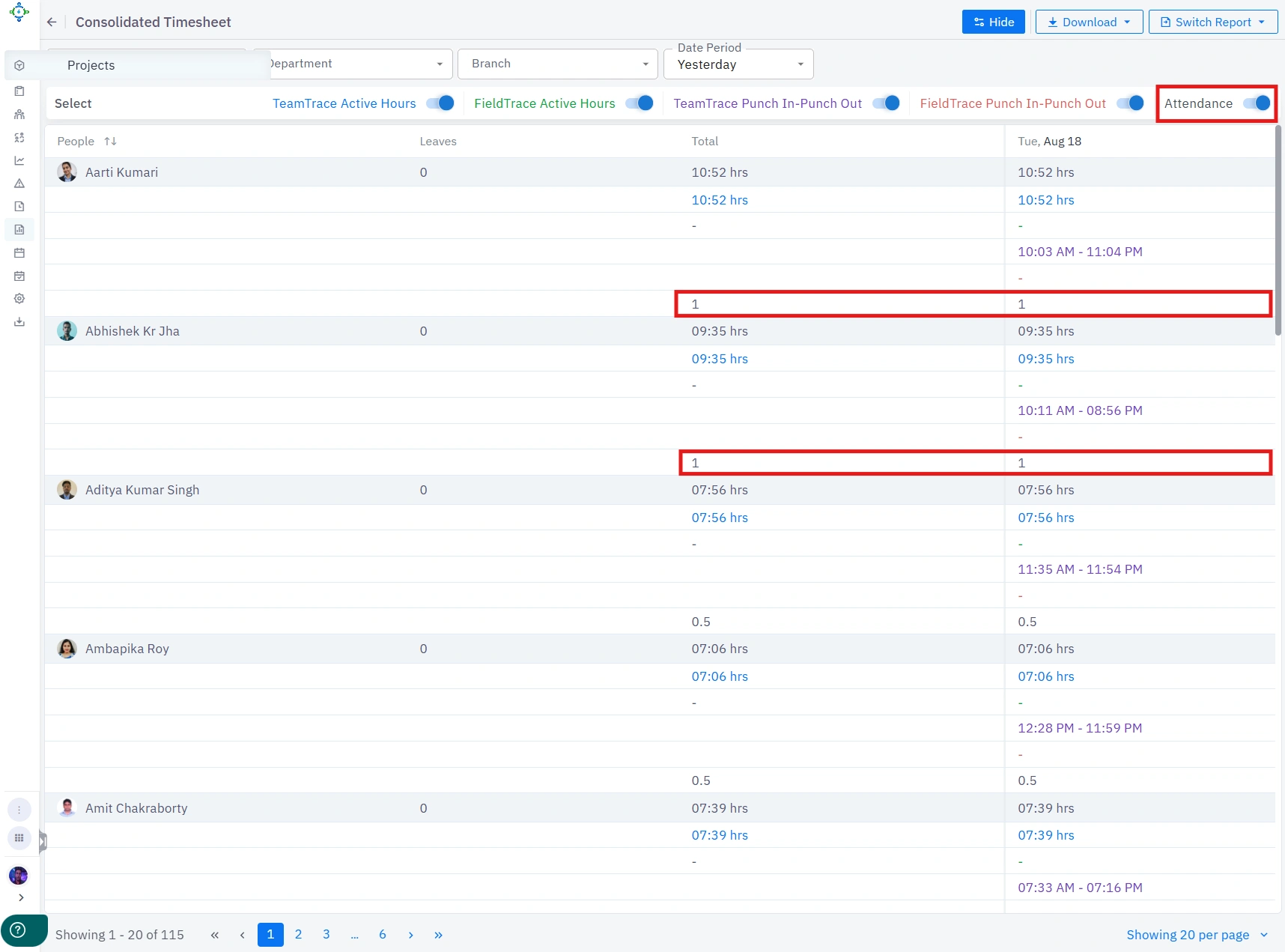
Now, the attendance count for both TeamTrace and FieldTrace is shown together under the Consolidated Timesheet report in Analytics.
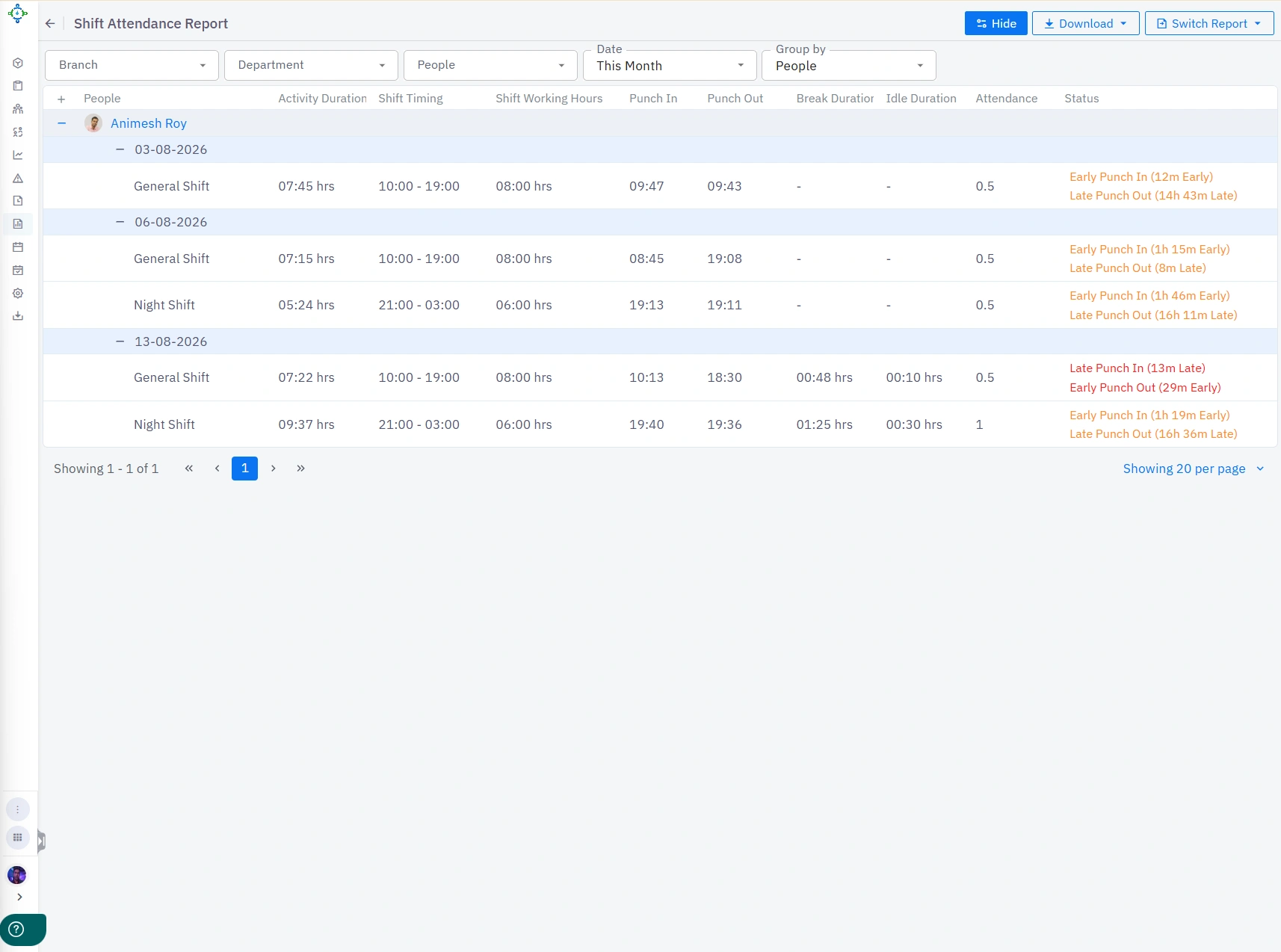
The Shift Attendance Report has been updated to show activity duration, shift timing, shift working hours, punch-in and punch-out times, break duration, idle duration, attendance, and status (as configured in the Auto-Pilot section) – all in one view.
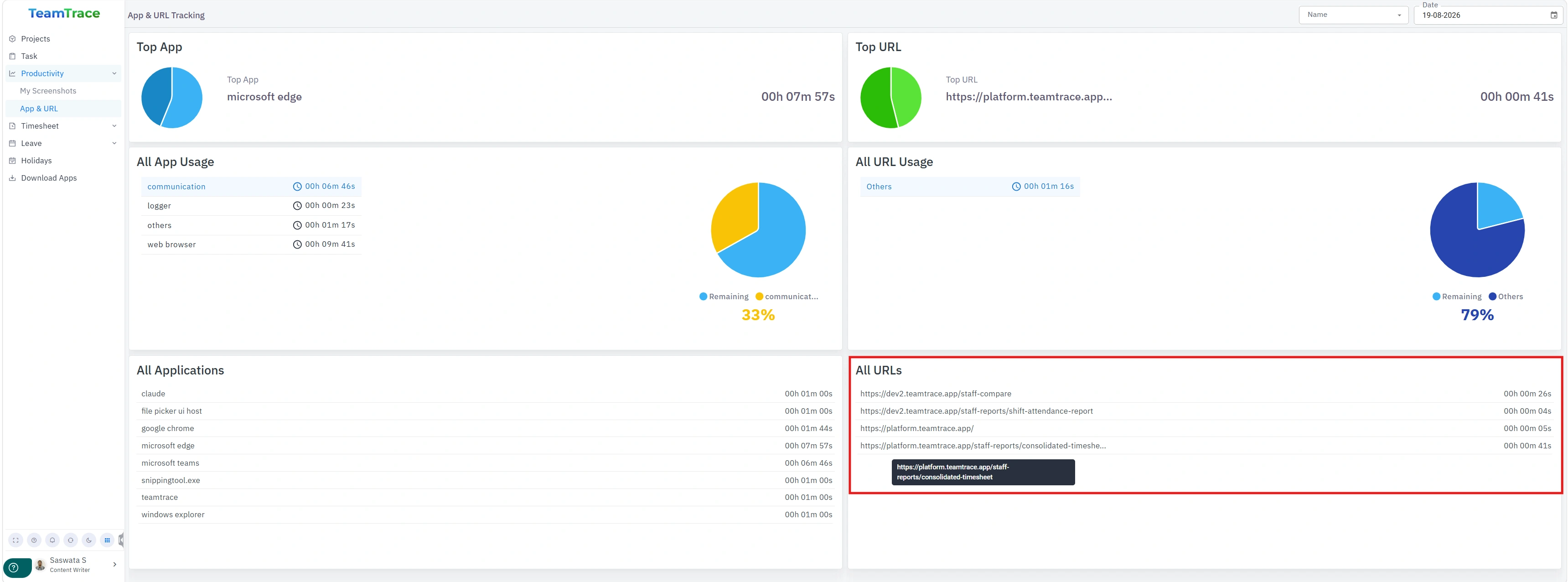
Under Productivity > App & URL Tracking, users can now view the complete website address (full URL) for the sites they visit, not just the domain. Admins can view this same detail for themselves and for other employees in the organization, based on their permission level.
Previously, deactivating a user’s account on TeamTrace made their historical data inaccessible. With this update, data for every user who has ever been registered on TeamTrace is retained and backed up, so it can be retrieved anytime for future reference or audit purposes.
A new shift management capability has been introduced in TeamTrace. To learn how to set it up and use it, watch this tutorial video.
Previously, installing the TeamTrace desktop tracker on macOS required users to manually navigate through system settings and grant several permissions before they could start using the app. With this update, users are prompted with pop-ups to enable those permissions immediately after installation, making setup faster and easier.
We’ve introduced a Force Auto-Update mechanism for the desktop tracker. Whenever a new version is published, it installs automatically within 7 days of tracking starting, so everyone stays on the latest version without manual intervention.
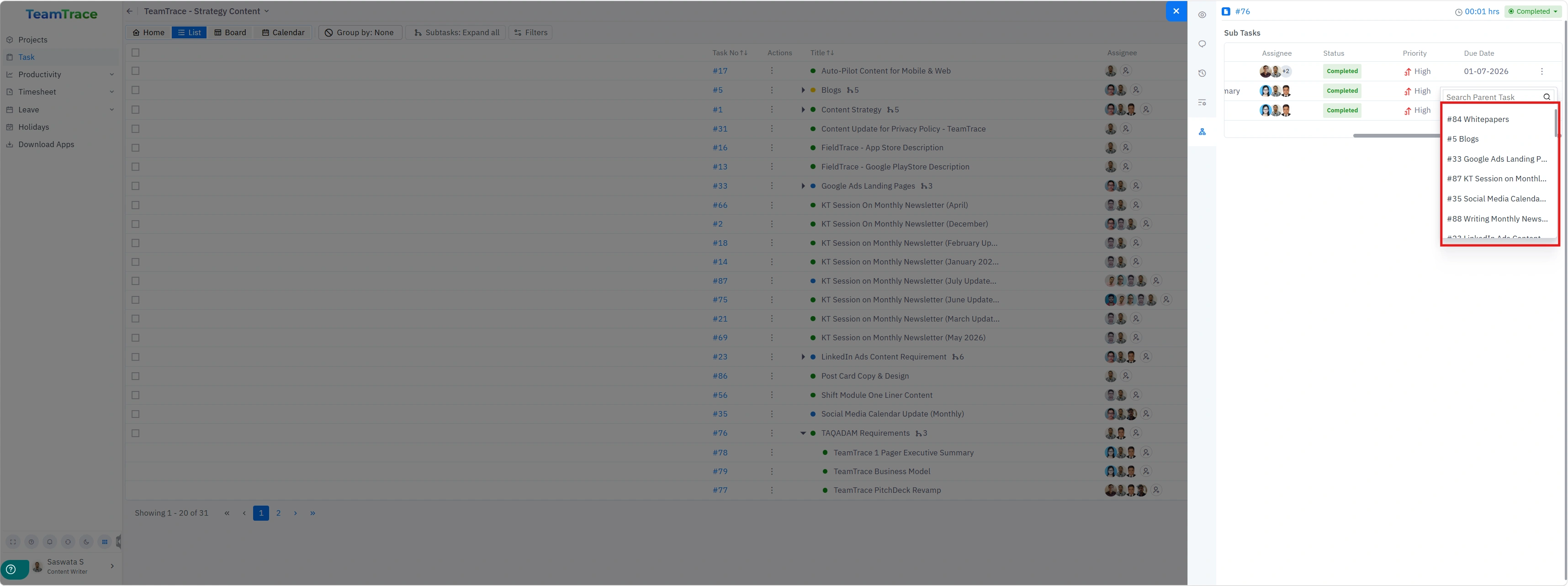
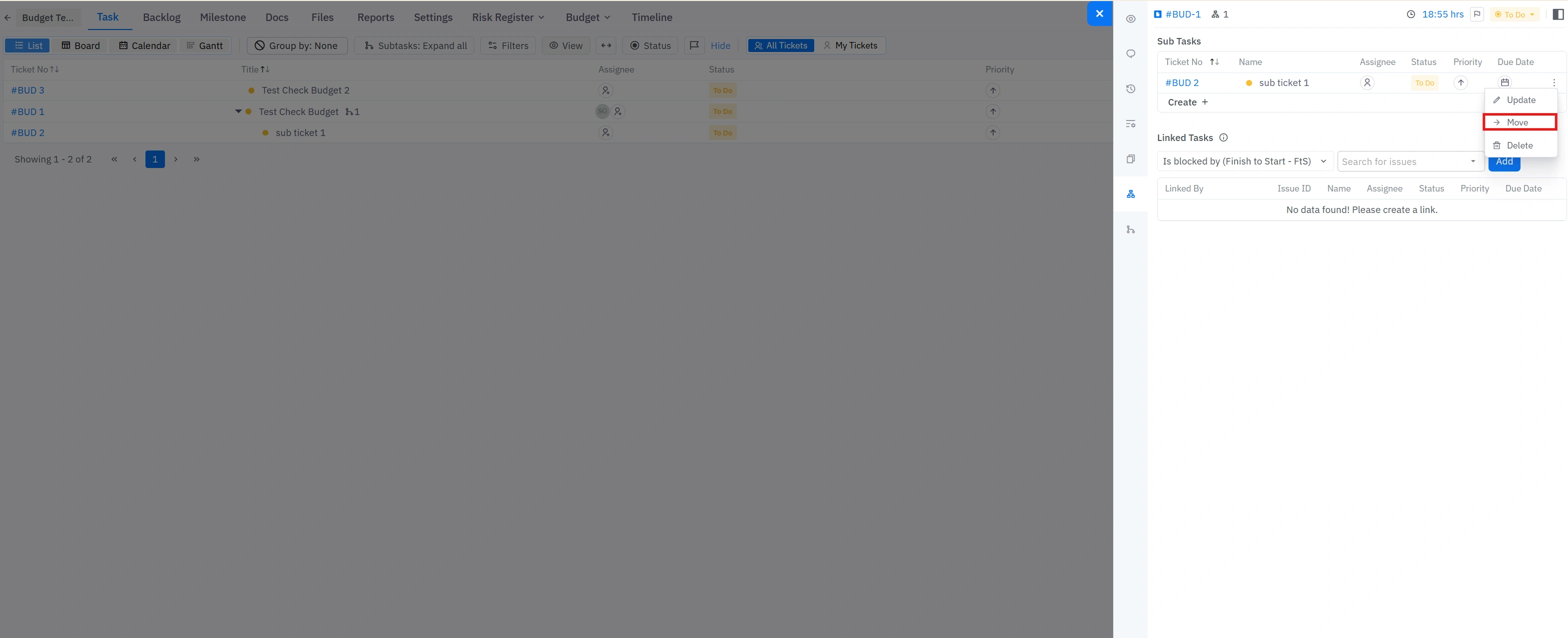
Sub-tickets can now be moved to a different parent ticket within the same Task List or Project, in both the Task and Project modules.
In the Task module, open a child-task’s menu and select Move, then search for and select the task you want to move it under. The sub-task reassigns instantly to its new parent, keeping its assignees, status, priority, and due date intact.
In the Project module, open a sub-ticket’s menu and select Move to relocate it under a different ticket within the same project — handy for reorganizing tickets without losing their linked tasks or history.
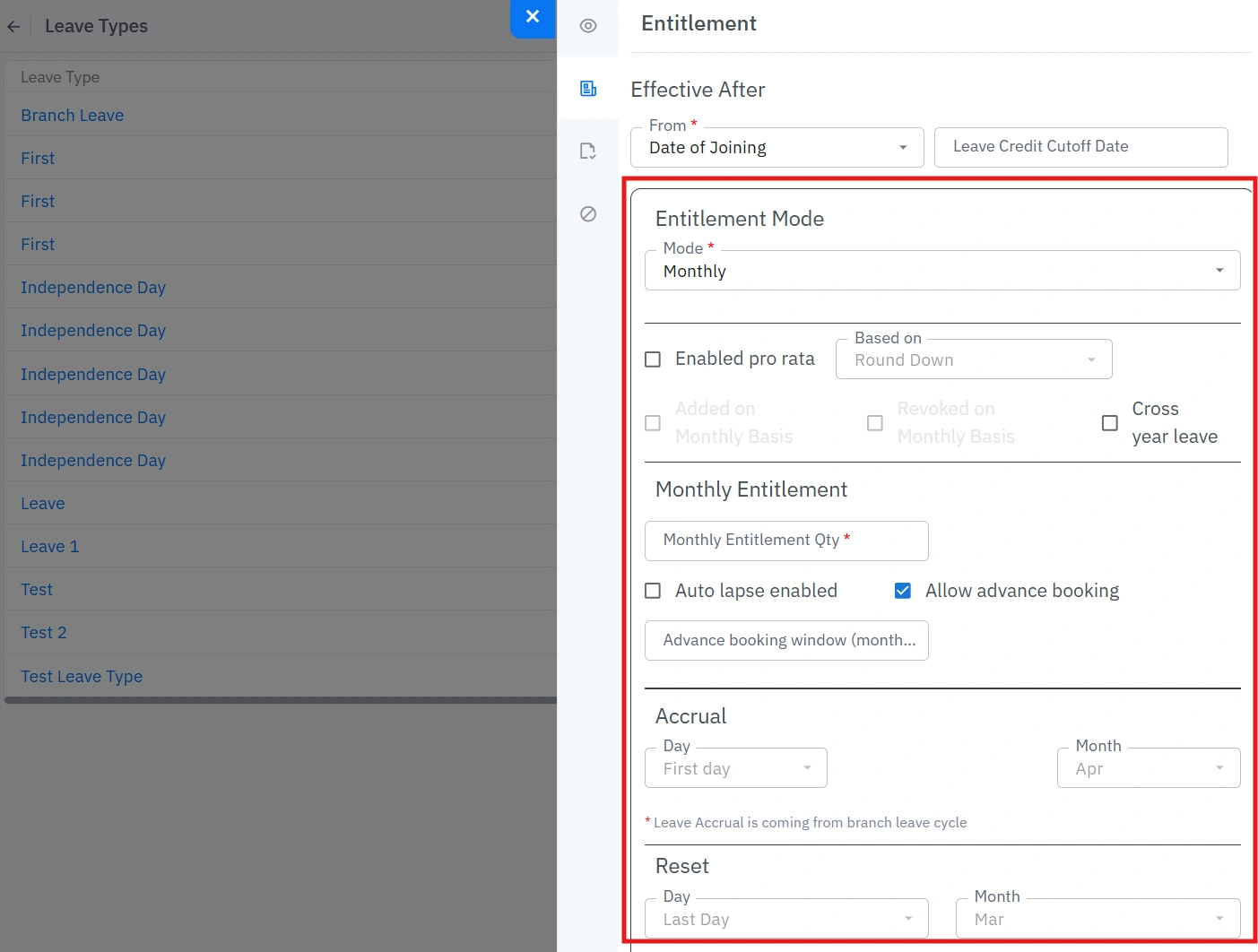
Leave no longer has to land as one lump sum at the start of the fiscal year. TeamTrace now supports monthly accrual, so entitlement credits in equal, predictable installments across your fiscal cycle — fairer for new joiners, cleaner for mid-year exits, and far closer to how leave is actually earned.
What’s new:
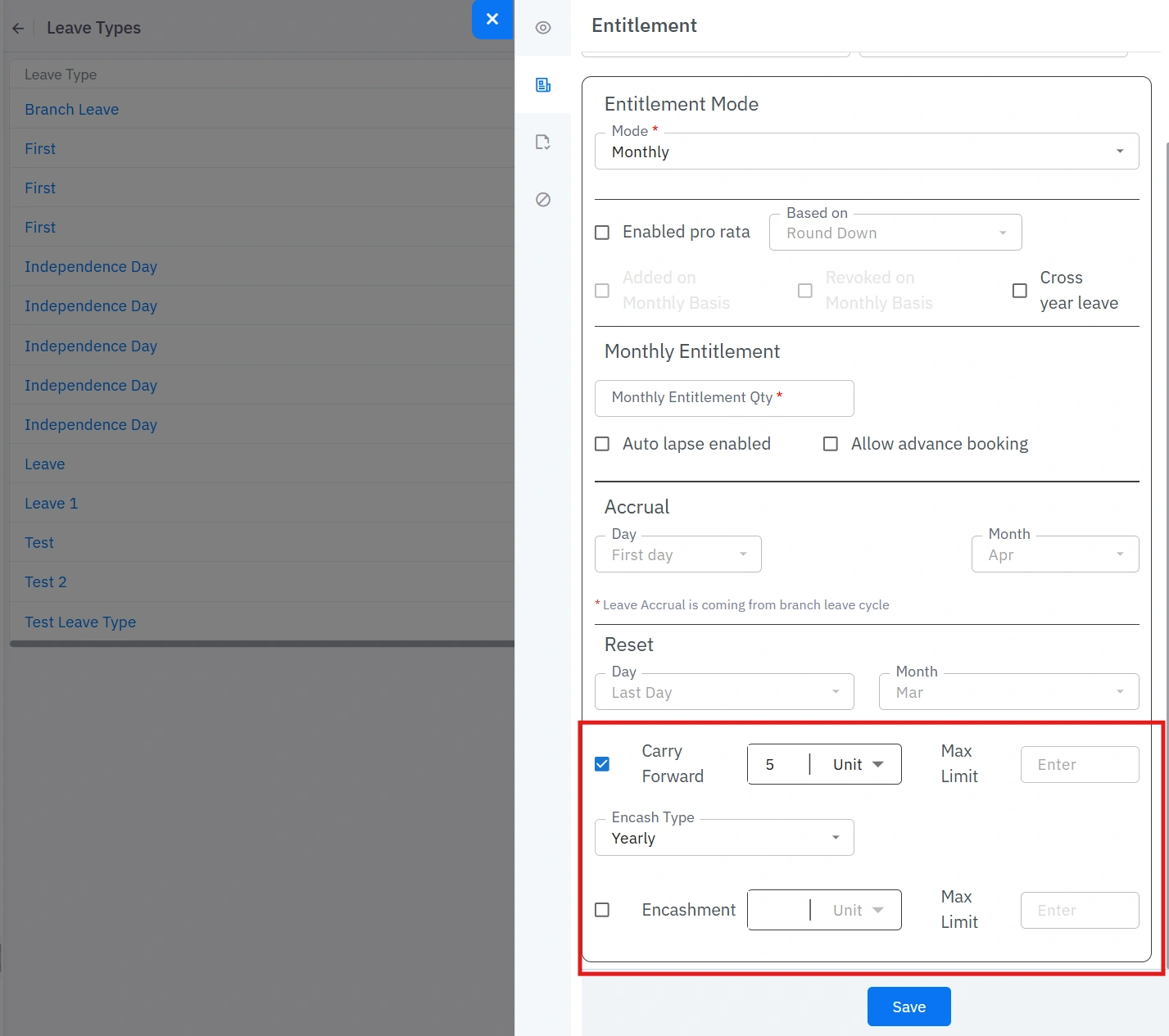
TeamTrace now gives HR granular control over what happens to unused leave at the end of a cycle with built-in caps to keep costs predictable.
What’s new:
The HRMS bulk upload flow for adding people to your organization has been enhanced. Name, Office Email, Department, Job Title, and Access Role are now mandatory fields — make sure these are filled in and mapped correctly in your upload sheet before importing.
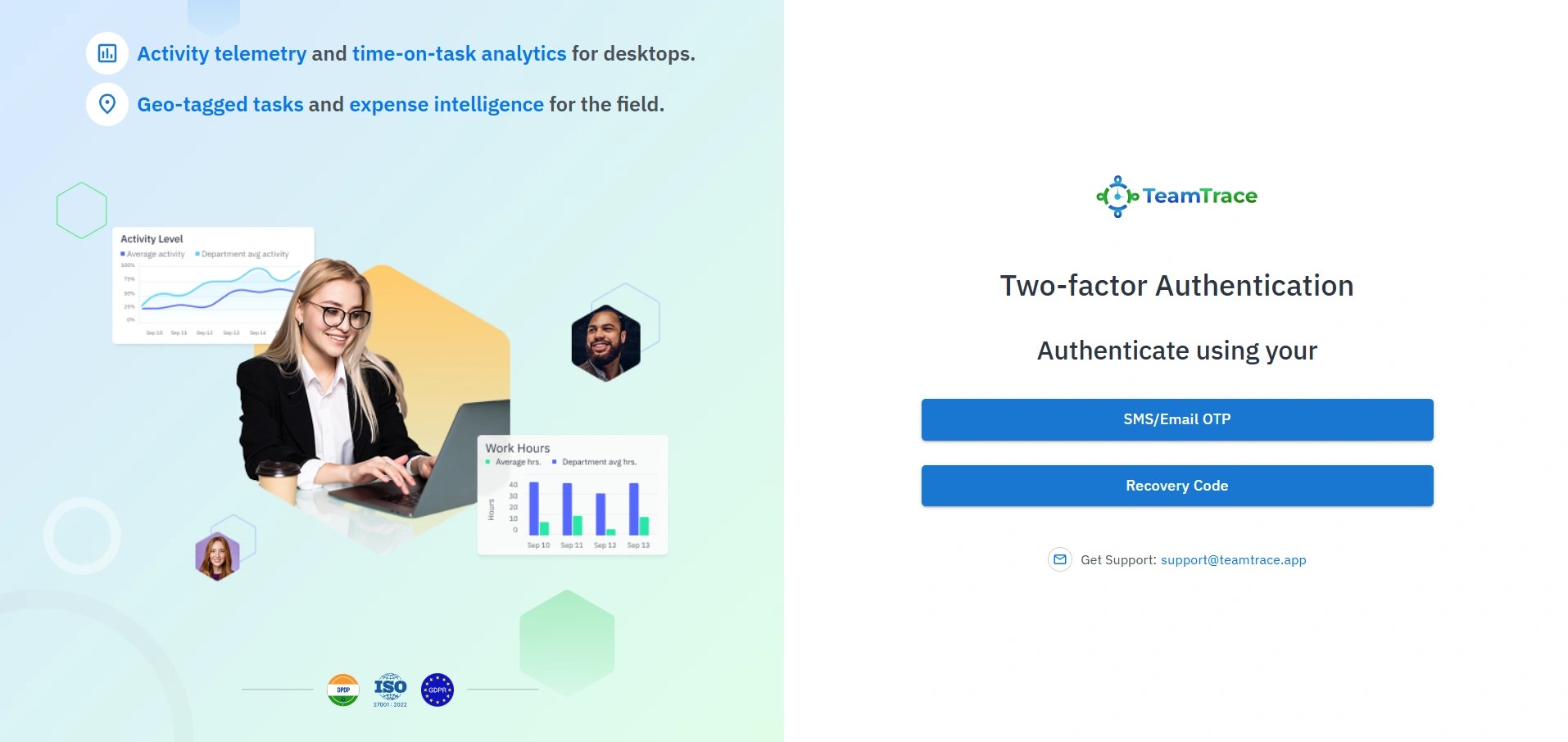
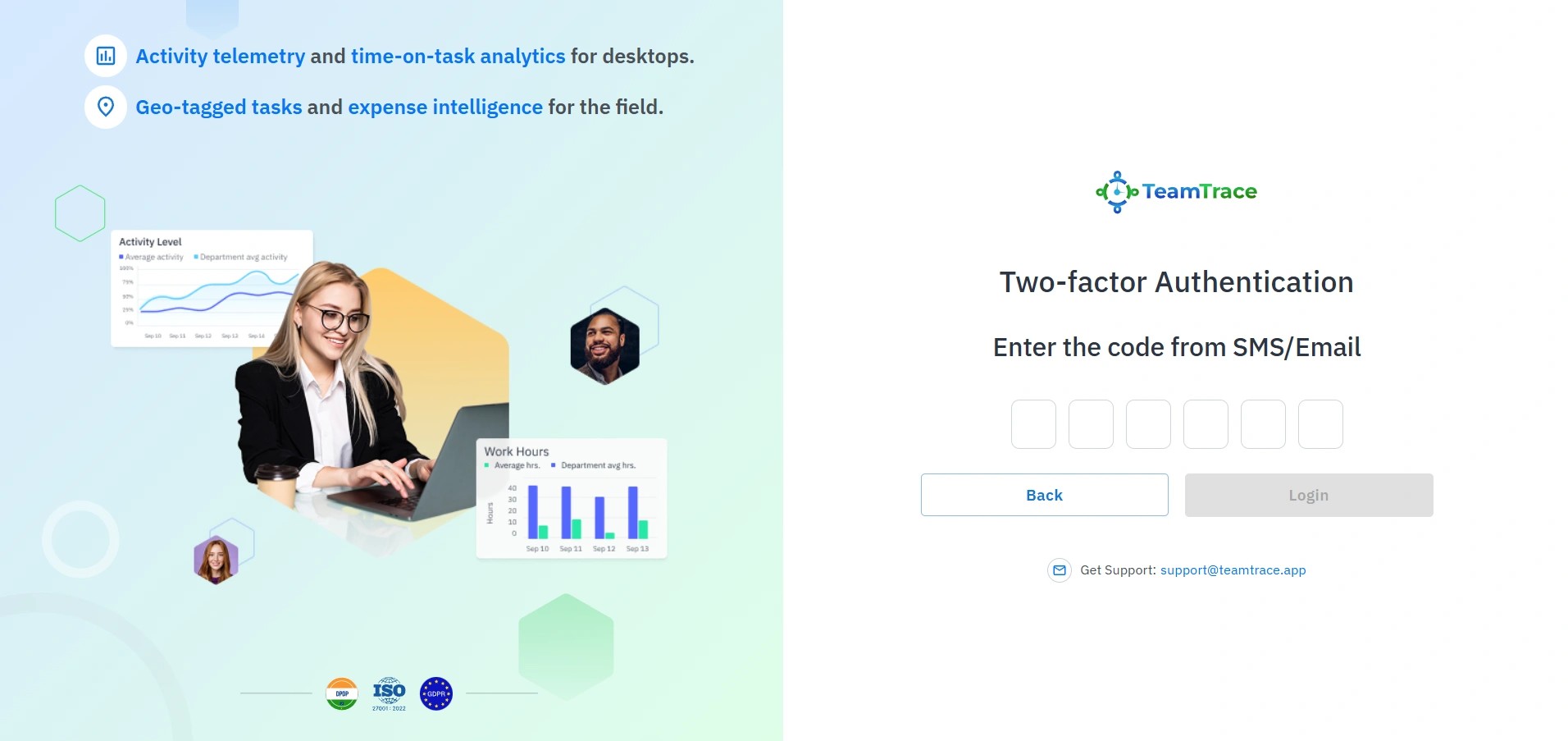
TeamTrace web application logins now include two-factor authentication for added security. After signing in, users verify their identity with an OTP sent via SMS or email, or with a recovery code.